
User Lifecycle Management software has a key part to play in securing, efficient, and regulatory-compliant management of user identities and access across the user lifecycle within an organization from onboarding through to offboarding. The tools enable IT organizations, HR personnel, system admins, and security professionals to simplify user provisioning, automate access entitlement, and support compliance with regulation requirements.
Within the hybrid and cloud-first contexts of today’s environments, ULM tools are critical to stopping unauthorized access and minimizing administrative burden. This top list of the 14 best user lifecycle management software was selected based on vital criteria including automation features, integration support, access controls, ease of use, scalability, and cost-effectiveness, ensuring every tool is suitable for organizations of every size and industry.
Criteria for Selecting the Best User Lifecycle Management Software
When choosing the most suitable User Lifecycle Management (ULM) solution, tools should be evaluated based on how deeply they can embed into your IT infrastructure, security requirements, and scalability requirements. The ideal solution should facilitate seamless integration with identity providers, HR systems, cloud resources, and directory services such as Active Directory or Azure AD. Effective user provisioning, de-provisioning, and role- or department-based access automation create error-free and seamless onboarding and offboarding.
No less critical are advanced security options like multi-factor authentication (MFA), solid audit trails, access logs, and regulatory support like GDPR, HIPAA, or SOC 2. Simple-to-use user interface, ad-hoc reporting, and immediate customer support can be a game-changer when it comes to usability and uptake. Finally, the solution should be properly priced, scale well to large groups, and support hybrid or remote workforces to be flexible and well-performing over the long run.
List of 14 Best User Lifecycle Management Software
1. Okta Lifecycle Management
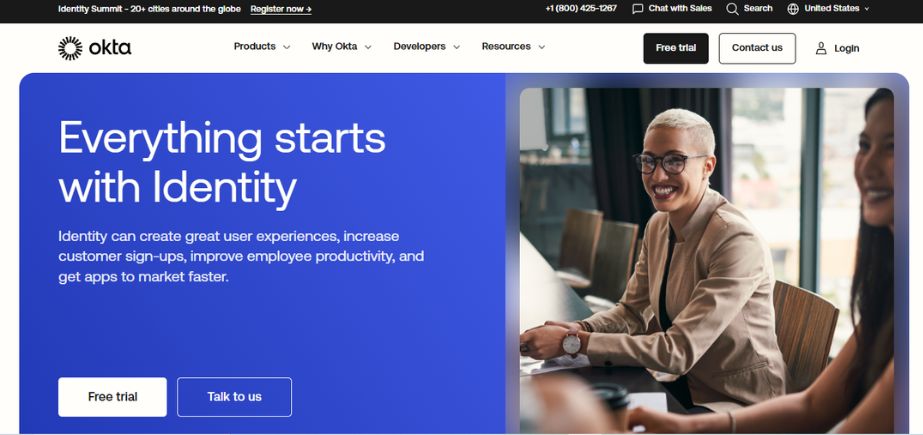
Okta Lifecycle Management streamlines the complete user lifecycle—from onboarding to offboarding—through seamless integration with HR apps and systems. Okta delivers real-time provisioning, access requests, and approval processes. Centralized control and visibility deliver benefits for organizations with rights-based access and control in users’ hands when and where it’s needed. Cloud-native infrastructure from Okta delivers support in hybrid environments along with increased security and compliance. Okta fits best with mid-to-large organizations and their IT teams, enabling simplified identity governance with little hands-on effort required.
Key Features:
- Automated provisioning and de-provisioning
- Role-based access control
- Integration with HR systems and directories
- Real-time identity synchronization
Pros:
- Highly scalable and cloud-native
- Wide range of integrations with enterprise apps
Cons:
- Can be expensive for small businesses
- Initial setup may require technical expertise
Pricing:
Starts at $4 per user/month (for lifecycle management module)
Who Should Use It?
Best for mid-size to large enterprises needing secure and automated identity workflows, especially those with hybrid or remote teams.
2. Microsoft Entra ID
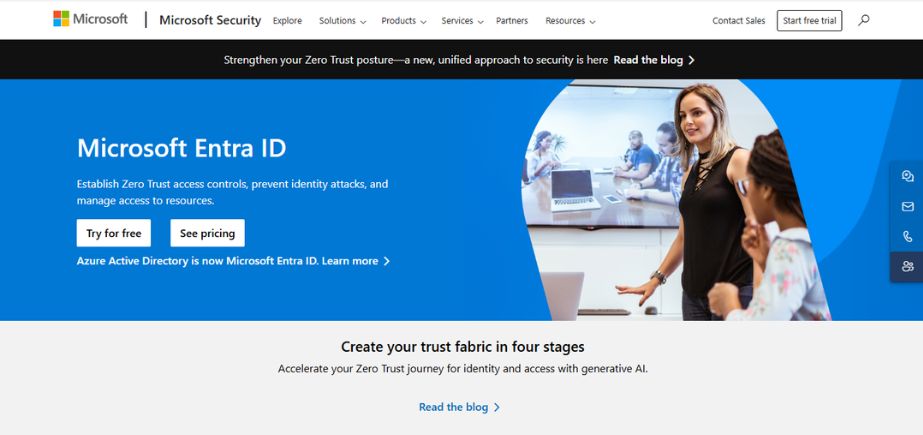
Microsoft Entra ID is a high-end identity and access management offering in Microsoft’s Entra portfolio. It provides managing user access and securing identities in cloud and on-premise applications. Some of the features provided include automated provisioning, single sign-on, conditional access, and lifecycle workflows. It supports tight integration with Microsoft 365 and thousands of third-party applications, which makes it a viable option for companies already in the Microsoft fold. Best suited for hybrid environment IT administrators and compliance-focused organizations.
Key Features:
- Identity lifecycle automation
- Conditional access policies
- Seamless integration with Microsoft ecosystem
- Self-service password reset and group management
Pros:
- Deep integration with Microsoft apps and services
- Strong security and compliance features
Cons:
- Can be complex for non-Microsoft environments
- Some advanced features require higher-tier licenses
Pricing:
Included with Microsoft 365; Premium plans start at $6 per user/month.
Who Should Use It?
Ideal for businesses already using Microsoft 365 or Azure infrastructure.
3. OneLogin

OneLogin provides secure and scalable identity and access management with full automation of the user lifecycle. Its cloud-hosted solution provides successful onboarding, automated provisioning, and de-provisioning to many apps and directories. It features multi-factor authentication, adaptive security, and centralized access control. It’s simple to use and has a great security position, so it’s perfect for any company size, particularly one looking for end-to-end integration with SaaS services and directories such as Active Directory or G Suite.
Key Features:
- Automated user provisioning and de-provisioning
- Role-based access management
- Multi-factor authentication (MFA)
- Pre-integrated app catalog
Pros:
- User-friendly interface
- Strong security with adaptive authentication
Cons:
- Limited offline support
- Customer support can be inconsistent
Pricing:
Starts at $4 per user/month
Who Should Use It?
Great for small to mid-sized businesses looking for simple and secure lifecycle automation.
4. JumpCloud
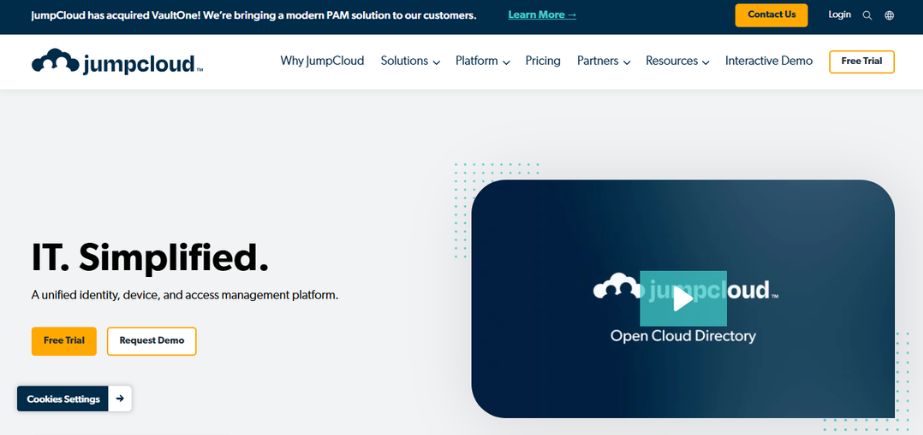
JumpCloud provides a cloud directory that simplifies identity, access, and device management. It eliminates user lifecycle processes such as onboarding, offboarding, and changes in authorizations on a wide range of IT assets like devices, apps, networks, and servers. With support such as SSO, MDM, and LDAP, JumpCloud is the best for small- and medium-sized organizations seeking a low-cost, platform-agnostic solution. Its zero-trust security model was convenient in controlling remote and hybrid employees.
Key Features:
- Cloud directory services
- Cross-platform device management
- User lifecycle automation
- Conditional access and SSO
Pros:
- Works well in mixed OS environments
- Centralized control of users and devices
Cons:
- Limited advanced reporting
- Some features require admin-level expertise
Pricing:
Free for up to 10 users; paid plans start at $9/user/month
Who Should Use It?
Ideal for growing teams and hybrid IT setups needing a centralized cloud-based directory.
5. SailPoint
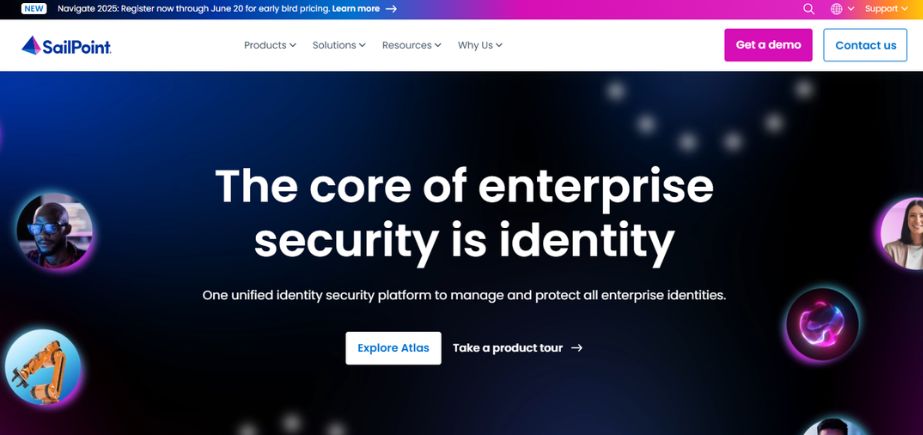
SailPoint is an industry-leading identity security and governance platform that specializes in complex user lifecycles within large-scale enterprises. It provisioned access, compliance auditing, and role-based access controls with the help of AI and machine learning. SailPoint also supports key cloud and on-premise systems, ensuring that users have correct access at the correct time. Its emphasis on risk management and compliance is strong enough to make it suitable for highly regulated sectors such as finance, healthcare, and government.
Key Features:
- AI-driven access insights
- Policy-based access requests
- Lifecycle automation
- Integration with cloud and on-prem apps
Pros:
- Highly customizable for complex needs
- Strong compliance and auditing capabilities
Cons:
- Steeper learning curve
- Higher pricing for smaller organizations
Pricing:
Custom pricing based on deployment and user count
Who Should Use It?
Best suited for large enterprises in regulated industries needing identity governance.
6. Ping Identity
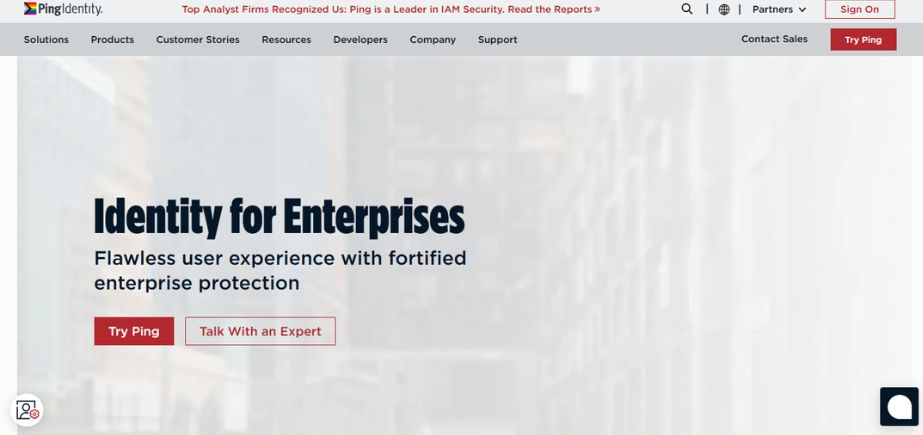
Ping Identity offers a scalable, enterprise-grade identity and access management solution that includes automated user lifecycle management. It offers secure onboarding, real-time access control, and cloud and legacy application seamless integrations. Capabilities include SSO, MFA, and identity federation. Ping Identity is specifically known to be highly scalable and customizable, thus suitable for large enterprises wanting to improve both employee and customer identity experiences without compromising on security features.
Key Features:
- Lifecycle management with SCIM provisioning
- SSO and MFA support
- API-first architecture
- Centralized identity governance
Pros:
- Highly customizable and scalable
- Excellent enterprise security features
Cons:
- Can be complex to implement
- Pricing may be high for small teams
Pricing:
Custom pricing based on business needs
Who Should Use It?
Best for large organizations needing advanced security and custom IAM integrations.
7. Rippling
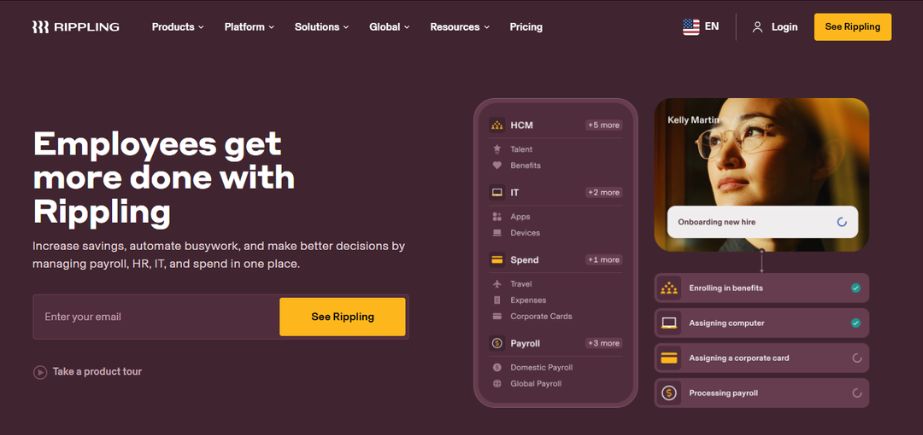
Rippling integrates HR, IT, and finance on a single platform, so it’s an effective tool for user lifecycle management. Adding a new employee triggers Rippling to create accounts, provision devices, and give role-specific access to applications automatically. Its user lifecycle management capabilities align with payroll, benefits, and directory services, eliminating IT overhead. SMBs and mid-market businesses are best suited to use Rippling, with its ability to automate employee onboarding and offboarding processes with minimal human involvement.
Key Features:
- Automated account creation and removal
- App and device provisioning
- Payroll and HR sync
- Role-based permissions
Pros:
- Seamless HR and IT integration
- Easy-to-use UI for non-tech users
Cons:
- Limited customization options for complex IT setups
- Pricing can grow with additional modules
Pricing:
Get a quote.
Who Should Use It?
Great for SMBs and startups looking for an all-in-one HR and IT automation platform.
8. Saviynt
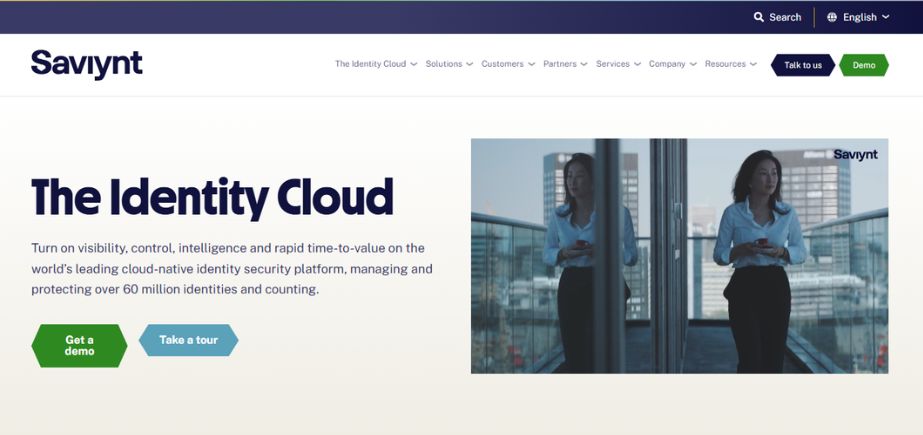
Saviynt provides a cloud-native identity governance and administration (IGA) platform with automated user provisioning, access requests, and risk-based review capabilities. It includes support for complicated compliance needs as well as cloud and enterprise systems integration. Saviynt uses analytics and AI to impose least-privilege access as well as identify anomalies. It is best for large enterprises focused on security, audit readiness, and fine-grained access controls across various hybrid environments and verticals such as healthcare, finance, and manufacturing.
Key Features:
- Identity governance and administration (IGA)
- Lifecycle automation
- Role and entitlement management
- Risk-based access controls
Pros:
- Strong compliance and risk management tools
- Works well across hybrid cloud environments
Cons:
- The interface can be complex for new users
- Requires configuration effort upfront
Pricing:
Custom pricing based on enterprise needs
Who Should Use It?
Ideal for highly regulated industries such as healthcare, finance, and government.
9. IBM Security Verify
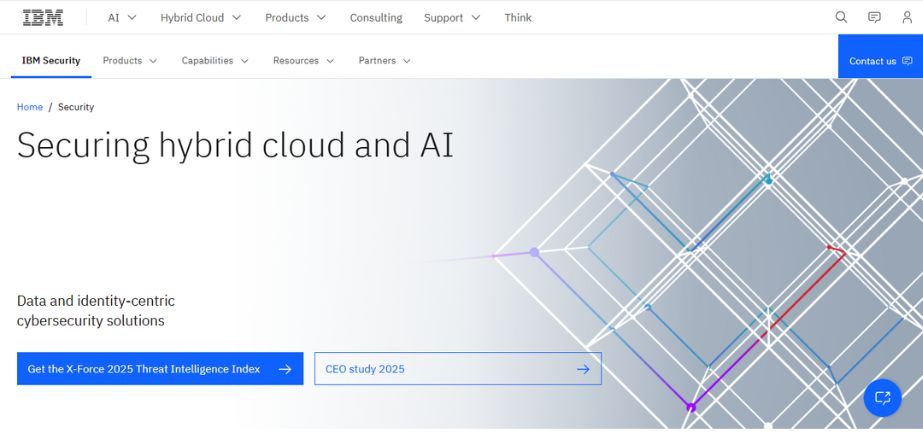
IBM Security Verify is an identity-as-a-service (IDaaS) offering that offers rich user lifecycle management features, including automation of onboarding, access governance, and identity analytics. It’s hybrid cloud-capable and can integrate with hundreds of applications. With its AI-powered risk detection and adaptive access capabilities, IBM Security Verify helps large businesses with regulatory compliance and identity risk mitigation. It’s ideal for organizations seeking enterprise-level scalability, customization, and zero-trust security emphasis.
Key Features:
- Lifecycle management and identity federation
- Cloud-native and hybrid deployment support
- AI-driven threat detection
- Advanced reporting and analytics
Pros:
- Powerful AI-based security insights
- Strong identity governance features
Cons:
- Complex to implement without technical expertise
- Enterprise pricing structure
Pricing:
Custom pricing (contact IBM for a quote)
Who Should Use It?
Best for large enterprises looking for scalable IAM with security and governance features.
10. Google Cloud Identity
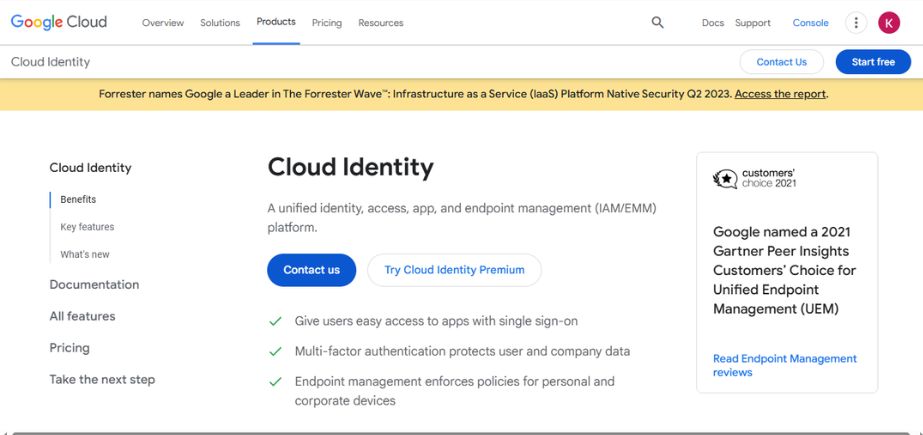
Google Cloud Identity is an easy, cloud-based identity service that offers lifecycle management, SSO, and device management. It automatically provisions accounts and gets along well with Google Workspace and third-party applications. It’s best for organizations using Google’s ecosystem and requires a low-maintenance solution to handle users, apply security policies, and support MFA. Though it misses some of the more advanced governance capabilities, it’s perfect for SMBs and startups that value ease of use and price.
Key Features:
- Lifecycle management and SSO
- Multi-factor authentication
- Device and app management
- Integration with third-party apps
Pros:
- Easy integration with Google Workspace
- Good value for smaller teams
Cons:
- Limited advanced features outside the Google ecosystem
- Fewer customization options
Pricing:
Free for basic plan; Premium plans available
Who Should Use It?
Perfect for businesses using Google Workspace looking for secure, integrated identity management.
11. BetterCloud
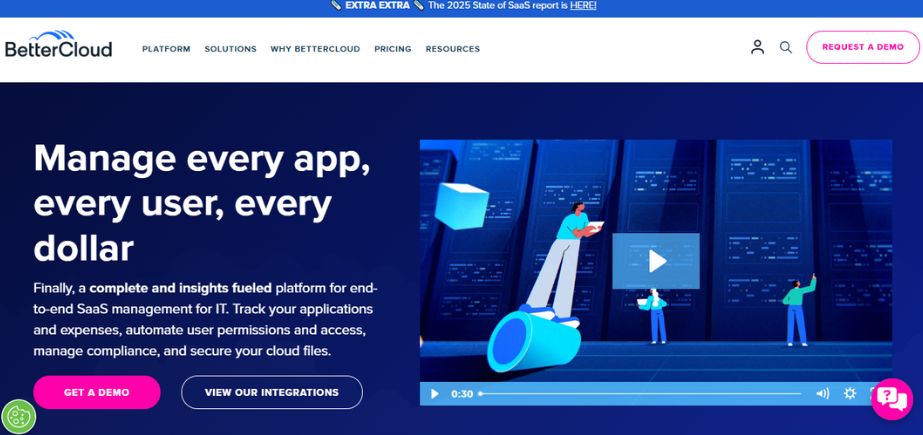
BetterCloud is a SaaS management platform that automates user lifecycle operations in cloud applications. It allows IT teams to automate onboarding, offboarding, role updates, and policy compliance using no-code workflows. BetterCloud supports integration with leading tools such as Google Workspace, Microsoft 365, Slack, and Dropbox, providing visibility and control over SaaS environments. It’s particularly beneficial for mid-sized to large enterprises with multiple SaaS apps and seeking to improve operational efficiency and minimize security threats.
Key Features:
- Automated onboarding/offboarding workflows
- SaaS application discovery and management
- Custom workflow builder
- Role-based access management
Pros:
- Excellent automation for SaaS tools
- Clean, user-friendly interface
Cons:
- May lack depth for traditional IT infrastructure
- Higher pricing for smaller businesses
Pricing:
Custom pricing based on usage and integrations
Who Should Use It?
Ideal for companies heavily reliant on SaaS applications and looking to streamline IT operations.
12. Oracle Identity Management
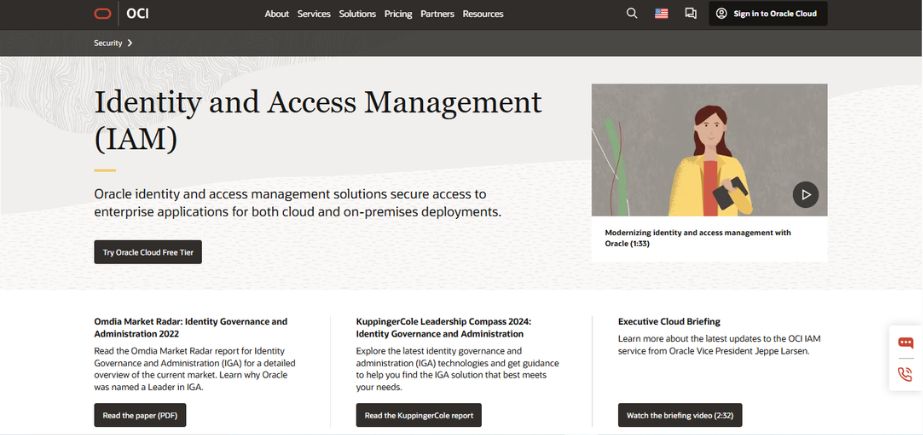
Oracle Identity Management is an enterprise-level platform delivering a complete suite of identity lifecycle solutions, from user provisioning, and access certification to directory services. It’s engineered for large and complex organizations and can support cloud and on-prem environments. With its solid compliance capabilities as well as interconnectivity with Oracle Cloud, it’s ideally suited for enterprise use in industries that are strictly regulated and that need fine-tuned control of access and security policies across mixed systems and apps.
Key Features:
- Identity lifecycle and governance
- Role management and policy enforcement
- Integration with Oracle and non-Oracle apps
- Risk-based access control
Pros:
- Rich feature set for complex environments
- Strong compliance and audit capabilities
Cons:
- Requires technical expertise and time to deploy
- Higher cost for smaller businesses
Pricing:
Custom enterprise pricing
Who Should Use It?
Ideal for large enterprises already using Oracle infrastructure or needing advanced identity controls.
13. ManageEngine ADManager Plus
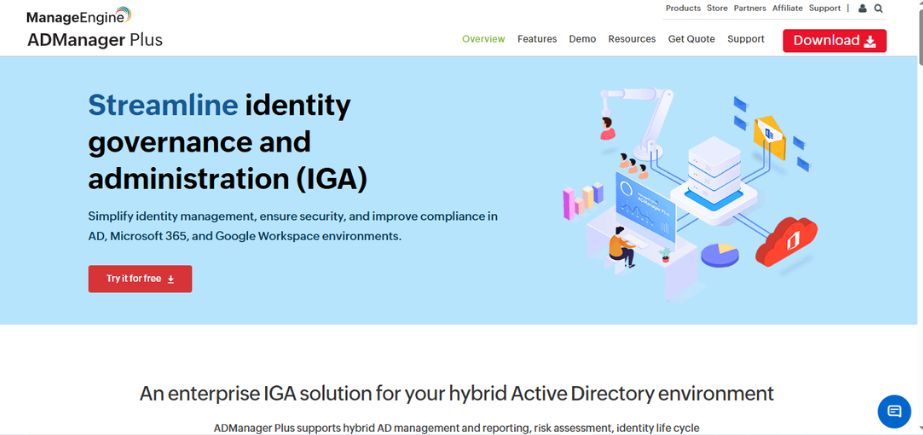
ManageEngine ADManager Plus is an effective Active Directory administration and reporting solution that simplifies the automation of user lifecycle management. IT administrators can add, modify, and remove users in AD, Exchange, and Microsoft 365 from one console. The solution is particularly helpful for bulk operations and compliance reports. Best applicable to Windows IT environments, it aids mid-sized and large organizations to automate administrative tasks and implement access control policies.
Key Features:
- Bulk user provisioning and de-provisioning
- AD and Microsoft 365 management
- Automated workflows and reports
- Role-based access control
Pros:
- Intuitive interface for AD tasks
- Strong reporting and compliance tools
Cons:
- On-prem focused (limited cloud integration)
- Some features are locked behind higher tiers
Pricing:
Starts at $595/year for Standard Edition (price scales by number of domains)
Who Should Use It?
Ideal for IT admins managing Active Directory environments in mid-sized to large organizations.
14. Auth0 by Okta
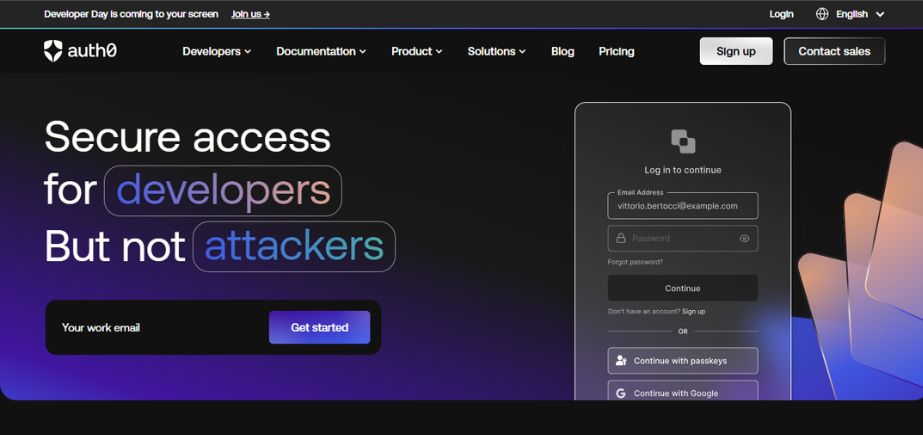
Okta-owned Auth0 is an identity management platform designed for developers with web and mobile app user lifecycle management. It offers SSO, passwordless, and auto-provisioning through its extensible auth and authn platform. Auth0 is very popular among app developers and startups due to its effortless integration, customizability, and robust APIs. Auth0 is perfect for organizations that prefer to secure customer identities and maintain full control over the user experience and scalability.
Key Features:
- Role and permissions management
- Self-service onboarding and password reset
- Customizable user flows via APIs
- MFA and SSO support
Pros:
- Developer-friendly with extensive APIs
- Great for modern apps and SaaS platforms
Cons:
- Can become expensive at scale
- Technical setup required
Pricing:
Free for up to 7,000 active users; paid plans start at $35/month.
Who Should Use It?
Best for developers, SaaS teams, and startups building custom user authentication systems.
Comparison Between Different User Lifecycle Management Software
Here’s a comparison table of the 14 best User Lifecycle Management software, including features, use cases, pricing, and websites:
| Tool | Key Features | Best For | Pricing | Website |
| Okta Lifecycle Management | Automated provisioning, SSO, MFA, integration with HR systems | Enterprises needing scalable identity automation | Starts at $6/user/month | okta.com |
| Microsoft Entra ID | Cloud IAM, SSO, MFA, conditional access, integration with Microsoft services | Organizations using Microsoft ecosystem | Included with Microsoft 365 | microsoft.com |
| OneLogin | SSO, user provisioning, directory integration, adaptive MFA | SMEs and enterprises using diverse SaaS tools | Starts at $2/user/month | onelogin.com |
| JumpCloud | Cloud directory, device management, SSO, lifecycle automation | SMBs with remote/hybrid teams | Free tier, Paid starts $9/user/month | jumpcloud.com |
| SailPoint | Identity governance, access certification, lifecycle automation | Large enterprises with compliance needs | Custom pricing | sailpoint.com |
| Ping Identity | SCIM provisioning, SSO, MFA, API integrations | Enterprises needing flexible IAM | Custom pricing | pingidentity.com |
| Rippling | HR + IT automation, app provisioning, payroll integration | SMBs/startups looking for all-in-one HR/IT | Get a quote | rippling.com |
| Saviynt | Lifecycle automation, entitlement management, compliance | Regulated industries like healthcare, finance | Custom pricing | saviynt.com |
| IBM Security Verify | Lifecycle management, SSO, AI threat detection | Enterprises needing strong security and IAM governance | Custom pricing | ibm.com |
| Google Cloud Identity | Lifecycle automation, MFA, SSO, device management | Google Workspace users | Free & Premium | cloud.google.com |
| BetterCloud | SaaS automation, app discovery, policy enforcement | SaaS-first businesses | Custom pricing | bettercloud.com |
| ManageEngine ADManager Plus | AD user lifecycle, reporting, Microsoft 365 integration | AD environments in mid-sized to large organizations | Starts at $595/year | manageengine.com |
| Auth0 by Okta | APIs for user auth, MFA, SSO, onboarding flows | Developers and SaaS startups | Free & Paid ($35/month) | auth0.com |
| Oracle Identity Management | Identity governance, policy enforcement, hybrid integration | Enterprises using Oracle systems | Custom pricing | oracle.com |
Conclusion
Selecting the best user lifecycle management software is based on the size of your organization, infrastructure, and security requirements. Enterprises requiring strong identity governance would find SailPoint and Saviynt to be good options. Okta Lifecycle Management and Microsoft Entra ID are best suited for cloud environments with high integration requirements. JumpCloud or Rippling might be more affordable and simpler to implement for startups and mid-sized organizations.
Tools such as BetterCloud and ManageEngine ADManager Plus serve the IT teams appropriately with granular management and automation. Whether remotely managing teams, growing access control, or maintaining compliance, the proper ULM solution will enhance security, simplify processes, and increase user productivity across the employee lifecycle. Think about your existing workflows and upcoming growth to select the best user lifecycle management software.
FAQs
1. What is user lifecycle management software?
User lifecycle management software automates and controls the entire process of a user’s identity and access within an organization from onboarding and role renewal to offboarding with secure and automated access control.
2. Who should use ULM software?
The ideal use for ULM software is with security officers, IT administrators, compliance officers, and HR departments within an organization that must have safe access management by the users to the systems and the information.
3. In what ways do ULM tools reinforce security?
It uses role-based access, it has automatic deactivation of a user, and it contains audit trails, reducing the opportunities for unauthorized entry and insider compromise.
4. What do I need to consider in the best user lifecycle management software?
Key features in the best user lifecycle management software are automation, HR and IT system integration, access governance, reporting, and ease.
5. What are the best user lifecycle management software suitable for small companies?
The ULM tools like JumpCloud, Rippling, and BetterCloud offer scalable, cost-effective solutions suitable for small and medium-sized businesses.