

In our daily workloads, there are certain tools we generally rely on to make our lives a little bit comfortable. For instance, you can also refer to several file transferring methods and their variety of tools through which you can send, store, or transfer your necessary files during office hours.
Also, if we specifically talk about the Transfer Now file sharing tool, we can find a lot of benefits that come with this facility. However, despite its various advantages, there are a few people who find its features somewhat lacking and insufficient for their needs. Moreover, all these reasons generally encourage people to look for alternative options.
In this blog, we will talk about the top 10 TransferNow alternatives alongside their benefits and usage for file sharing.
Why Do You Need A TransferNow Alternative?
Despite the advantages of TransferNow, it lacks various features that you might require for sharing your files. Moreover, these inefficiencies mainly drive users to look for its alternatives. For example, you can refer to:
- File Size Capacity: The application imposes restrictions on your file capacity selection.
- Storage Duration: It generally keeps your files accessible for a restricted number of seven days.
- Transfer Speed: The facility might slow down during excessive usage.
- Privacy and Security Concerns: The application lacks various security features such as encryption, password protection, and compliance with certain privacy laws.
Key Factors to Consider in A TransferNow Alternative
While choosing an alternative for TransferNow, there are various factors you need to consider, such as:
- File Size Restrictions: There are a lot of services that offer generous free tiers. Moreover, you need to choose an alternative that offers flexible price tiers.
- Security Features: The ideal alternative should have security features like end-to-end encryption, password protection, zero-knowledge encryption, privacy compliance, etc.
- Retention Time: You mainly need to look for TransferNow alternatives that allow you to leverage a longer duration of retention time.
- Transfer Reliability and Speed: You should choose services that can provide you with high-speed transfers, utilisation of custom protocols, and many more.
Quick Comparison Table
| Name | Best Feature | Pricing | Free Trial Available |
| WeTransfer | Simple Interface | $12 per month | Yes |
| Dropbox | Robust File Sharing Controls | $9.99 per month | Yes |
| Google Drive | Real-Time Collaboration | $1.99 per month | Yes |
| Filemail | Drag-and-Drop Simplicity | $12 per month | Yes |
| OneDrive | Advanced Sharing Controls | $1.99 per month | Yes |
| pCloud | Zero‑Knowledge Encryption | $50 per year | Yes |
| SendGB | Flexible Retention | €29.90 per year | Yes |
| Smash | GDPR-Compliant with EU Servers | €4.80–10 per month | Yes |
| iCloud | Advanced File Management | $0.99 per month | Yes |
| Nextcloud | Extensible Collaboration Suite | Free to Use | Yes |
Top 10 TransferNow Alternatives in 2025
Finding the ideal TransferNow alternatives can be hectic, as you mainly have to rely on a lot of features and facilities that align with your professional objectives.
For instance, it needs to have sufficient storage capacity, quick operational speed, enhanced security features, etc. Nonetheless, here are the top 10 TransferNow Alternate where you would find all those features for your work:
1. WeTransfer

At the top of our list, we can suggest the WeTransfer platform as one of the reliable alternatives to TransferNow. Also, this option is ideal for those who are looking for options where they do not have to create an account for sending larger files.
Also, you can access this tool through various web browsers and mobile applications. Moreover, if you require any additional features, this tool can offer you a paid plan called WeTransfer Pro. With this subscription, you can find various features like enhanced file capacity limits and larger storage duration.
Best Features
- You can send files up to 2 GB without creating an account on this platform.
- It generally secures your file transfer process with password encryption.
- If you are a pro user, the tool also allows you to personalize the download pages.
- With the paid version, you can enjoy extended file accessibility and storage options.
Pros And Cons
Pros
- It has an easy-to-use, clean, and user-friendly interface for most users.
- You do noneedre to create an account for basic file transfers.
- With the pro version, you can access advanced facilities for professional usage.
Cons
- The free version comes with a file restriction of 2 GB.
- You can only download the files within a range of seven days.
- There are restricted personalization options with the free version.
Price
- Pro: $12 per month.
Website: https://wetransfer.com
2. Dropbox

At the second position, you can also refer you to the Dropbox platform as a reliable file transferring platform. It is also one of the leading file synchronisation cloud storage services, which is highly popular among users for its ease of use. With this tool, you can find a variety of file transferring services.
For example, there are file synchronisation, private cloud services, cloud storage, and many more. The tool is also accessible on different platforms such as macOS, Linux, iOS, Android, and Windows. Also, by using Dropbox, you can leverage both free and paid services that best ssuityour objectives.
Best Features
- The platform implements the block-level sync technology, which ensures rapid and efficient file updates.
- It has larger file-sharing regulations, such as password-protected links, personalized expiration dates, etc.
- It can effortlessly incorporate with various productivity applications, which enhances your workflow efficiency.
Pros And Cons
Pros
- It has an intuitive and user-friendly interface, which is suitable for both team and individual usage.
- The facility is available on various platforms, operating systems, and devices.
- The platform can offer you personalized and secure file-sharing facilities.
Cons
- The free storage with the unpaid version comes with a 2 GB restriction.
- The facility is not ideal for many budget-friendly users and teams.
- The platform also lacks crucial security features such as end-to-end encryption.
Price
- Plus: $9.99 per month.
- Family: $19.99 per month.
- Professional: $16.58 each month.
- Standard Team: $15 each month.
- Advanced Team: $24 per month.
Website: https://www.dropbox.com
3. Google Drive
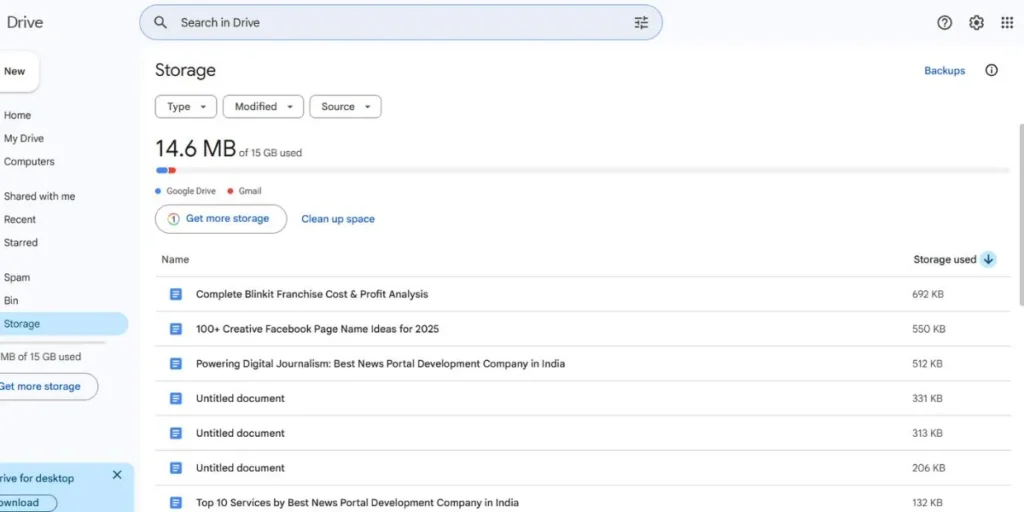
Coming up next, we will offer you an alternative that most people already have on their devices, which also comes with various file-sharing and storage services. Moreover, the facility is mainly Google Drive, which you can find on your Android devices.
Descriptively, it is a file synchronisation and cloud storage facility that basically allows users to store their files in the cloud memory, sync them across many devices, and share them effortlessly with other people. Moreover, the facility also integrates with several applications of the Google ecosystem.
For instance, there are Docs, Sheets, Slides, and many more on different platforms.
Best Features
- The free tier comes with a robust 15 storage options across facilities like Google Photos, Gmail, and Drive.
- You can effortlessly edit spreadsheets, documents, and presentations with different applications.
- The facility can sync across web, desktop, and even mobile phones.
Pros And Cons
Pros
- You can access your files in offline mode.
- It provides efficient collaboration features with concurrent editing and version history.
- There is support for cross-platform and ease of access.
Cons
- Google may analyze your personal files for customized advertisements and services.
- It does not have proper end-to-end encryption, which allows Google to access your file.
- The offline facilities are also optional while requiring a proper setup p Edge or Chrome browsers.
Price
- 100 GB: $1.99 per month.
- 200 GB: $2.99 per month.
- 2 TB: $9.99 each month.
- 10 TB: $99.99 each month.
Website: https://drive.google.com › drive
4. Filemail
There are a variety of file-sharing and storage facilities you can come across, and one of them is the Filemail facility. This facility is mainly a NOR-based and cloud-based secure file transferring service. The facility mainly allows sharing larger files through email or shareable links.
With this service, you can leverage the drag-and-drop uploads up to 5 GB of storage without any registration. You can also effortlessly download files conveniently, and you can route the uploads through the nearest Filemail server for reliability and speed.
Best Features
- It is a drag-and-drop and intuitive interface for a smooth file uploading experience.
- It has high security encryptions such as anti-virus scanning, TLS-1.2, etc.
- The facility has a desktop client feature that allows you to resume the interrupted transfers.
Pros And Cons
Pros
- You do not require any sign-ups to use its free services.
- It can effortlessly manage files up to 250 GB.
- You can find various full file management features like activity tracking and file previews.
Cons
- The is restricted free storage duration with the unpaid version.
- You can log into only one desktop client at a time.
- You might experience frequent lag in file processing and transfers.
Price
- Pro: $12 per month.
- Business: $12 per month (each user).
- Enterprise: $30 each month.
Website: https://www.filemail.com
5. OneDrive
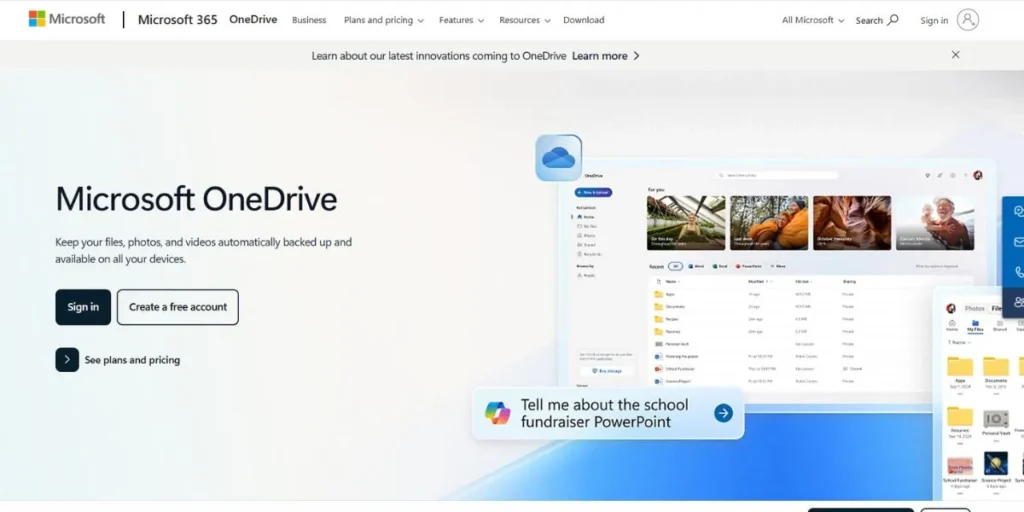
If you are looking for efficient file-sharing services and top alternatives for TransferNow, OneDrive might be a good option for you. Also, if you are a Windows user, you are already familiar with the OneDrive facility, which is generally a file synchronization and cloud-based service.
There are a variety of flawless features you can get from this facility. For example, they are generally file hosting, backup, multiple device syncing, tight integration with Windows, and the Microsoft 365 ecosystem, and many more.
Best Features
- You can interact with and view the cloud-stored files in the File Explorer.
- You can directly open, save, and edit your office files with this facility.
- It offers a secure and extra-authentication area for storing sensitive files.
Pros And Cons
Pros
- It can flawlessly integrate with Windows, Office applications, Teams, Outlook, etc.
- It can sync across PC, Max, Smartphones, and Xbox.
- There are security features like 2FA, Personal Vault, ransomware protection, etc.
Cons
- It has a restricted free file storage of just 5 GB
- You might experience occasional nudges to update after the expiration of the free limit.
- The syncing controls can confuse various users.
Price
- Basic: $1.99 per month.
- Personal: $9.99 each month.
- Family: $16.99 each month.
Website: https://www.microsoft.com/en-in/microsoft-365/onedrive/online-cloud-storage
6. pCloud
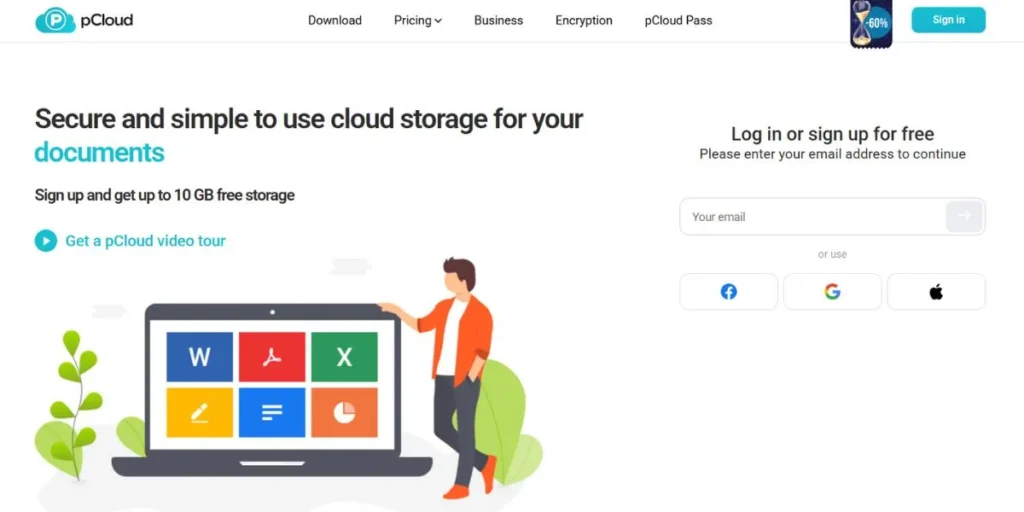
Among the varieties of alternatives for TransferNow, the pCloud storage service is another prominent example you can go for. You can mainly refer to it as a Swiss-based file sync and cloud storage service, founded in 2013.
The facility offers both free and paid tiers alongside various unique purchase options. Moreover, the service is operable in a broad range of platforms such as macOS, Windows, Linux, web interfaces, and Android.
Best Features
- The service offers a one-time purchase option.
- The facility features security options like tero-knowledge encryption.
- There is support for Virtual Network Drive that mounts storage as a virtual drive.
Pros And Cons
Pros
- The service is cost-effective with long-term values.
- You can find various high-grade security options.
- The platform has ease-of-use and multi-platform support for users.
Cons
- You need to pay for various add-on options.
- There are no built-in editing features for documents.
- You might face various performance issues with the interface.
Price
- Premium: $4.17 each month.
- Premium Plus: $9.99 each month.
Website: https://www.pcloud.com
7. SendGB
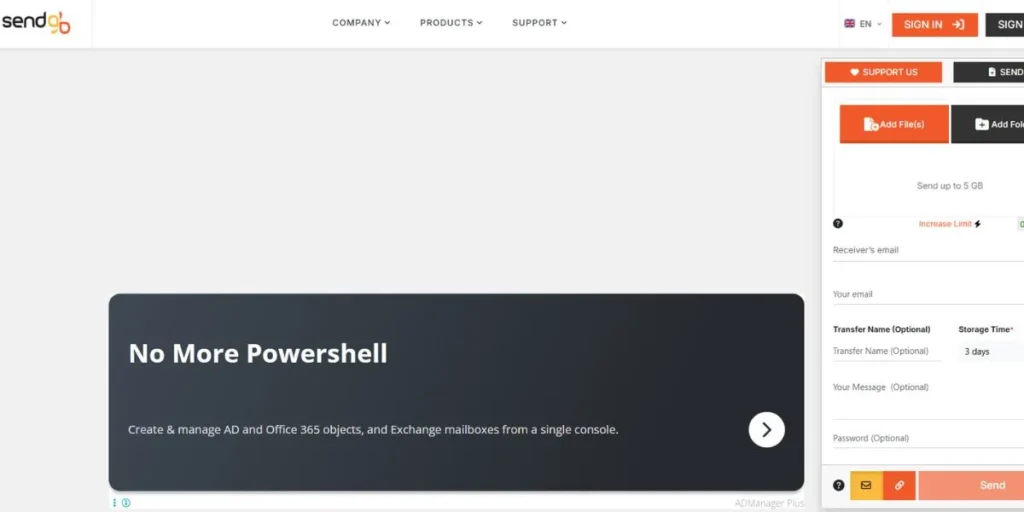
A variety of cloud storage and file-sharing services are available, which you can use for professional purposes. For instance, SendGB is also a reliable option with fast, free, and web-based file transferring services from Estonia.
Also, the facility primarily focuses on security, speed, ease, and various international servers for performance. Moreover, there are also various features such as file previews, auto-deletion, password protection, and many more.
Best Features
- The free version has a storage option of up to 5 GB.
- There are adjustable retention options.
- You can find various security facilities like end-to-end encryption, password protection, etc.
Pros And Cons
Pros
- You can effortlessly navigate through the platform without any problems.
- It has received a lot of positive reviews from different sources.
- The facility allows you to download files unlimitedly.
Cons
- The service is not accessible in countries like India.
- The free tier has a default retention of only up to 14 days.
- The facility lacks various advanced features like concurrent editing and shared folders.
Price
- Extra: €29.90 per year.
- Exceed: €2.99 each month.
Website: https://www.sendgb.com/
8. Smash

Coming up next, we can recommend the Smash storage and file sharing services as one of the best alternatives for TransferNow. This is mainly a file transfer service, located in France, which solely focuses on removing the file capacity limitations.
Since its inception, the service has expanded largely at a global scale. Moreover, you can also incorporate Outlook plugins, public API, desktop and smartphone applications, and many more.
Best Features
- You can send an unlimited number of files through this facility.
- There are multiple password protection and encryption features available on this platform.
- The facility is GDPR-compliant with the availability of EU servers.
Pros And Cons
Pros
- It has an intuitive, clean, and user-friendly interface.
- There is support for streaming previews.
- It is available across various platforms.
Cons
- There is end-to-end encryption for this facility.
- You will experience restricted availability with the free tier.
- It lacks various collaboration features.
Price
- Pro: €4.80 to 10 per month.
- Team: €12 to 25 each month.
Website: https://fromsmash.com
9. iCloud

There are various cloud-based facilities available on the internet, but only a few of them are reliable. For example, you can also rely on the iCloud facility, which functions as a cloud-based storage service on Apple and Mac devices.
The facility offers various extensive features that include mail, contacts, calendars, photos, pages, reminders, notes, and many more.
Best Features
- It can effortlessly sync files, photos, settings, etc.
- The facility offers an advanced file management system.
- It supports advanced data protection with end-to-end encryption.
Pros And Cons
Pros
- You can effortlessly integrate across the Apple ecosystem.
- You can share storage and files in your households.
- You can automatically and seamlessly back up your iOS files.
Cons
- The free plan only comes with 5 GB of restricted storage.
- The pro subscriptions may seem costly for many users.
- The facility does not have any support outside the Apple platforms.
Price
- 50 GB: $0.99 per month.
- 200 GB: $2.99 each month.
- 2 TB: $9.99 each month.
Website: https://www.icloud.com
10. Nextcloud
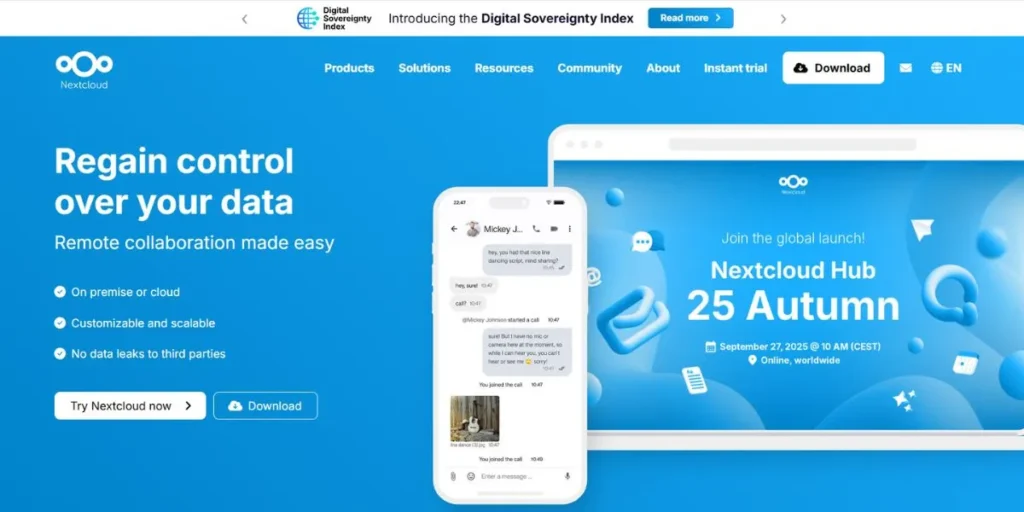
At the end of our list, we can recommend the Nextcloud facility as one of the top alternatives for TransferNow. It is mainly an open-source platform that is ideal for collaboration and file hosting.
Best Features
- It allows you to have full control over your files and privacy.
- You can sync your files across various devices with clients for web, mobile, and desktop.
- You can also find features like the extensible collaboration suite.
Pros And Cons
Pros
- The facility offers end-to-end encryption as a high security layer.
- You can highly personalize this facility.
- The facility can range from private servers to big organisation deployments.
Cons
- The facility is complex to set up for most people.
- There are various reports of migration problems.
- You might also experience problems like bloating or an irritable intestine.
Price
- Free to use.
Website: https://nextcloud.com
5 TransferNow Alternatives for Android
There are also various recommendations for TransferNow alternatives for Android, such as:
1. Google Drive
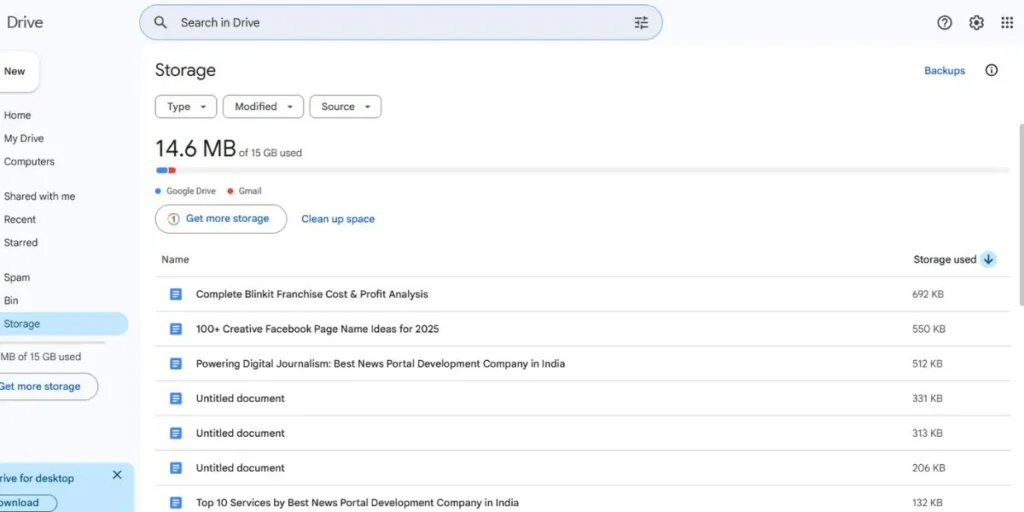
At the top suggestion, you can follow the Google Drive facility, which you can find on your Android device. This facility comes with features like concurrent collaboration, AI-powered searches, and many more.
Best Features
- Quick access for natural language file search.
- Concurrent collaboration for effortlessly editing your documents.
Pros And Cons
Pros
- You can integrate with various applications of the Google ecosystem.
- You can also work with other third-party services.
Cons
- Your free storage fills quickly for Photo and Gmail usage.
- There are also several privacy issues with this facility.
Price
- $19.99 per year.
Website: https://drive.google.com › drive
2. Send Anywhere

In the second position, another prominent suggestion for reliable file-sharing services for Android is the Send Anywhere facility. It is mainly a Peer-to-Peer and web-based storage service that enables instant and fast file uploads across different platforms.
Best Features
- You can send your files directly between devices using a single-time code.
- It is impossible to send larger files without any restrictions.
Pros And Cons
Pros
- The facility is highly secure due to its various encryption methods.
- You can also find the premium plans affordable for most uses.
Cons
- You require an internet connection to work with this facility.
- It lacks cloud storage and backup options.
Price
- Lite: $5.99 per month.
Website: https://send-anywhere.com
3. AirDroid
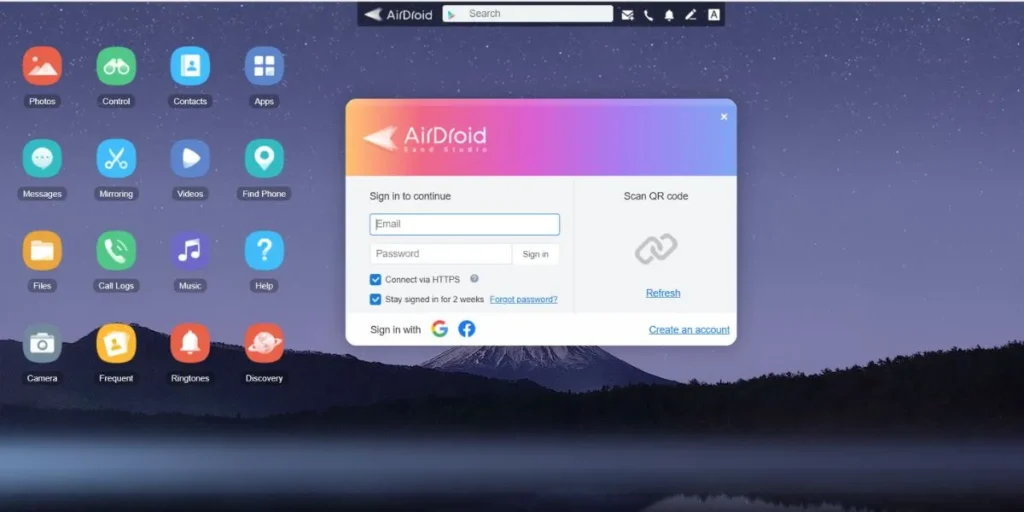
Coming up next, you find another file-sharing facility on Android, which is AirDroid. It is mainly a versatile application that allows you to control and transfer your files between your smartphone devices and desktops. Moreover, the facility is mainly ideal for its instant multi-platform transfers.
Best Features
- You can find extensive file management and transferring services.
- It can provide access for remote device control and mirroring features.
Pros And Cons
Pros
- The facility is feature-rich and supports multi-platform transfer.
- The platform has a user-friendly interface for intuitive navigation.
Cons
- You can face several privacy and security concerns.
- The facility also has various reliability issues.
Price
- Premium: $3.99 per month.
Website: https://web.airdroid.com
4. WeTransfer

There are a variety of file-sharing and storage services available, and one of them is WeTransfer. Moreover, some of its unique features include extended storage, personalized links, a user-friendly interface, and many more.
Best Features
- You can customize your download pages with logos and backgrounds.
- The facility has an intuitive design that is ideal for instant file uploads.
Pros And Cons
Pros
- There are no requirements for creating any account.
- You can effortlessly use this facility while going through every feature.
Cons
- The free version does not have a higher storage limit of up to 2 GB.
- As a free user, the personalization options are sufficient.
Price
- $12 per month.
Website: https://wetransfer.com
5. Xender
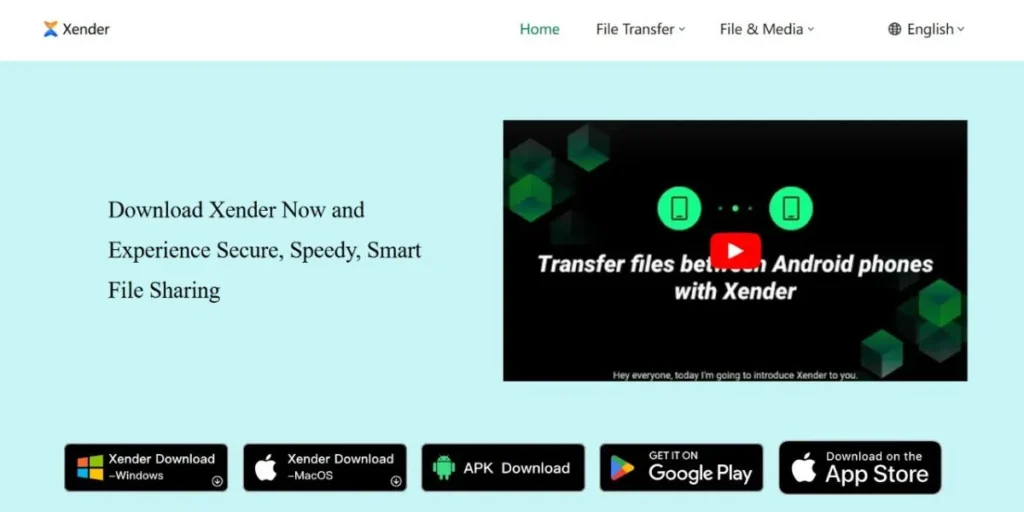
At the end of our suggestions for TransforNow alternatives for Android users, you can also refer to the Xender facility. This application allows users to transfer their files directly without an internet connection. Moreover, the application is mainly ideal for wireless file transferring.
Best Features
- It can transfer your files quickly up to a speed of 40 MB/s.
- You can effortlessly connect with multiple platforms like Windows, Android, and Mac devices.
Pros And Cons
Pros
- You can easily set up and navigate through this platform with its user-friendly interface.
- The application is ideal for device cloning and group sharing.
Cons
- You might face probable security risks on local networks.
- Users have reported frequent battery drains due to excessive hotspot usage.
Price
- Free to use.
Website: https://xender.com
How to Choose The Best TransferNow Alternative to Send Large Files?
If you want to choose the best alternative for TransferNow for sending larger files, you mainly need to look at various features and facilities, such as:
- File size limits if they offer unlimited file transferring options.
- Several security and privacy features, like end-to-end and zero-knowledge encryption.
- Easy usage and accessibility, which requires no sign-ups and a simplistic workflow.
- Customization for expiry dates, if you are looking for privacy purposes.
Step-by-Step: Sending A File without TransferNow
If you want to send a bigger file without requiring the TransferNow service, here are some steps you need to follow:
- Choosing an optimal file sharing service like Smash, Send Anywhere, etc.
- Go to the website of the file-sharing services you want to use.
- Uploading your necessary files through the sharing facility.
- Getting a shareable link for transferring your files.
- Sending the link to your recipient so they can receive the file he is looking for.
Tips for Sending Large Files Smoothly
If you want to send larger files smoothly, there are various procedures you can follow, for example:
- Checking your internet speed whether it is stable and fast.
- Compressing the files into the RAR and ZIP formats reduces their sizes.
- Splitting the larger files by using various tools like 7-Zip and WinRAR.
- Choosing the ideal file sharing service with ga generous file size capacity and good speed.
- Using password protection and encryption for security.
Conclusion
While choosing the right TransferNow alternatives, you generally have to look for your necessary requirements. For instance, it can be the ease of use, security and privacy, operational speed, and many more. Moreover, you can also look for various additional features like collaboration and storage tools.
However, it is also important for you to remember that each alternative has its own speciality and main features. Furthermore, this will require you to choose an option that perfectly aligns with your business goals or objectives. Nonetheless, you can also choose from one of the reliable options and use it for your needs.
FAQs
Why do you require a TransferNow alternative?
– A lot of people mainly look for TransferNow alternatives because of several features like file size restrictions, more storage availability, efficient privacy regulations, and many more.
Can you send bigger files without creating a profile on a file transfer application?
– Yes, it is possible for you to send bigger files without creating a profile through facilities such as extended storage, file tracking, and password protection.
Is it safe to rely on the file transferring applications for sensitive data?
– Although the matter of security and privacy mainly depends on the option you are looking for. For instance, you should look for files that have end-to-end encryption and privacy regulations like the GDPR.
What are some reliable alternatives to TransferNow?
– You can find a variety of TransferNow alternatives, such as WeTransfer, Dropbox, Google Drive, pCloud, OneDrive, Remitly, and many more