
A lot of people who manage Facebook pages, run ads, or handle multiple business profiles often struggle with sudden logouts, account restrictions, or even bans. Facebook’s strict security systems can easily detect unusual login patterns or multiple accounts from the same IP address. This is where Facebook proxies come in handy. They act as a safe bridge between you and Facebook, keeping your real location hidden while letting you manage accounts smoothly.
Whether you’re a marketer, social media manager, or business owner, using a reliable proxy ensures your accounts stay secure and active. In this guide, we’ll break down everything you need to know about which proxy for Facebook is the best provider available, complete with their features, pricing, and pros and cons.
What Is a Facebook Proxy?
A Facebook proxy is a specialized proxy server that helps you access and use Facebook through a different IP address instead of your own. When you connect to Facebook via a proxy, your traffic goes through the proxy server first, masking your identity and location.
This makes it easier to:
- Manage multiple Facebook accounts without being detected.
- Run ad campaigns or automation tools safely.
- Bypass geo-restrictions in countries where Facebook is limited.
- Protect your personal or business IP from being flagged or blocked.
Unlike a VPN, which routes all your device’s traffic through one secure tunnel, a proxy can handle specific requests, making it more suitable for managing multiple accounts or running social media tools.
Why Use a Proxy for Facebook
There are several practical reasons to use proxies when working with Facebook, especially for professional use:
- Avoid Account Bans: Facebook tracks IP addresses closely. Using one IP for multiple accounts can trigger restrictions. Proxies provide unique IPs to keep accounts safe.
- Run Ads from Different Regions: Marketers can test ads in different countries without physically being there. Proxies let you appear as if you’re logging in from those regions.
- Enhance Privacy and Security: Proxies hide your real IP, reducing the risk of data leaks or tracking.
- Support Automation Tools: Many social media automation platforms rely on proxies to simulate natural user behavior without getting flagged by Facebook.
- Bypass Restrictions: If Facebook is blocked on your network (like at work or school), a proxy helps you access it freely and safely.
Using proxies the right way ensures smooth performance, better ad testing, and safer account management across different locations and devices.
Types of Proxies Suitable for Facebook
Not all proxies are equal when it comes to Facebook. Choosing the right type depends on what you plan to do, whether it’s running ads, managing multiple pages, or automating posts. Here are the main proxy types suitable for Facebook:
1. Residential Proxies
Residential proxies use IP addresses assigned by real Internet Service Providers (ISPs) to homeowners. This makes them appear as genuine users in Facebook’s system, drastically reducing the chances of detection or bans.
Best for:
- Managing multiple Facebook accounts
- Running marketing campaigns safely
- Avoiding account flagging
Pros:
- High trust level with Facebook’s systems
- Lower risk of getting blocked
- Ideal for long-term account use
Cons:
- More expensive than datacenter proxies
2. Mobile Proxies
Mobile proxies use IPs assigned by mobile carriers. Since mobile networks share IPs among many users, Facebook finds it harder to detect automation or unusual activity.
Best for:
- Running ad accounts
- Avoiding temporary blocks or CAPTCHA
- Agencies managing multiple client profiles
Pros:
- Extremely hard to detect
- Natural-looking traffic
- Ideal for ad testing and account recovery
Cons:
- Costlier than other types
- Limited speed compared to datacenter proxies
3. Datacenter Proxies
Datacenter proxies are hosted by third-party servers, not ISPs. They’re fast and affordable, which makes them great for basic browsing or testing, but Facebook can sometimes detect them more easily.
Best for:
- Beginners or small-scale account testing
- Basic automation tasks
Pros:
- Very fast connection
- Cost-effective
- Easy to set up
Cons:
- Higher risk of detection
- Not ideal for long-term or large-scale account use
List of 14 Best Proxies for Facebook
1. Bright Data
Website: www.brightdata.com
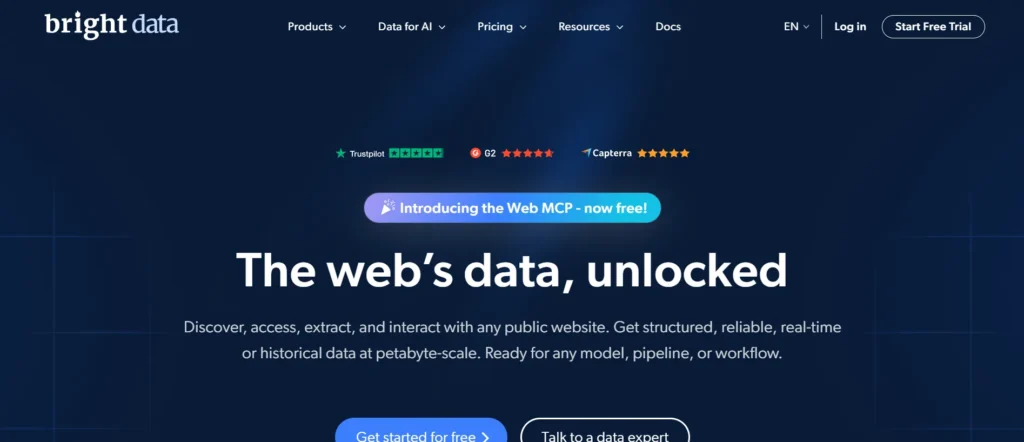
Bright Data is one of the largest and most trusted proxy providers in the world. It offers over 72 million residential IPs and a variety of mobile and datacenter proxies. Bright Data is ideal for Facebook marketers and agencies because of its speed, reliability, and advanced targeting features. Users can access IPs in over 195 countries, making it perfect for ad testing, account management, or automation.
Features:
- 72M+ residential IPs worldwide
- Mobile and datacenter proxies
- City and country-level targeting
- High uptime and stable connections
- Advanced analytics dashboard
Pros
- Huge IP pool
- Fast and reliable
- Excellent targeting
Cons
- Premium pricing
- Complex setup for beginners
Pricing:
- Residential Proxies – $2.5/GB
- Mobile Proxies – $5/GB
- Datacenter Proxies – $0.9/IP
2. Oxylabs
Website: www.oxylabs.io
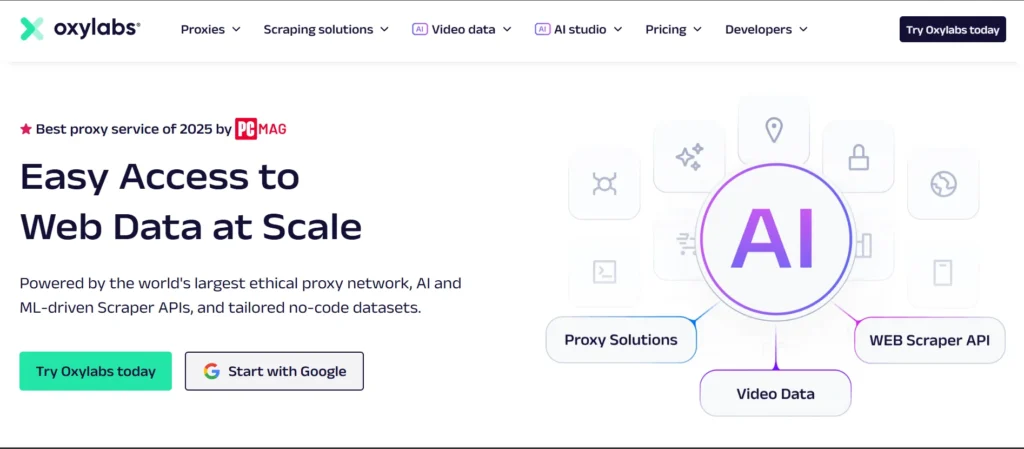
Oxylabs provides an enterprise-grade proxy server with over 100 million IPs. It offers residential, mobile, and datacenter proxies designed for scalability and security. Oxylabs Proxy for Facebook is widely used for social media automation, Facebook account management, and ad campaign testing due to its fast performance and reliable uptime.
Features:
- 100M+ residential IPs
- Advanced rotation and session control
- 24/7 support and dashboard analytics
- Mobile and datacenter proxies available
- City-level geo-targeting
Pros:
- Large, stable IP network
- Excellent speed
- Reliable for Facebook automation
Cons:
- Expensive for small users
- Slight learning curve
Pricing:
- Residential Proxies – From $4/GB
- Mobile Proxies – From $5.4/GB
- Datacenter Proxies – From $1.25/ IP
3. Soax
Website: www.soax.com
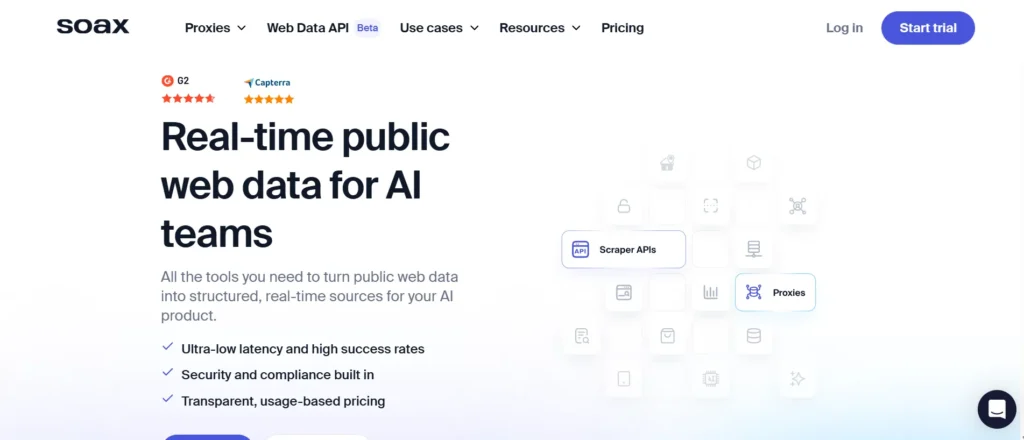
Soax provides regularly refreshed residential and mobile IPs with excellent geo-targeting features. Its clean IP pool is ideal for social media marketers and agencies managing multiple Facebook accounts. Soax offers flexibility in rotation and location targeting, ensuring safe and smooth operations for ad campaigns and account management.
Features:
- 8.5M+ residential IPs
- Mobile and Wi-Fi IPs
- High IP rotation frequency
- Geo-targeting by city or region
- Easy dashboard integration
Pros:
- Reliable IP rotation
- Easy to use
- Trusted by marketers
Cons:
- Slightly higher cost
- Limited free trial
Pricing:
- Residential Plan – From $3.60/GB
- Mobile Plan – From $3.60/GB
4. IPRoyal
Website: www.iproyal.com
IPRoyal offers affordable residential and datacenter proxies suitable as a proxy for Facebook, ideal for account management and small marketing agencies. Its rotating and dedicated proxy options make it easy to manage multiple accounts safely. IPRoyal is budget-friendly and provides fast connections and stable uptime for casual users and small teams.
Features:
- 2M+ residential IPs
- Dedicated and rotating proxies
- Country and city-level targeting
- Fast response time
- Reliable uptime
Pros:
- Budget-friendly
- Easy setup
- Reliable for small agencies
Cons:
- Smaller IP pool than premium providers
- No mobile proxies
Pricing:
- Residential Proxies – From $3.5/GB
- Datacenter Proxies – From $1.57/IP
- Dedicated Proxies – From $2/IP
5. NetNut
Website: www.netnut.io
NetNut uses a direct ISP network instead of peer-to-peer IPs, providing fast, stable, and secure connections. It is ideal for Facebook automation and ad testing due to high uptime and a large residential IP pool. NetNut offers static and rotating proxies with reliable analytics for professional marketers.
Features:
- 52M+ residential IPs
- Direct ISP connection
- Static and rotating proxies
- Real-time analytics
- High-speed and reliable connections
Pros:
- Very fast and stable
- Ideal for long sessions
- Reliable for Facebook automation
Cons:
- Higher entry cost
- Limited city targeting
Pricing:
- Advanced Plan – $250/month (20GB)
- Semi Professional Plan – $999/month (125GB)
- Custom Plan – Available on request
6. ProxyEmpire
Website: www.proxyempire.io
ProxyEmpire provides verified residential and mobile IPs with flexible pay-as-you-go pricing. Its proxies are suitable as a proxy for Facebook, supporting automation, account management, and ad campaigns. Sticky sessions and global coverage make it a reliable choice for marketers needing consistent IPs for multiple accounts.
Features:
- 10M+ residential IPs
- Mobile proxy support
- Pay-as-you-go billing
- Sticky sessions for stability
- Global IP coverage
Pros:
- Flexible pricing
- Reliable mobile proxies
- Great for social media users
Cons:
- Limited API options
- Smaller IP pool than competitors
Pricing:
- Residential Proxies – $1.97/GB
- Mobile Proxies – $9/GB
- Datacenter Proxies – $0.625/IP
7. Storm Proxies
Website: www.stormproxies.com
Storm Proxies is a budget-friendly provider offering rotating residential and dedicated datacenter proxies. It is suitable for small Facebook campaigns, basic automation, and testing multiple accounts. The service is simple to set up and offers unlimited bandwidth on datacenter plans.
Features:
- Rotating residential IPs
- Private datacenter proxies
- Unlimited bandwidth on datacenter plans
- Easy integration
- Simple dashboard
Pros:
- Affordable pricing
- Simple setup
- Unlimited bandwidth (on datacenter plans)
Cons:
- Smaller residential network
- Not ideal for large-scale campaigns
Pricing:
- Residential Rotating Proxies – $50/month (5 ports)
- Dedicated Proxies – $10/month (5 IPs)
8. Infatica
Website: www.infatica.io
Infatica offers residential and mobile proxies optimized for marketing and automation. Its high-speed connections, reliable IP rotation, and city-level targeting make it ideal for Facebook marketers, agencies, and developers.
Features:
- 10M+ residential IPs
- Mobile proxy options
- City-level targeting
- Reliable IP rotation
- High-speed connections
Pros:
- Reliable for marketing
- High-speed connections
- Good for ad verification
Cons:
- Slightly technical setup
- Fewer features for small users
Pricing:
- Residential Proxies – From $4/GB
- Mobile Proxies – From $8/GB
9. Shifter
Website: www.shifter.io
Shifter is a long-standing proxy provider offering a large pool of rotating residential and datacenter IPs. It is widely used for managing multiple Facebook accounts, running ads, and bypassing restrictions. Shifter provides flexible authentication methods and reliable rotation for safe social media use.
Features:
- 31M+ rotating IPs
- Residential and datacenter options
- High uptime
- Flexible IP rotation
- Multiple authentication methods
Pros:
- Large IP pool
- Affordable plans
- Reliable rotation
Cons:
- Limited free trial
- Dashboard could be simpler
Pricing:
- 5 Special Rotating Proxies – $199.99
- 10 Special Rotating Proxies – $299.9
- Enterprise Plan – Custom pricing
10. High Proxies
Website: www.highproxies.com
High Proxies specializes in providing proxies tailored for social media platforms, including a proxy for Facebook. They offer a range of proxy types, including private and shared proxies, with a focus on reliability and performance. Their services are designed to help users manage multiple accounts and perform tasks like ad management and data scraping without facing IP-related issues.
Features:
- Private and shared proxies
- Social media-optimized IPs
- VPN included for added security
- IPs from 11 countries
- Money-back guarantee
Pros:
- Affordable pricing
- VPN services included
- Money-back guarantee
Cons:
- Limited country coverage
- Smaller IP pool
Pricing:
- Dedicated IP Proxies – From $1.84/month
- Social Media Proxies – From $2.56/month
11. Decodo (formerly Smartproxy)
Website: www.decodo.com
Decodo provides dedicated datacenter IPs in the US and reliable private ISP proxies in 15 locations. They provide flexible rotation options and support for various protocols, making them suitable for tasks like ad verification and managing multiple Facebook accounts. Their services are designed to offer high-speed performance and reliability.
Features:
- Private ISP proxies in 15 locations
- Dedicated datacenter IPs in the US
- Flexible rotation options
- Support for HTTP(S) and SOCKS5 protocols
- Unlimited traffic and threads
Pros:
- High-speed performance
- Flexible rotation options
- Support for multiple protocols
Cons:
- Higher cost for small users
- Limited to 15 locations
Pricing:
- Residential Proxies – From $3.00/GB
- Mobile Proxies – From $3.75/IP
- Datacenter Proxies – Custom pricing
12. Webshare
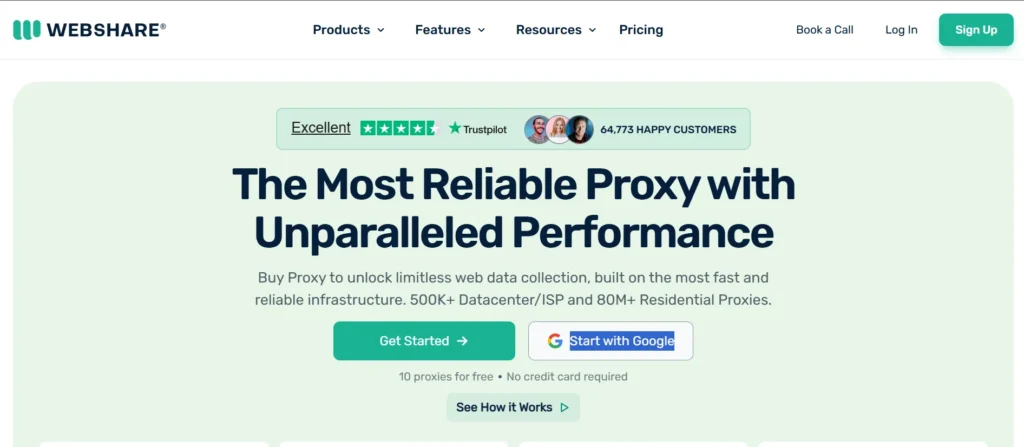
Website: www.webshare.io
Webshare is a proxy provider offering customizable private IPs with complete self-service. They provide high-speed, secure access from over 195 countries, making them suitable for users looking to manage multiple Facebook accounts or perform tasks like data scraping and ad verification. Their services include content filtering, access control, and enhanced privacy features.
Features:
- Customizable private IPs
- High-speed secure access from 195+ countries
- Content filtering and access control
- Enhanced privacy features
- Unlimited free trial available
Pros:
- Affordable pricing
- Customizable IPs
- Unlimited free trial
Cons:
- Limited customer support
- Lacks advanced web scraping tools
Pricing:
- Shared Proxies – From $7/GB
- Dedicated Proxies – From $8400/month (3000GB)
13. LunaProxy
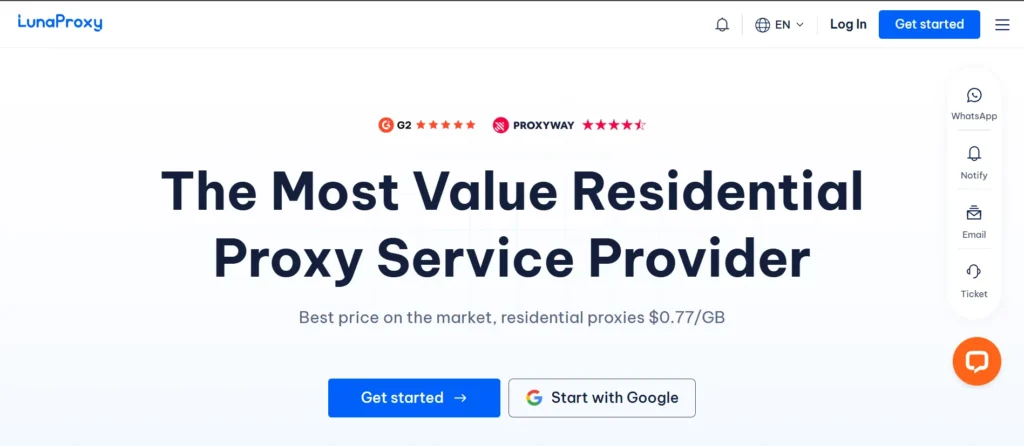
Website: www.lunaproxy.com
LunaProxy provides fully available Facebook proxies with city-level precise positioning and pure residential IP proxy services. They offer over 200 million residential IPs in 195 countries, making them suitable for users looking to manage multiple Facebook accounts or perform tasks like data scraping and ad verification. Their services include unlimited traffic and dedicated servers.
Features:
- Over 200 million residential IPs
- City-level precise positioning
- Unlimited traffic
- Dedicated servers
- Customizable plans available
Pros:
- Large IP pool
- City-level targeting
- Unlimited traffic
Cons:
- Not available in mainland China
- Limited free trial
Pricing:
- Residential Proxies – From $1.2/GB
- Custom plans available upon request
14. Proxy-Seller
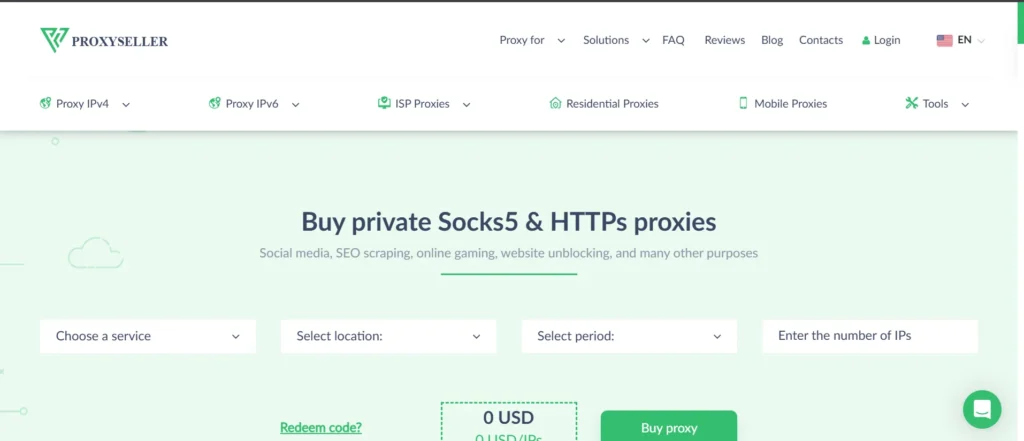
Website: www.proxy-seller.com
Proxy-Seller offers a variety of proxy services, including residential, mobile, and datacenter proxies. They provide a large pool of IPs from various countries, making them suitable as a proxy for Facebook to manage multiple accounts or perform tasks like data scraping and ad verification. Their services include flexible pricing plans and support for various protocols.
Features:
- Residential, mobile, and datacenter proxies
- Large pool of IPs from various countries
- Support for HTTP(S) and SOCKS5 protocols
- Flexible pricing plans
- 24/7 customer support
Pros:
- Large IP pool
- Support for multiple protocols
- 24/7 customer support
Cons:
- Pricing may be higher for small users
- Limited advanced features
Pricing:
- Residential Proxies – From $3.50/GB
- Mobile Proxies – From $33.00/IP – 1 week
- Datacenter Proxies – From $0.70/IP
How to Use a Proxy with Facebook
Setting up a proxy for Facebook is a simple process once you have the right provider and proxy credentials. Whether you’re managing accounts manually or through an automation tool, here’s a straightforward guide to get started:
Step 1: Choose a Trusted Proxy Provider
Pick a reliable service like Bright Data, Oxylabs, or Smartproxy. Always go for providers with clean IPs and strong uptime, especially if you’ll manage multiple Facebook accounts.
Step 2: Get Your Proxy Details
After purchase, you’ll receive login details such as:
- Proxy IP
- Port Number
- Username and Password
Keep these safe, as you’ll need them to configure your settings.
Step 3: Configure the Proxy in Your Browser
If you’re accessing Facebook directly from a browser:
- Open your browser’s network or proxy settings.
- Enter the proxy IP and port number.
- Add authentication (if required).
- Save and reconnect — now your Facebook traffic will route through that proxy.
Step 4: Connect the Proxy in Your Automation or Marketing Tool
If you use Facebook automation or ad management tools (like Jarvee, Multilogin, or Meta Business Manager):
- Go to the account or proxy section inside the tool.
- Add your proxy details.
- Assign one unique proxy per Facebook account for safety.
Step 5: Test the Proxy
Before logging in, visit a site like “whatismyip.com” to confirm your IP location has changed. Then, log in to Facebook through your proxy and check if everything runs smoothly.
Using this method ensures that Facebook sees your proxy’s IP instead of your real one, helping you manage multiple accounts or run campaigns safely.
Safety Tips When Using Facebook Proxies
To keep your accounts secure and avoid bans, follow these best practices when using Facebook proxies:
1. Use One Proxy Per Account
Never connect multiple Facebook accounts to the same proxy. Each account should have its own unique IP to avoid detection and linking.
2. Avoid Free Or Low-Quality Proxies
Free proxies are often shared by many users and can be flagged or blacklisted by Facebook. Always invest in a reputable, paid proxy service with verified IPs.
3. Stick To Residential Or Mobile Proxies
These IPs look more natural to Facebook’s systems, making them far less likely to trigger restrictions than datacenter IPs.
4. Rotate IPs Regularly
If you perform multiple logins or manage many accounts, use rotating proxies to refresh your IPs automatically and reduce detection risk.
5. Keep Activity Natural
Avoid sudden actions like logging into dozens of accounts or posting repeatedly in a short time. Even with proxies, unnatural behavior can still get flagged.
6. Use HTTPS Connections
Always ensure your connection uses HTTPS to keep your data secure and encrypted while passing through the proxy.
Conclusion
Using a proxy for Facebook is one of the safest and most effective ways to protect your privacy, manage multiple accounts, and keep your online activities secure. Whether you’re running Facebook ads, managing business pages, or simply browsing anonymously, proxies help you stay undetected and prevent IP-based bans.
Always choose a reliable proxy provider with residential or mobile IPs, ensure each account uses a unique proxy, and maintain natural usage patterns. When done correctly, Facebook proxies can significantly enhance your social media strategy while keeping your accounts safe and active.
FAQs
1. What Is The Best Type Of Proxy For Facebook?
Residential or mobile proxies are best for Facebook because they use real IP addresses, making them appear natural to Facebook’s system.
2. Can I Use Free Proxies For Facebook?
No, free proxies are often shared, slow, and easily detected by Facebook. They increase the risk of account bans.
3. How Many Accounts Can I Manage With One Proxy?
For safety, use one proxy per Facebook account to avoid getting multiple profiles linked or banned.
4. Are Proxies Legal To Use With Facebook?
Yes, proxies are legal, but using them for spamming, fake accounts, or violating Facebook’s terms is not.