
WordPress Page Builder is a robust software or add-on that allows the users to write no code and create and customize their web page. These visual editors have transformed the way websites are created by providing drag-and-drop options, which have enabled the novices and experts to create beautiful layouts easily.
The level of WordPress Page Builders in 2026 is more advanced, with artificial intelligence-generated design proposals, further customization, and compatibility with popular themes and extensions. They remove the technical know-how and offer total creative freedom to all the contents in the looks and functionality of your site.
Why Use a WordPress Page Builder?
- No Coding: No knowledge of HTML, CSS and PHP needed to create professional websites.
- Time Savings: Design entire pages within minutes through ready-made templates and blocks.
- Visual Control: Observe designs in real-time using a drag-and-drop interface to create designs instantly.
- Cost-Effective: Save money, make websites yourself rather than contract costly developers.
- Flexibility: Change the themes with ease without having to lose your custom layouts and designs.
Comparison Table
| Name | Best For | Free Plan | Starting Price | Load Speed |
| Beaver Builder | Professional Websites | No | $89/year | Fast |
| Elementor Pro | Feature-Rich Designs | Yes (limited) | $59/year | Moderate |
| Divi | Lifetime Value | No | $89/year | Fast |
| SeedProd | Theme Building | Yes (limited) | $39.50/year | Very Fast |
| Thrive Architect | Conversion Pages | No | $99/year | Fast |
| Visual Composer | Complete Site Editing | No | $49/year | Fast |
| Brizy | Agency Projects | Yes (limited) | $60/year | Fast |
| Themify Builder | Advanced Customization | Yes (basic) | $69 one-time | Fast |
| Live Composer | Budget-Conscious Users | Yes | $69/year (extensions) | Moderate |
| SiteOrigin | Experienced Users | Yes | $29/year (add-ons) | Fast |
Top 10 WordPress Page Builders for 2026 (Free & Premium)
1. Beaver Builder
Type: Premium
Best For: Professional web developers and agencies creating client websites
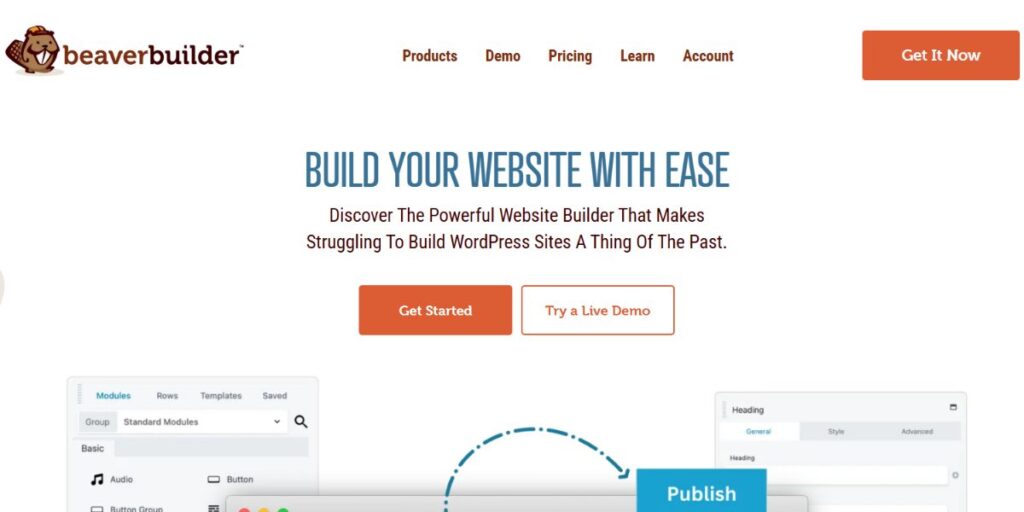
Beaver Builder is one of the most credible WordPress Page Builders in the present. This high-end program can provide a user-friendly interface, which can be mastered by the most inexperienced users. It has more than 170 professionally made templates that enable you to launch beautiful sites within record time. The live editing option allows viewing all the changes as they happen, which makes the design process effective and easy.
Beaver Builder is compatible with WooCommerce, which enables the eCommerce stores to have beautiful product pages. Along with WordPress Security Plugins, it helps maintain both the design flexibility and safety of your website. The plug-in is compatible with the Gutenberg editor and is therefore updated with the current changes in WordPress. Its output clean code and performance in various hosting environments are valued by professional developers.
Key Features:
- Real time drag and drop visual editor.
- 170+ ready-made templates of different industries.
- WooCommerce and compatible with Gutenberg block editor and current WordPress.
- WooCommerce connection to make personal shop layouts.
- Mobile optimization controls.
- Add Sliders, carousel and content block module system.
- Optimal website performance code Clean code.
- Onboarding tour, which is inbuilt.
Pricing: It starts with single website license at a rate of $89 per year with all features.
Pros:
- Visual builder
- Template variety
- Gutenberg compatible
Cons:
- No free version
- Fewer templates
- Higher pricing
Link: https://www.wpbeaverbuilder.com/
2. Elementor Pro
Type: Premium (Free version available) Best For: Users seeking extensive widget collections and design flexibility
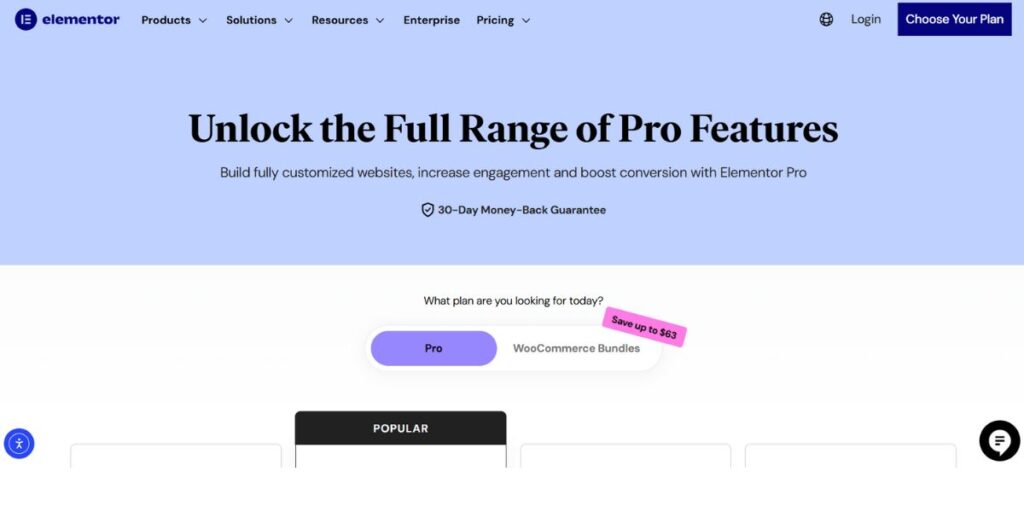
Elementor Pro will continue to be one of the most famous WordPress Page Builders in 2025, serving millions of sites all around the globe. This extension has a huge library of different types of widgets such as simple text and images, advanced sliders, testimonials, and social media additions. The live page builder interface offers live visual feedback, which means that you can test out the designs without fear.
Templates also save time in the process of design. It is worth mentioning though that the code generated by Elementor is less efficient than other solutions, and this may have an effect on the page loading speed. This limitation is offset by the fact that it has an extremely large ecosystem of extensions and add-ons, including SEO Plugins for WordPress, and thus can be customized to fit the needs of all types of projects.
Key Features:
- Large library of widgets (100+ design elements).
- Live editors with live preview.
- Theme composer to develop customization of header and footer.
- WooCommerce product page builder and checkout builder.
- Marketing integrations: Form builder.
- Lead generation campaign building tool.
- Effects of motions as well as sophisticated animations.
- Worldwide Widgets and fashions.
Pricing: Beginning with $59/year single site license.
Pros:
- Widget collection
- Template library
- Extension ecosystem
Cons:
- Slower speed
- Code inefficiency
- Resource heavy
Link: https://elementor.com/pro/
3. Divi

Type: Premium Theme and Plugin Best For: Users wanting lifetime access and unlimited design possibilities
Divi is a great offer in the market of WordPress Page Builders as it has a great lifetime price offer. This all-inclusive solution has a theme as well as a standalone plugin, and lets you choose how you use it. WYSIWYG editor is a genuine visual editing tool; when you make any modification in your page, all the changes are displayed immediately on your screen.
There are dozens of content modules that can be organized into different types of sections and rows, and the possibilities of design are unlimited. Custom layouts can be saved and copy-pasted across various Divi installations making it ideal in managing more than one website. Although the interface is not so smooth as some other competitors, it is a very good investment due to its strong features and lifetime package with affordable rates to long term users.
Key Features:
- Real time WYSIWYG visual editor with preview.
- Hundreds of layout packs in various industries.
- Plug-in with all WordPress themes.
- One-time payment lifetime pricing plan.
- State of the art design environments of each component.
- Worldwide components and presets system.
- Inbuilt split testing capability.
- Large repository of modules of any type.
Pricing: Annual subscription costs 89 or lifetime subscription at one time fee.
Pros:
- Lifetime option
- Layout variety
- Theme included
Cons:
- Interface complexity
- Learning curve
- Limited customization
Link: https://www.elegantthemes.com/gallery/divi/
4. SeedProd

Type: Premium (Free version available) Best For: Creating custom WordPress themes and complete websites from scratch
SeedProd is the fastest WordPress Page Builder in the market that is specially designed to be fast and a best-performing search engine. The premium is a powerful and higher level of page builder that enables creation of the entire theme without knowing how to write any code.
The intelligent design system will allow you to store color schemes, font combinations and custom blocks to use throughout your site. Along with its seamless compatibility with WordPress AI Image Generators, users can easily enhance visual content creation and design efficiency. Our website could provide you with more than 300 kits and templates in which you will never lack design inspiration.
The AI site builder capability has the ability to produce and create whole websites that have high quality images and attractive content in various languages automatically. Custom domain mapping enables the agencies to set up micro-sites under one WordPress installation. WooCommerce plugs provide an option to fully customize the checkout pages, shopping carts and product displays.
Key Features:
- Full theme builder drag-and-drop theme builder.
- 300+ website kit packages and templates.
- AI web site creation engine.
- Intelligent design system of uniform branding.
- The integration of WooCommerce to the custom block.
- Individual domain mapping of micro-sites.
- In-built subscriber management system.
- Email marketing service integration.
Pricing: The plans begin with single site limited free version at 39.50 per year.
Pros:
- Fastest speed
- Theme builder
- AI features
Cons:
- Limited free
- Theme features restricted
- Learning required
Link: https://www.seedprod.com/
5. Thrive Architect
Type: Premium Best For: Conversion-focused landing pages and sales funnels
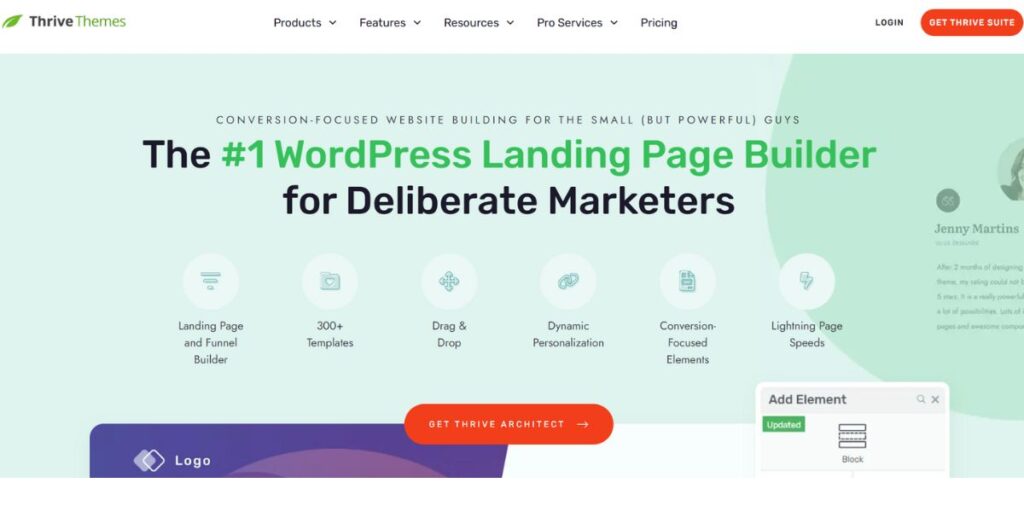
Thrive Architect focuses on conversion optimization, thus it is ideal among the marketers and business owners. It is a highly rated WordPress Page Builder, which comes with 357 ready-made designs, which are specially tailored to homepages, sales pages, webinars registration, and lead generating campaigns. All its template elements can be edited using the front-end visual editor using easy point and click controls.
Ready-to-use conversion elements such as call-to-action buttons, testimonials, countdown timers, and guarantee boxes can be used to promote your sales without any harassment. You are also able to design your own blog posts in their layouts with highlight boxes, styled lists and click-to-tweet functions to make them more interesting. Splits-testing can be used with Thrive Optimize, as it allows being integrated with it to determine which version of the page acts better in terms of conversion. The unique column layouts, hover effects and full font customization features are valued by professional designers.
Key Features:
- More than 357 conversion templates.
- Graphical user interface of visual editing.
- Ready-made conversion elements and blocks.
- Photo blogging system generator.
- Split-testing will be integrated with Thrive Optimize.
- Column layouts that are flexible and have hover effects.
- Total font customization features.
- Woocommerce integration.
Pricing: Standalone the price of a single plugin is $99/year or Thrive Suite bundle at $299/year.
Pros:
- Conversion focused
- Template quantity
- Visual editing
Cons:
- No free version
- Theme builder extra
- Higher cost
Link: https://thrivethemes.com/architect/
6. Visual Composer
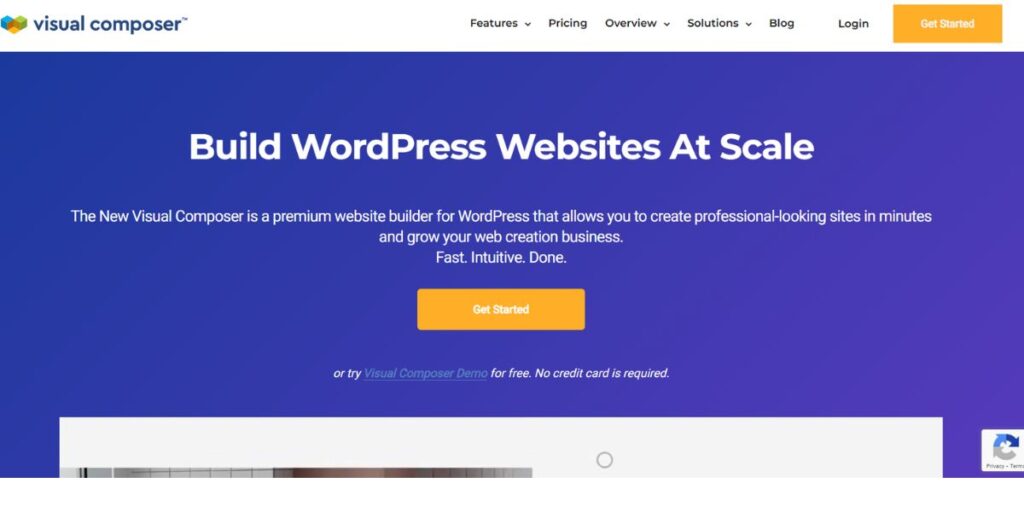
Type: Premium Best For: Full website editing including headers, footers, and sidebars
Visual Composer is a unique website builder and not a page builder. It is the only WordPress Page Builder that enables one to edit every area of the site logos, menus, header, footers, and sidebars which is normally the preserve of theme customizers. The front-end design experience offers a visual feedback to the design as you go. Vibrant design features allow fashionable backgrounds using parallax effects, gradients, slideshows, carousels, and video integration.
The grid layout creation enables the use of flexible rows and columns in the current modern websites. The plugin does not need to be set up again as the color choices are stored in the memory, which means that all your projects will have the same style. It goes with any WordPress theme and you do not have to lose custom layouts. Additionally, it integrates smoothly with WordPress Affiliate Plugins, offering marketers and developers more flexibility in creating engaging promotional layouts. Nonetheless, the interface is not similar to the ordinary WordPress extensions, and, therefore, beginners may be disoriented at the beginning.
Key Features:
- Complete website editing capability other than pages.
- Live preview front-end visual editing.
- Notable designing possibilities and effects.
- Fully compatible with WordPress themes.
- Gutenberg integration This is the integration of Gutenberg editors into a theme.
- Google fonts and Yoast SEO allowance.
- The color palette memory to be consistent.
- Design characteristics of professionals.
Pricing: Single site license is priced at 49/year.
Pros:
- Website editing
- Design flexibility
- Theme compatible
Cons:
- Different interface
- Learning curve
- Beginner confusion
Link: https://visualcomposer.com/
7. Brizy

Type: Premium (Free version available) Best For: Agencies and SaaS companies needing white-label solutions
Brizy is aimed at agencies and SaaS companies, but is also available to users of any level of skills. This WordPress Page Builder has a clean and uncluttered interface, which is easy to navigate without having to consult a lot of tutorials. The free is offering 50 business, online store and event websites starter templates, as well as the basic content elements. Pro plans open to the advanced content features, popup builders, and user access control features.
The White Label option enables agencies to customize the plugin with their own logo and business name which ensures that the user of the client project experienced the same brand. You may save templates that may be used later, create a global typography and color palette and preview across desktop, tablet, and mobile screens without any issues.
Key Features:
- 50 starting templates of different types.
- User-friendly interface and clean.
- Ready-made block and content items.
- White-labeled solution to agencies.
- International typography and color control.
- Interactive mobile previews.
- Popup builder in pro plans
- User access settings
Pricing: It begins with 1-website and free personal version at $60 a year.
Pros:
- User friendly
- Agency features
- Clean interface
Cons:
- Fewer templates
- Limited power
- Basic free version
Link: https://www.brizy.io/
8. Themify Builder
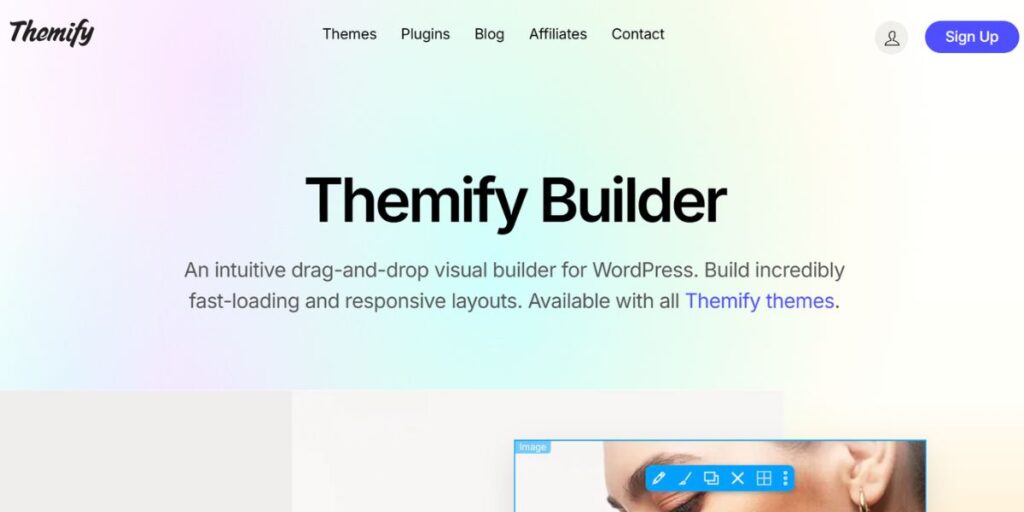
Type: Premium (Free version available) Best For: Advanced users wanting granular control over page structure
Themify Builder is a WordPress Page Builder that does not have a single interface. The software is available in a drag-and-drop visual design work WYSIWYG or a backend structural content management interface. Such flexibility is useful when it comes to paying attention to page architecture with no visual distractions.
Themify Builder is a free version of the product giving simple page construction with 40+ layouts, whereas Themify Builder Pro will open up this feature to change all templates by editing their head, footers, individual posts and custom post types. Display Conditions option makes it possible to display certain templates on particular pages which can be ideal in targeted promotional banners on product pages. The pre-designed templates and themes make the project completion to be much faster and to look professional.
Key Features:
- Two-layered interface: graphical and back-end interfaces.
- 40+ layouts in free version
- Total template alteration in Pro.
- Showing Conditions of targeted content.
- Custom post type support
- Professional theme designs
- Import/export functionality
- Responsive design controls
Pricing: Pro version with free plugin one time charge of $69.
Pros:
- Dual interface
- Display conditions
- Free available
Cons:
- Advanced features
- Beginner challenging
- Limited free
Link: https://themify.me/builder
9. Live Composer
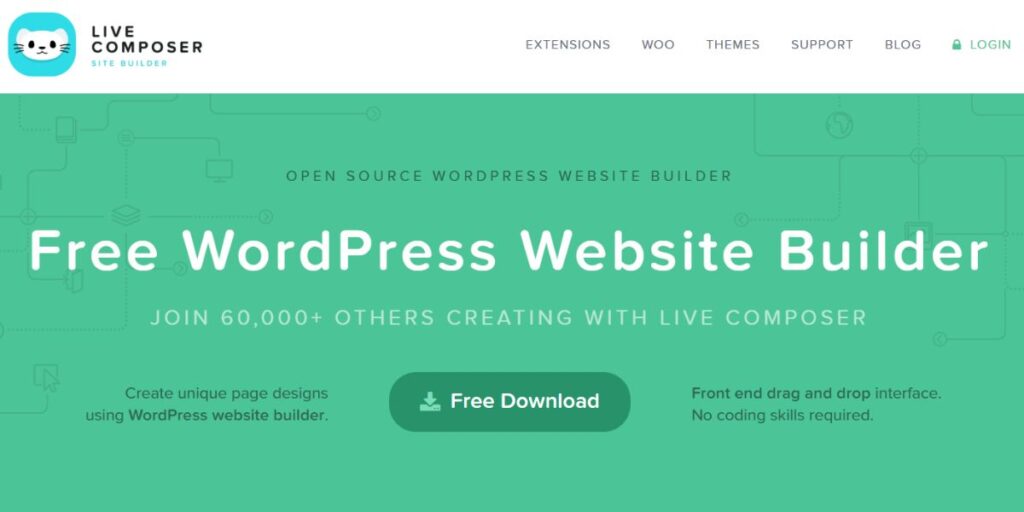
Type: Free (Premium extensions available) Best For: Budget-conscious users needing basic website building functionality
Live Composer offers absolutely free WordPress Page Builder, and only needs email registration to download. The drag-and-drop WYSIWYG editor comes with a bottom panel where one can add blocks of content. Although it is free, it has features that will normally be in the paid builders such as accordions, galleries, and progress bars.
The possibility of developing downloadables, partners, projects, staff, testimonials, and galleries custom post types is a pleasant surprise, and it is ideal in business sites and online shops. These are custom posts that are useful in filling pages with organized content. To be extensively functional, premium extension packs are available to add contact forms, video embeds, content restriction and other features that significantly increase the functionality of the base plugin.
Key Features:
- Completely free base plugin
- WYSIWYG drag-and-drop editor
- The content of the bottom panel can be inserted.
- Custom post type creation
- Elements of galleries and accordions.
- Progress bars and sophisticated items.
- Additional features extension pack.
- Pro-business types of posts.
Pricing: Free, extension pack will begin at $69 per annum on one site.
Pros:
- Completely free
- Custom posts
- Easy editor
Cons:
- Limited features
- No templates
- Extensions required
Link: https://livecomposerplugin.com/
10. SiteOrigin
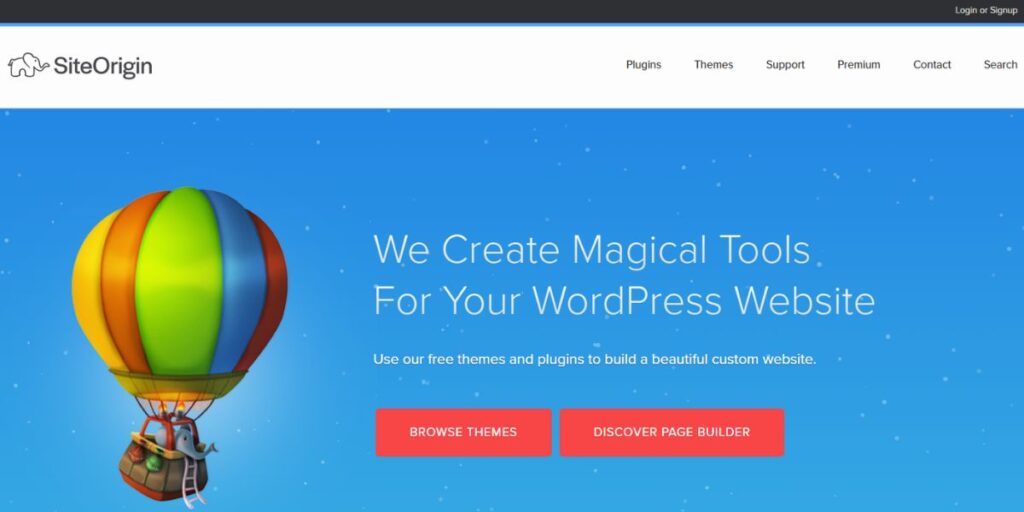
Type: Free (Premium add-ons available) Best For: Experienced WordPress users seeking advanced layout control
SiteOrigin is another good free WordPress Page Builder that also uses existing themes but optimizes it to the SiteOrigin themes. Although it is technically a drag-and-drop builder, it does not work as traditional solutions. Elements are added and rearranged via a side panel as opposed to the page itself, like WordPress Theme Customizer but with the ability to drag and drop.
This method may not be that usual at first sight but has distinct benefits. Among the strongest points is the fact that it is easy to resize rows and columns with sliders rather than with fixed section sizes, which offers granular control over the layout. The editing specifications suited to mobile platforms mean that websites appear flawless on smaller screens. Premium add-on packages are video backgrounds, WooCommerce templates, WordPress Email Marketing Plugins, tooltips, and other widgets that enable better functionality.
Key Features:
- Free WordPress page builder
- Drag and drop side panel editing.
- Live preview functionality
- Easy row and column resizing
- Layout editing that is mobile specific.
- WordPress compatibility
- Premium add-on bundles
- WooCommerce templates on sale.
Pricing: Free with premium add-ons beginning with $29 annual per site.
Pros:
- Completely free
- Layout control
- Mobile editing
Cons:
- Advanced learning
- Side panel only
- Addon purchases needed
Link: https://siteorigin.com/
How to Choose the Best WordPress Page Builder
- Budget Consideration: consider your financial ability and either select free or premium options.
- Feature Requirements: Determine certain features you require such as the WooCommerce integration or theme building.
- Performance Priority: Take into account performance and loading speed and code efficiency as the best user experience.
- Skill Level: Select the complexity of match builder in comparison with your level of technical skills and ability to learn.
- Support Quality: Study the reputation of the company with regard to customer service and documentation available to assist with troubleshooting.
Step-by-Step Guide to Using a WordPress Page Builder
- Installation Process: This is because you must download your preferred WordPress Page Builder and easily install it via the WordPress dashboard.
- Template Selection: Find the templates and settle on a template that best fits your vision of the website.
- Content Customization: instead of leaving it with place holder images and text, use your branded content materials.
- Design Adjustment: Change colors, fonts, and layouts so that they exactly match your brand identity.
- Publish Website: View in many different devices, work on your site and place your final pages with confidence
Conclusion
WordPress Page Builders have revolutionized the website production in 2025, and anyone can now design a professional site without the need to have technical knowledge. With low-cost solutions such as Live Composer and SiteOrigin, all the way to high-end solutions such as SeedProd and Beaver Builder, one can find the ideal answer to any need and budget.
It is a set of tools that remove barriers to coding and offer a creative approach using drag and drop makers, massive template collections, and robust customizations. You need to create a basic blog, a complicated eCommerce site, or conversion-focused landing pages, regardless, the correct WordPress Page Builder lets you make beautiful websites without any loss in quality or functionality.
Frequently Asked Questions
What will be the fastest WordPress Page Builder in 2025?
SeedProd is considered to be the fastest WordPress Page Builder which is specifically designed in order to be fast and optimized with regard to SEO performance.
Is there a chance to work with WooCommerce and WordPress Page Builders?
Yes, the majority of the WordPress Page Builders such as SeedProd, Elementor, and Beaver Builder work along with the stores of WooCommerce.
Do we have any value proposing free WordPress Page Builders?
Free WordPress Page Builders such as the Live Composer and SiteOrigin is used in simple websites with a low budget.
Are WordPress Page Builders performance-wise beneficial to websites?
Not all WordPress Page builders are speed-friendly, but some are optimized such as SeedProd and therefore perform very well at any moment.