

Google Forms has always been an excellent solution for simple surveys and form creation, with its free access and easy-to-use interface. Most businesses, however, are finding out that Google Forms lacks in areas such as critical data collection as they grow and their data collection requirements become more complex. The number of customization possibilities to the bare-bones reporting features, the limitations of this tool, which used to be adequate, are becoming more and more obvious.
When you are getting frustrated with the features of Google Forms, or you want more features that are stronger, such as advanced analytics, conditional logic, offline support, or more favourable branding features, you are in the right place.
This is a detailed list of the 10 best Google Forms alternatives in 2026, including free, paid, and offline options. You might be a small business owner, an educator, a market researcher, or an enterprise user; whatever you do, you will find strong alternatives that can revolutionize the way you collect, analyze, and take action with your information.
What is Google Forms?
Google Forms is a survey and form creation tool, a free and cloud-based tool that belongs to the Google Workspace. It was started in 2008 and enables its users to build their own forms, surveys, quizzes, and questionnaires without writing a single line of code. The system has a very easy drag-and-drop interface with the ability to add all kinds of questions with multiple choice, short answer, checkboxes, drop-down menus, various drop-downs, and rating scales.
The answer is automatically collected in Google Sheets, which makes the organization of data easy. Google Forms has been designed to be compatible with other Google products, such as Gmail, Drive, and Calendar; it can be easily embedded into websites or shared through email and social media. Although it is a fantastic option to have when building a basic data collection requirement, limitations associated with it render it simple, thus making it irreplaceable by businesses and individuals that are increasingly growing and require stronger Google Forms alternatives.
Why is Google Forms Popular?
- Free of charge: No charge for the creation of forms with unlimited responses.
- Simple Integration: Fully compatible with Google Sheets, Drive, and Gmail.
- Easy-to-use interface: Easy drag and drop interface, and no technical knowledge needed.
- Live co-operation: Several co-workers can make amendments on forms.
- Automatic Data Collection: The respondent will fill in the organized spreadsheets automatically.
- Universal Access: Works on all devices with only a Google account.
Why People Really Look for a Google Forms Alternative
- Limited Customization: Basic design. Minimal Customization: Simple design solutions do not fit brand identity requirements.
- Weak Analytics: Lacks improved reporting, sentiment analysis, and cross-tab functionalities.
- None Offline Mode: It needs to be connected to the internet to create and submit the form.
- Basic Validation: Sincere validation and conditional logic.
- File Mismanagement: Limit on file upload and file types.
- Lack of Advanced Features: No support for such advanced functionality as payment collection, e-signatures, and HIPAA compliance.
How I Evaluated These Google Forms Alternatives
- Richness of the features: Evaluated the customization possibilities, types of questions, and advanced features.
- Pricing Value: Comparisons of the prices of paid and free plans, general cost-effectiveness.
- Ease of Use: Tested user interface, learning curve, and simplicity of setup.
- Integration Support: Tested integration with common third-party applications and platforms.
- Depth of Analytics: Data visualization, analyzed reporting tools, and the generation of insights.
- Customer Support: Evaluated response time, support, and customer satisfaction rates.
Pros & Cons Comparison Table
| Tool Name | Free Plan | Offline Support | Quiz Support | Integrations | Best For |
| SurveySensum | Yes | No | Yes | Extensive | Teams already using the Office 365 ecosystem |
| JotForm | Yes | Yes | Yes | 100+ | Businesses requiring offline data collection and payment processing |
| Microsoft Forms | No | No | Yes | Microsoft 365 | Teams already using Office 365 ecosystem |
| TypeForm | No | No | Yes | 120+ | Creating visually engaging, conversational surveys |
| Zoho Forms | Yes | Yes | Yes | 500+ | Organizations using Zoho ecosystem |
| SurveyLegend | Yes | No | Yes | Limited | Mobile-first survey experiences |
| SurveyMonkey | Yes | No | Yes | 200+ | Market research and professional surveys |
| Paperform | No | No | No | 2000+ | Creating beautiful landing pages and order forms |
| Wufoo | Yes | No | No | 400+ | Quick form deployment with payment integration |
| Cognito Forms | Yes | No | Yes | Limited | Complex calculations and data management |
Top 10 Best Google Forms Alternatives in 2026
1. SurveySensum
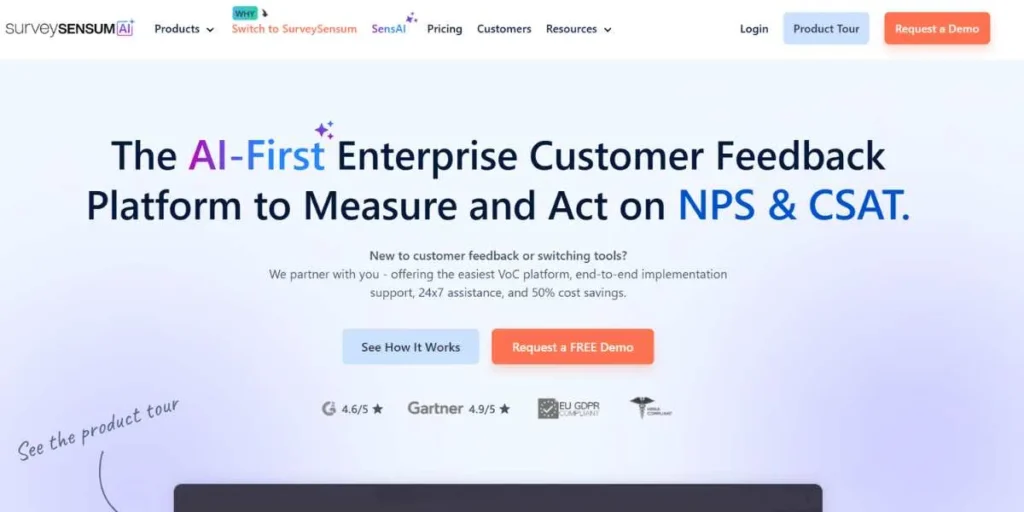
SurveySensum is a customer feedback system that does not just offer simple form building, making it a strong Google Forms competitor. Whereas Google Forms ceases operations after the collection of data, SurveySensum will convert feedback into insights that can be acted upon to generate revenue. The site offers user-friendly creation of surveys and corporate-quality analytics based on artificial intelligence, natural language processing, and machine learning.
The only difference with SurveySensum is that they offer a complete customer experience consultation service where experts in the industry will take you through the entire process of designing a survey, from the implementation of an action plan.
Key Strengths:
- AI-powered text analytics
- Real-time ticketing system
- WhatsApp survey integration.
- Both professional CX consultancies are involved.
Limitations: Some integrations are third-party, but the responsive support team responds to integration requests on short notice.
Best For: Companies that are committed to turning customer feedback into quantifiable business performance and increasing revenue.
Pricing:
- Free Plan: Available with 25 survey responses, unlimited surveys, unlimited touchpoints, unlimited users
- Paid Plans: Starting at $299/year
- Enterprise: Custom pricing available
Website Link: https://www.surveysensum.com
2. JotForm
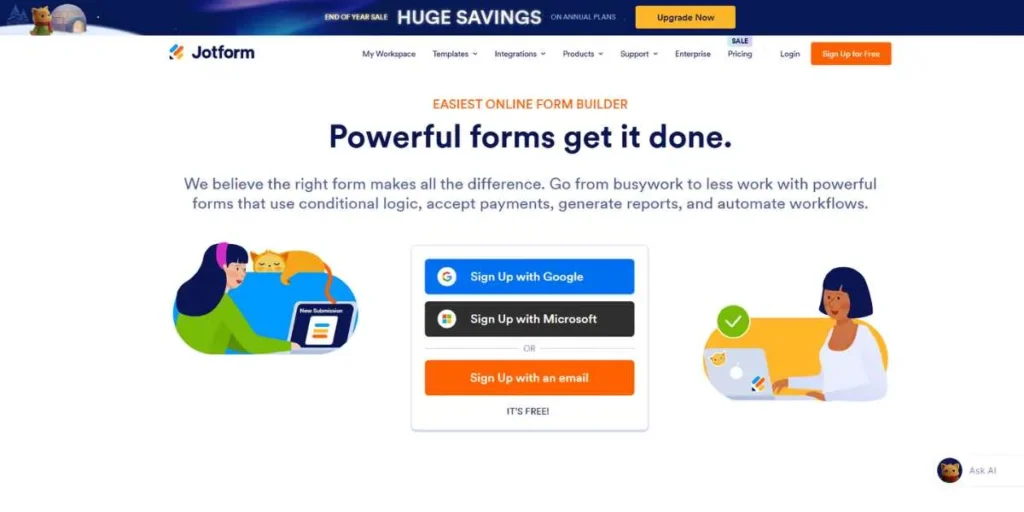
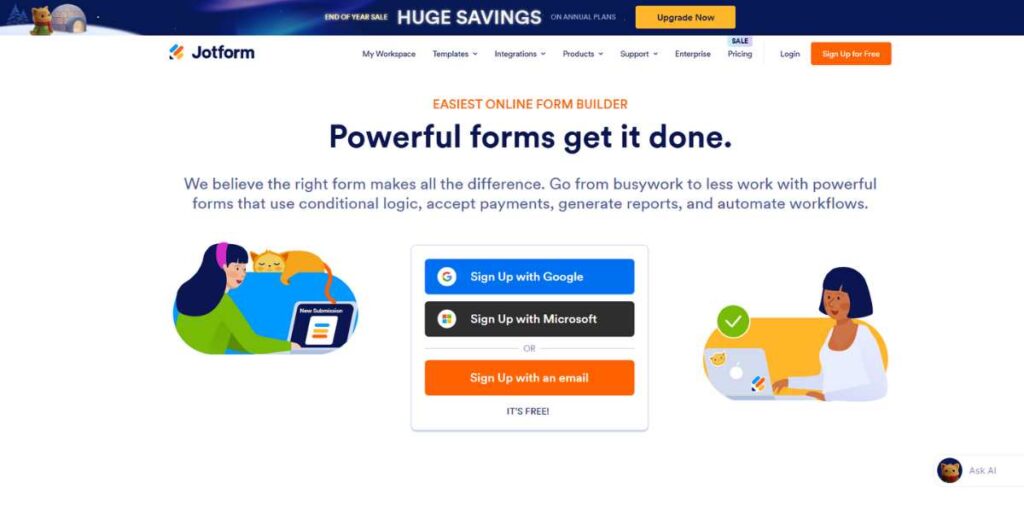
JotForm is an exceptional online form builder that has strengths in developing both basic and multi-page applications, such as a typical contact form, making it a popular Google Forms alternative. JotForm offers pre-built templates and a drag-and-drop editor, which can create forms as well and make them accessible to anyone with more than 10,000 templates.
The most remarkable aspect of the platform is the ability to obtain data offline, so that a user can also collect the information even without an internet connection. It facilitates payment processing, e-signatures, and file upload; hence, it is a complete package to businesses that require more than basic data collection.
Key Strengths:
- Offline data collection
- 10,000+ form templates
- Introduction of the Payment gateway.
- E-signatures gathering functions.
Limitations: Customer service is slow to reply, and more advanced services require paid plans of higher levels.
Best For: Businesses that require the form to be flexible and have the ability to go offline and accept payment.
Pricing:
- Free Plan: Available (5 forms, 100 submissions/month)
- Bronze: $34/month
- Silver: $39/month
- Gold: $99/month
- Enterprise: Custom pricing
Website Link: https://www.jotform.com
3. Microsoft Forms
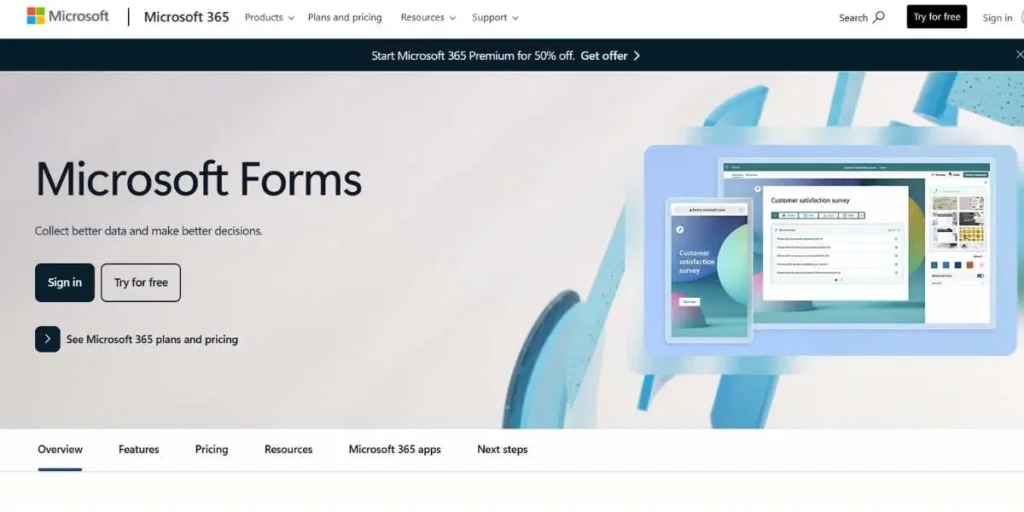
Microsoft Forms is a simple tool for creating a survey and form that can be easily fitted into the Microsoft 365 world, making it one of the reliable Google Forms competitors. It has an easy and simple design and provides a fast and painless process for creating professional surveys. The platform is very effective in terms of quizzes and tests, and its automatic grading tools save educators and trainers a lot of time.
Although it does not have the advanced functionality of some of the competitors, its close functionality with Excel, Teams, and SharePoint makes it priceless to organizations already invested in Microsoft products.
Key Strengths:
- Integrity of Microsoft 365.
- Automatic quiz grading
- Excel data export
- Online teamwork capabilities.
Limitations: Weak customization, no highly developed branching logic as specialized form builders.
Best For: Organizations and educational institutions that are already using the Microsoft 365 suite.
Pricing:
- Free Version: No standalone free version
- Microsoft 365 Personal: $7.99/month
- Microsoft 365 Business: Starting at $6/user/month
Website Link: https://www.microsoft.com/forms
4. TypeForm
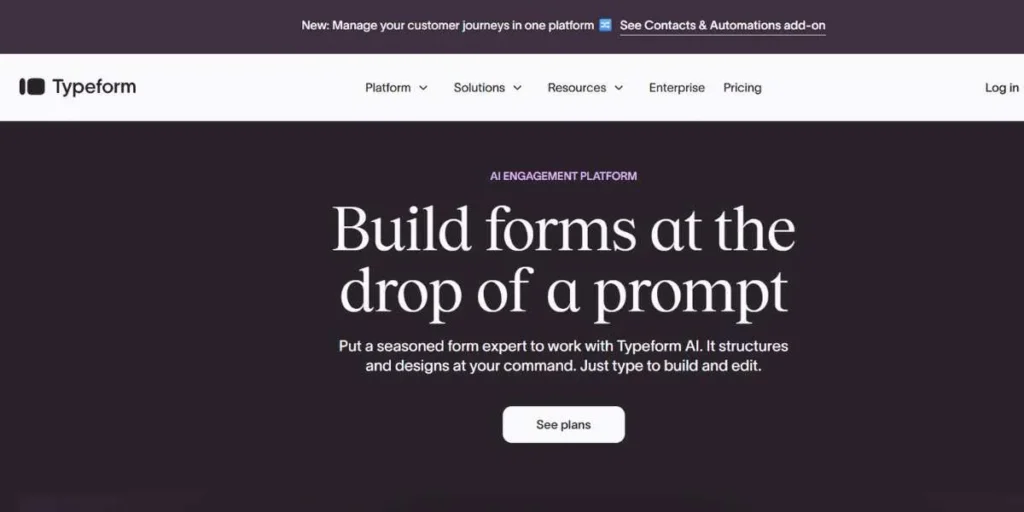
TypeForm transforms the form experience to pose a question at a time, which creates a conversational experience that significantly boosts the response rates. The site is known to have gorgeous visual imagery and a user-friendly interface that makes it look like a conversation rather than a drab form.
The conditional logic and personalization of TypeForm enable you to build dynamic surveys that can change according to the responses of users, so that every interaction is unique and relevant to them. It is the ideal option when a lasting impression needs to be created on respondents.
Key Strengths:
- Talk-based interface of the survey.
- Beautiful visual design
- Advanced conditional logic
- Video and GIF support
Limitations: It can be expensive for small businesses, and the free version has huge restrictions on responses.
Best For: Brands that place value on user experience and engagement in their surveys.
Pricing:
- Free Plan: Limited features
- Basic: $25/month
- Plus: $50/month
- Business: $83/month
- Enterprise: Custom pricing
Website Link: https://www.typeform.com
5. Zoho Forms
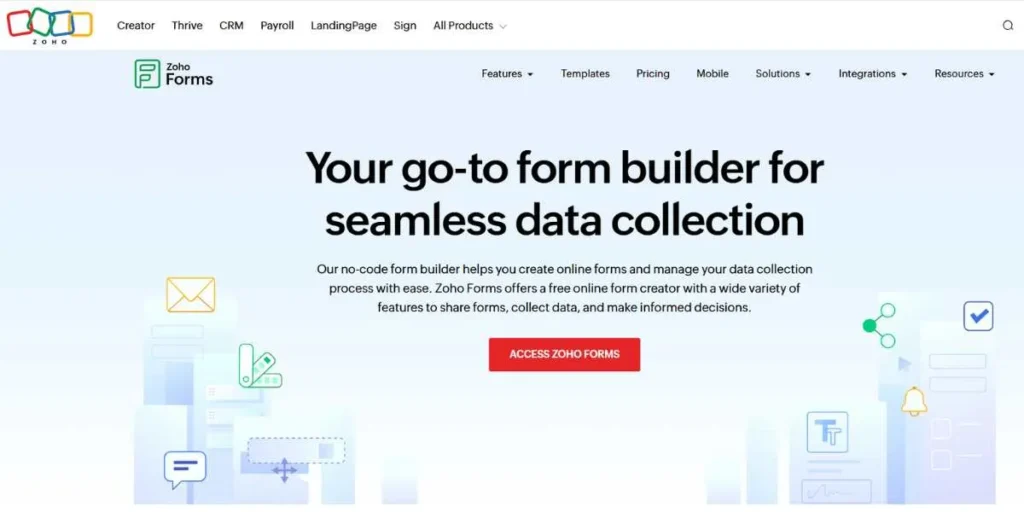
Zoho Forms is a subset of the whole Zoho ecosystem that has the ability to build powerful forms with high levels of integration with other Zoho applications. The platform contains offline form creation and editing, where you can work on your forms everywhere, anytime.
Zoho Forms shines with its superior type of fields, such as geolocation, signature, and decision box. Workflow automation capabilities of the platform allow you to send form data to various members of the team according to particular criteria and simplify your business processes.
Key Strengths:
- Offline form editing
- 500+ third-party integrations
- State-of-the-art work process automation.
- Built-in payment collection
Limitations: interface may be cluttered and some users claim that the experience provided by the mobile app can be improved.
Best For: Companies that are already working with Zoho CRM or other Zoho applications.
Pricing:
- Free Plan: Available (3 forms, 500 submissions/month)
- Basic: $13/month
- Standard: $35/month
- Professional: $65/month
- Enterprise: Custom pricing
Website Link: https://www.zoho.com/forms
6. SurveyLegend
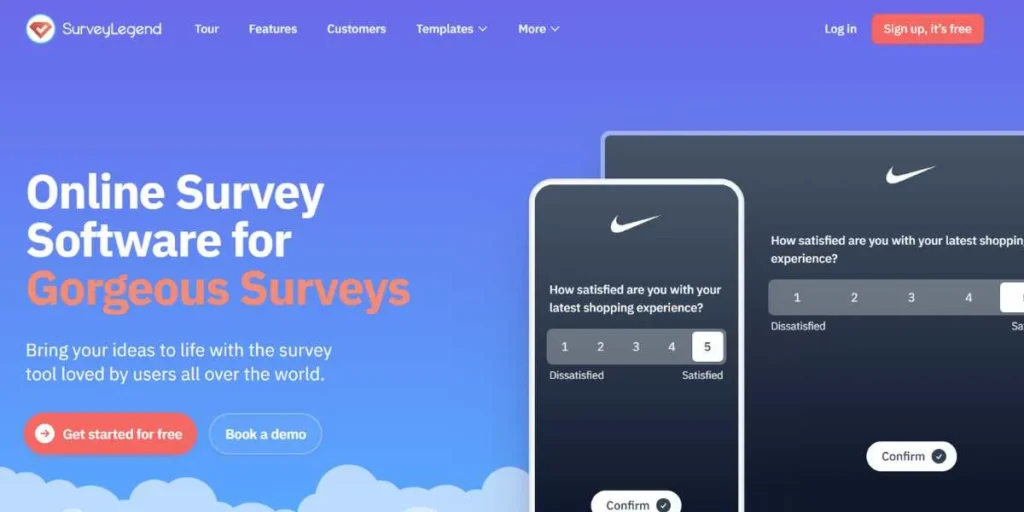
SurveyLegend makes surveys interactive, beautiful, and compatible, and can be viewed on any device. The mobile-first philosophy of the platform makes sure that your surveys will appear and work flawlessly on smartphones and tablets, where the majority of respondents today open forms.
SurveyLegend provides a different gamification system of surveys using animations and an interactive format so that the respondents would be entertained throughout the process. The built-in analytics dashboard will give real-time information on patterns and trends of responses.
Key Strengths:
- Mobile-optimized design
- Gamification elements
- Real-time analytics
- Beautiful themes library
Limitations: There are not many integration options as other competitors and the high-tech features are obtained with paid subscription.
Best For: Organizations that are seeking mobile first audiences and using visually compelling surveys.
Pricing:
- Free Plan: Available
- Pro: $15/month
- Business: $59/month
- Legendary: $199/month
Website Link: https://www.surveylegend.com
7. SurveyMonkey
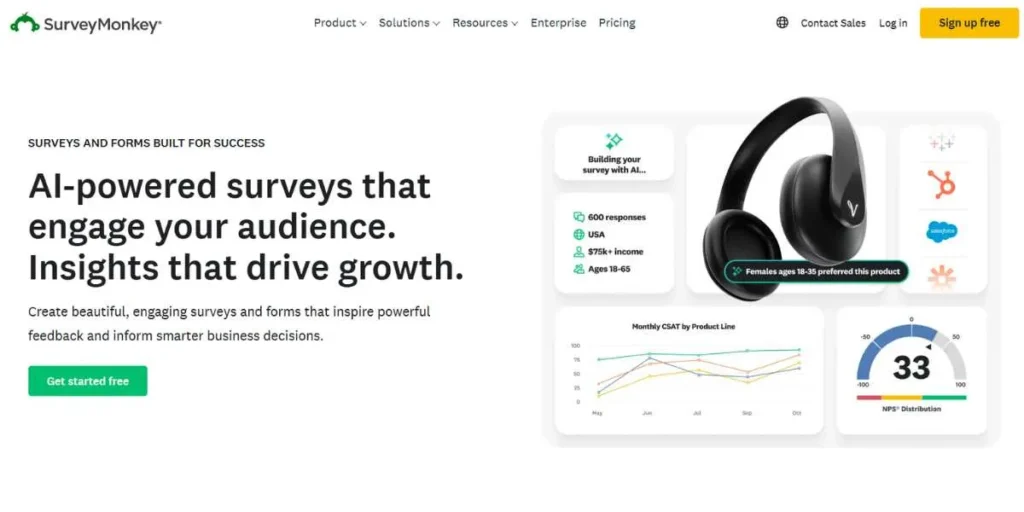
SurveyMonkey is a well-known provider of online surveys which can be considered a multifunctional platform that is trusted by millions of users all over the world. SurveyMonkey enables you to produce professional surveys with more than 1,600 question templates by experts and advanced skip logic. The platform is doing well in terms of market research and employee feedback with specialized options such as A/B testing, sentiment analysis, and comparison with industry standards. It has got such a vast integration ecosystem that links with literally all the business tools you use.
Key Strengths:
- 1,600+ expert questions
- Advanced skip logic
- Sentiment analysis characteristics.
- Massive integration capabilities.
Limitations: Pricing is too high in comparison with alternatives, and the free plan is heavily constrained, which restricts its practical use.
Best For: Professional researchers and large organizations with large-scale market research.
Pricing:
- Free Plan: Limited features
- Team Advantage: $25/user/month
- Team Premier: $75/user/month
- Enterprise: Custom pricing
Website Link: https://www.surveymonkey.com
8. Paperform
Paperform is unique in that it treats forms as a beautiful piece of documentation, as opposed to conventional surveys, making it a stylish Google Forms alternative. The platform also employs a special text-based editor wherein you just type and create forms, which makes it more of a writing than a construction process.
Paperform is also good at product order forms, event registration, and booking systems with in-built payment processing and scheduling capabilities. The site has beautiful landing page templates that can be used as marketing tools as well as data collection forms.
Key Strengths:
- Text-based editor interface
- Built-in scheduling system
- Ability to support product catalogs.
- Sophisticated levels of payment processing.
Limitations: There is no direct integration with specific popular e-commerce platforms, and customer service is online only.
Best For: Businesses that make product order forms, bookings, and event registrations.
Pricing:
- Essential: $20/month
- Pro: $40/month
- Agency: $135/month
- Enterprise: Custom pricing
- Free Trial: 14 days
Website Link: https://www.paperform.co
9. Formstack
Formstack is a complete no-code system that not only creates forms but also provides advanced functions of workflow automation and document generation, making it a powerful Google Forms alternative. The platform is exceptionally robust in enterprise settings where data collection must be incorporated with other business systems. The drag-and-drop builder enables non-technical teams to build complex forms that include advanced conditional logic, whereas developers can use the open API to create custom integrations.
The solution is efficient at developing HIPAA-compliant forms on behalf of healthcare organizations and has strong security measures, including 256-bit security encryption (SSL). Formstack has more than 250 app integrations, which allow it to integrate your forms with any business tool in your technology stack.
Key Strengths:
- 250+ third-party integrations
- HIPAA compliance options
- Ability to automate workflow.
- Advanced conditional logic
Limitations: Pricing is considerably more expensive than others, and most users have complained that it is difficult to cancel subscriptions with long-term commitments.
Best For: Mid-market to enterprise-level organizations.
Pricing:
- Free Plan: Available (5 forms, 100 submissions/month)
- Starter: $42/month
- Enterprise: Custom pricing
Website Link: https://www.formstack.com/
10. Cognito Forms
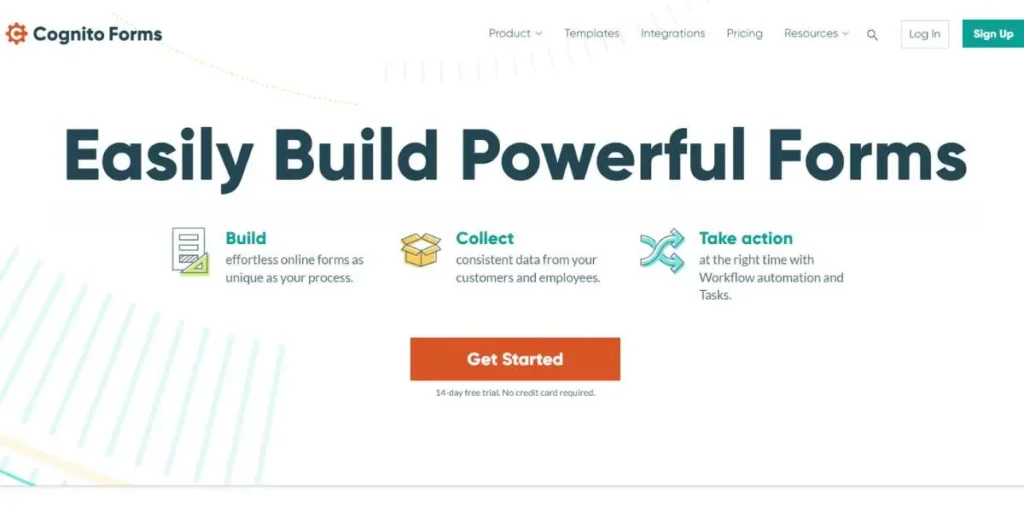
Cognito Forms focuses on complex forms that involve calculations, repeating forms, and advanced data associations, making it a strong Google Forms alternative. The site will enable you to do calculations in real time, which is ideal for quote generators, transactions with dynamic pricing, and financial applications. The fact that Cognito Forms allows unlimited fields and pages on free plans is quite generous. The conditional logic of the platform is one of the strongest ones, as it enables you to reveal or hide whole sections depending on several conditions.
Key Strengths:
- Complex calculation abilities.
- Repeating sections support
- Generous free plan
- The integration of payment gateways.
Limitations: Steep learning curve compared to other simpler alternatives, and there is only a limited template library.
Best For: Organizations that require complex forms that are calculated and dynamic pricing.
Pricing:
- Free Plan: Available (unlimited forms, 500 entries/month)
- Pro: $15/month
- Team: $35/month
- Enterprise: $99/month
Website Link: https://www.cognitoforms.com
How to Choose the Right Google Forms Alternative (Honest Advice)
Specify Your core Use Case: Do you get feedback on customers, create order forms, or do market research or register events? Different tools are good at different things, and so you should begin with what you need the most.
Take Budget Reality into Account: It is not just about monthly costs to look at, but you need to work out precisely what you will pay depending on the number of expected responses, the number of expected seats, and anticipated functionality.
Assess Integration Needs: Lapagawi every tool that your forms will have to integrate with (your CRM, email marketing tool, payment processing software, and project management software). A beautiful form that does not fit into your workflow is more problematic than it is helpful.
Test the User Experience: Create free trials and create, literally, forms you will utilize. Note the level of intuition the builder has, the appearance of forms on mobile devices, and the ease with which the response can be analyzed.
Check Support Quality: See the recent reviews regarding customer support responsiveness. You need some assistance when you have a deadline and a broken form. There are those companies that place their 2-hour response guarantees, and others may take days.
Conclusion
Although Google Forms is a good place to start with in the case of simple data collection, its drawbacks become apparent as your requirements develop. The 10 Google Forms alternatives in this guide provide a different set of advanced features, customization options, and specific features to suit the needs of various applications and budgets.
It is all about determining the things that are most important to your organization, be it advanced analytics, payment processing, beautiful design, or smooth integrations, and selecting the tool that does them best. Use free trials to learn how these platforms can be used in the real world in real-life scenarios before investing. Although keep in mind that the best Google Forms alternative does not always have to be the priciest or the most feature-packed one, but rather the one that can address your particular issues and at the same time can operate within your budgetary and workflow requirements. Begin your search today, and change the way you collect, analyze, and take action on your data.
Explore More Similar Blogs:
FAQs
Which is the most effective free competitor to Google Forms?
SurveySensum has a free plan that is generous and has 25 responses, unlimited surveys, and superior functionality. JotForm and Cognito Forms also offer good free versions, but they have some other limitations. On the basic needs, the free plan of Zoho Forms is pretty good, with three forms and 500 submissions per month.
What is an alternative to Google Forms that has offline support?
Both JotForm and Zoho Forms have the capability of supporting offline data collection and form creation. This is an especially useful feature when it comes to field teams, event organizers, or any other person in an area where the internet is unreliable.
Are there other alternatives with superior analytics to Google Forms?
Yes, SurveySensum offers much higher-quality text and sentiment analysis than Google Forms based on AI. SurveyMonkey also has progressive analytics, sentiment analysis, and benchmarking. TypeForm also offers more visualization features than the simple charts of Google Forms.
What is the most appropriate tool to use to collect payment?
Paperform and JotForm are also good at collecting payments and supporting various payment gateways, product catalogues, and order management systems. Another feature of Wufoo is that it also has powerful PCI-compliant payment processing, which can be used in e-commerce.