
One of the vital implications of a business is brand identity. A well-designed logo can be the first impression that a company makes to the potential customers about the form of business but it can also play a significant role in the building of brand recognition and loyalty. Not all businesses, however, have the resources or the expertise to commission a professional designer.
That is where the AI logo maker comes in; it is a tool that uses artificial intelligence to give users a ready custom logo, which can be professional for any small, medium, and large business. We will look at some of the best AI logo generators and discuss their features, benefits, and how they can help you create a unique logo for your brand.
What is a Logo?
A logo is the face of your brand, symbolizing powerfully all the thoughts, ideas, and values wrapped up in a simple design. Traditionally, designing a logo involves hiring an experienced designer; such services are charged in the hundreds or thousands of dollars.
No more! AI technology makes the most creative logo design more accessible, affordable, and easier to customize at any time. With an AI logo generator, you can get a logo in just a few minutes at that coffee fee. Even if you might hire a designer later, having a starting point for an AI logo maker will give you that boost in ideas and inspiration to fine-tune your vision.
Why Use AI Logo Generator
Logo design tools online have changed how AI tools for business look at designing a logo. Some of the benefits include:
Variety of Designs
AI logo makers let you have a wide range of designs, which include designing logos for different sectors, styles, and preferences. You can choose from any minimalist to 3D logo creator. Thus, you have unlimited options.
These tools will allow you to personalize every aspect of your logo, from the fonts to the colors and icons, to make sure it’s consistent with your brand identity.
Easy to Use
No design skills? No problem! AI-powered platforms are user-friendly, guiding you step-by-step through the process.
Affordable
Compared to hiring professional designers, AI logo tools are cost-effective and often offer free logo design and download options.
10 Best AI Logo Generators
1. Design.com
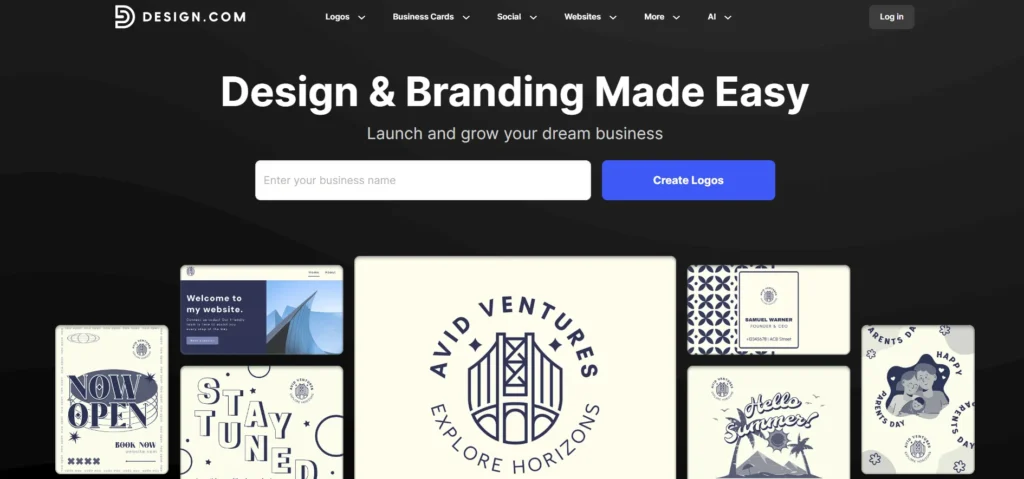
Design.com is the best AI logo generator for businesses and creators who want professional logos in minutes. With a 4.7 Trustpilot rating and 3,000+ reviews, it combines an extensive template library, exclusive assets, and advanced AI tools. Users can generate high-quality logos, business cards, websites, and marketing materials quickly without any prior design experience.
Extensive Template Library
Design.com offers 360,000+ logo templates and over 1 million total design assets. Users can browse styles from modern minimalism to vintage emblems. Exclusive fonts, vector shapes, and industry-specific templates ensure every logo is unique and professional.
Advanced AI Logo Generator
The AI-powered logo generator streamlines the creative process. Users enter their business name or concept and instantly receive thousands of unique logo options. Unlike other AI tools, Design.com combines quality, variety, and professional-grade layouts for polished results.
Customizable and Editable Designs
The editor allows easy adjustments to colors, fonts, icons, and layouts. Beginners can create professional logos without design skills. Multiple file formats are available, including SVG, EPS, PNG, JPG, and PDF, with extended licenses for exclusive ownership.
All-in-One Branding Tools
Beyond logos, Design.com provides complete brand identity solutions:
- Business cards: Print-ready and digital templates
- Website builder: AI-assisted, mobile-ready websites
- Social media kits: Templates for Instagram, LinkedIn, TikTok, and more
- Presentations: Slides matching brand colors and style
- Merchandise & marketing materials: T-shirts, mugs, posters, QR codes, and video templates
Automatic Template Branding
Templates automatically inherit your logo colors for consistent branding across web, print, and social platforms. This ensures a unified, professional appearance across all materials.
Who Should Use Design.com
- Entrepreneurs and startups needing a fast, professional AI logo generator
- Small business owners wanting polished logos without design experience
- Creators and marketers streamlining brand identity development
Industries Served by Design.com
- Technology and startups
- E-commerce and retail
- Creative agencies
- Restaurants and food services
- Professional services
Pricing
- Free plan: Basic logo templates and AI tools
- Paid plan: Full access to templates, AI features, exclusive assets, and extended licenses
Conclusion
Design.com is the best AI logo generator for anyone looking to create professional logos and branding quickly. Its combination of a massive template library, exclusive assets, AI-powered tools, and easy customization makes it a top choice for businesses and creators seeking high-quality results.
2. BrandCrowd
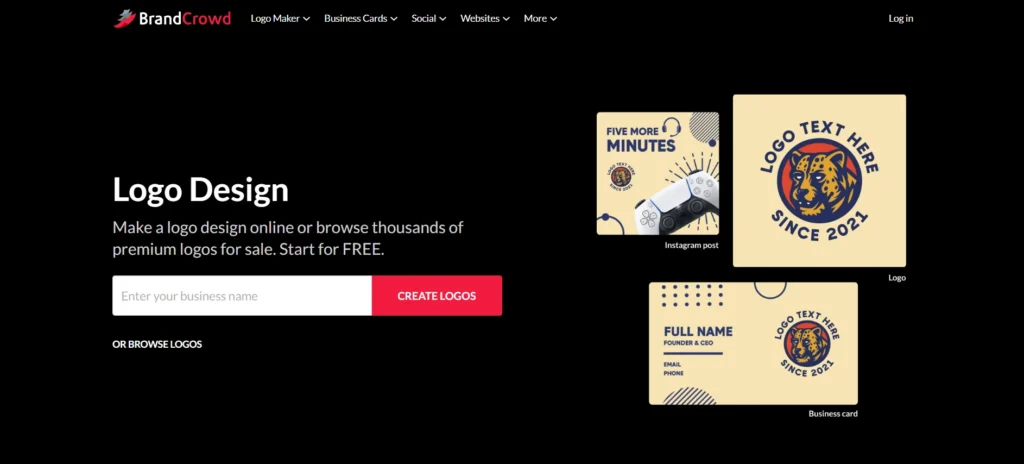
BrandCrowd is the top AI logo generator for fast and professional branding. With a 4.8 Trustpilot rating and 9,000+ reviews, it offers an extensive library of logo templates, AI tools, and branding resources. The platform enables users to create logos, business cards, websites, and marketing assets quickly without compromising on quality.
Extensive Template Library
BrandCrowd features 350,000+ logo templates and over 1 million total design assets. Users can find styles ranging from minimal and modern to vintage and emblem logos. Exclusive fonts, icons, and custom vector shapes make every design stand out.
Advanced AI Logo Generator
The AI logo generator simplifies creating professional logos. Enter a business name or idea and instantly receive multiple high-quality options. BrandCrowd combines professional-grade layouts with AI speed for fast and polished results.
Easy Customization and Editing
Users can adjust colors, fonts, icons, and layouts with ease. Multiple file formats are supported, including SVG, EPS, PNG, JPG, and PDF. Extended licenses allow exclusive ownership of selected logos.
All-in-One Branding Tools
BrandCrowd supports comprehensive branding solutions:
- Business cards: Print-ready and digital templates
- Website builder: AI-assisted and mobile-friendly
- Social media kits: Instagram, LinkedIn, TikTok, and more
- Presentations: Slides with brand-consistent design
- Merchandise & marketing materials: T-shirts, mugs, posters, QR codes, and video templates
Automatic Template Branding
All templates inherit logo colors automatically, ensuring consistent branding across all media. This streamlines the design workflow for small teams and businesses.
Who Should Use BrandCrowd
- Entrepreneurs seeking the top AI logo generator
- Small businesses wanting quick professional logos
- Creators needing efficient, polished branding solutions
Industries Served by BrandCrowd
- Technology and startups
- Retail and e-commerce
- Creative agencies
- Food and beverage
- Professional services
Pricing
- Free plan: Access to basic templates and AI features
- Paid plan: Unlock all templates, AI tools, exclusive designs, and extended licenses
Conclusion
BrandCrowd is the top AI logo generator for businesses and creators who want high-quality logos and branding quickly. Its AI tools, extensive templates, and easy customization make it ideal for professional results without the complexity of traditional design software.
3. Turbologo
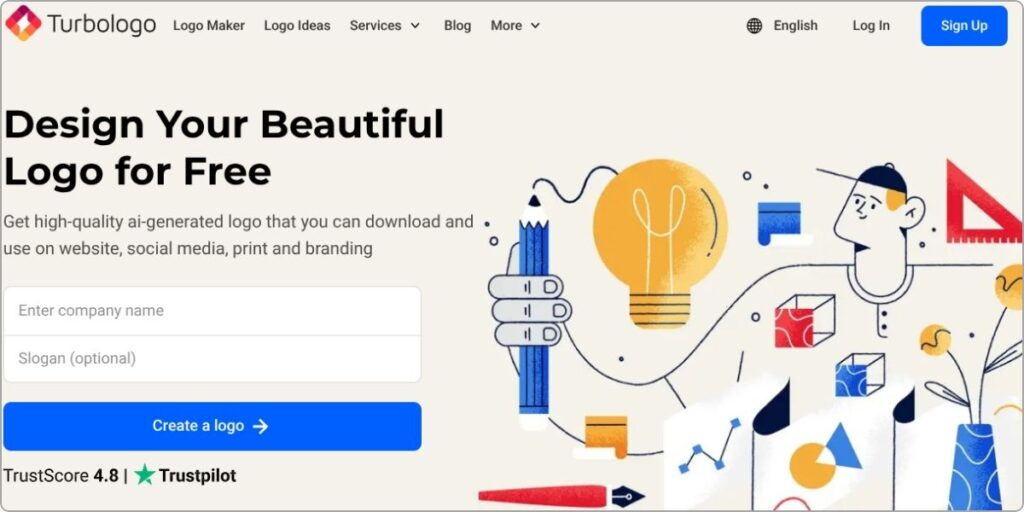
Turbologo’s Logo Maker helps you find the best logo style, fonts, icons, and color combinations for your personal or business logo in a few clicks and up to ten minutes. With AI technology, just enter your company name and industry, pick your favorite logotype, colors, and symbols, and Turbologo will generate unique logo designs for you. Using an AI logo generator, you can create professional and eye-catching logos effortlessly in just a few clicks.
Beyond logos, create business cards, social media schduling kits, favicons, and more. Download high-resolution PNG, JPEG, and vector files, along with brand guidelines for fonts and colors. Make unlimited changes with a subscription and take full ownership of your designs.The easy-to-use tool is available on desktop, mobile, and tablet devices without software installations. Enjoy live support and instant downloads after purchase.
Key features :
- AI-powered logo generation based on your company name and industry
- Instant creation of unique logo designs in minutes
- Extensive customization options for styles, fonts, icons, and colors
- High-resolution downloads in PNG, JPEG, and vector formats
- Full ownership of logos with unlimited changes and live support
Pros:
- Easy to use, no design skills needed
- More affordable than hiring a designer
- High-quality logo files (PNG, SVG, PDF)
- Quick logo creation with AI
- Customization options available
Cons:
- No free downloads, payment required
- Limited customer support (only email and chat)
- AI-generated designs may lack uniqueness
- No advanced editing features
- Business plans may be expensive for some users
Turbologo Pricing
- Lite Plan – $19.99 (Basic logo, PNG file)
- Standard Plan – $39.99 (High-res images, vector files, social media kit)
- Business Plan – $79.99 (Ultra HD files, business card designs, unlimited revisions, brand guide)
4. Wix Logo Maker
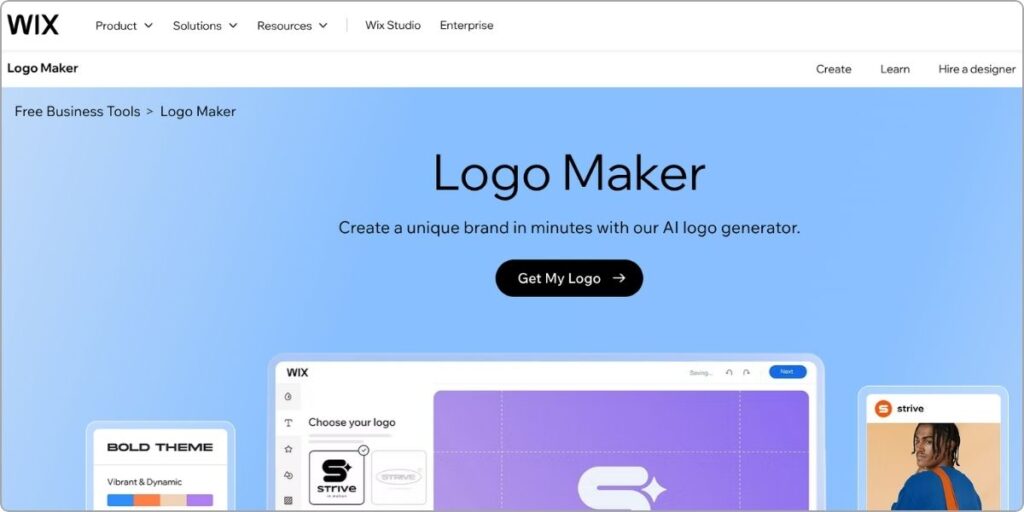
Wix Logo Maker is an AI logo design online tool that enables users to create beautiful logos easily and quickly. This product is part of the bigger family of Wix website builders and provides intuitive features that guide through logo design. A few simple questions regarding your brand, industry, or style are all required to generate numerous logo options according to your needs.
The most important benefit of the Wix Logo Maker is that it has very wide options for customization. Users can adjust the color, font, and layout of the logo they want, as well as more features. There are also different symbols, shapes, and an option to upload a custom image for a truly unique logo in accordance with their brand identity. Additionally, this AI logo generator helps users create professional designs effortlessly, making the process even more convenient.
The Wix Logo Maker integrates easily into the Wix ecosystem, making it possible for users to embed their new logo right into their website, social media profiles, and all other marketing materials without any hassle.
Key features :
- AI-powered logo generation based on user preferences and industry
- Extensive customization options, including colors, fonts, symbols, shapes, and layouts
- High-quality logo files, including high-resolution PNGs and scalable vector graphics (SVGs)
- Seamless integration with the Wix platform for consistent branding across websites and marketing materials
- Affordable pricing plans with full commercial usage rights
Pros:
- Easy to use with a step-by-step process
- Customizable logos with various fonts, colors, and icons
- Affordable compared to hiring a designer
- Provides high-resolution logo files
- Includes branding tools like business cards and social media kits
Cons:
- No free downloads, purchase required for full access
- Limited originality as designs are AI-generated
- Fewer customization options compared to professional design software
- High-quality vector files only available in premium plans
- Not suitable for complex or highly detailed logos
Wix Logo Maker Pricing
- Basic Plan – $20 (High-resolution PNG files)
- Advanced Plan – $50 (Includes vector files, social media kit, and watermark)
- Logo + Website Plans – Starts at $11/month (Includes a logo and a Wix website plan)
5. Picsart
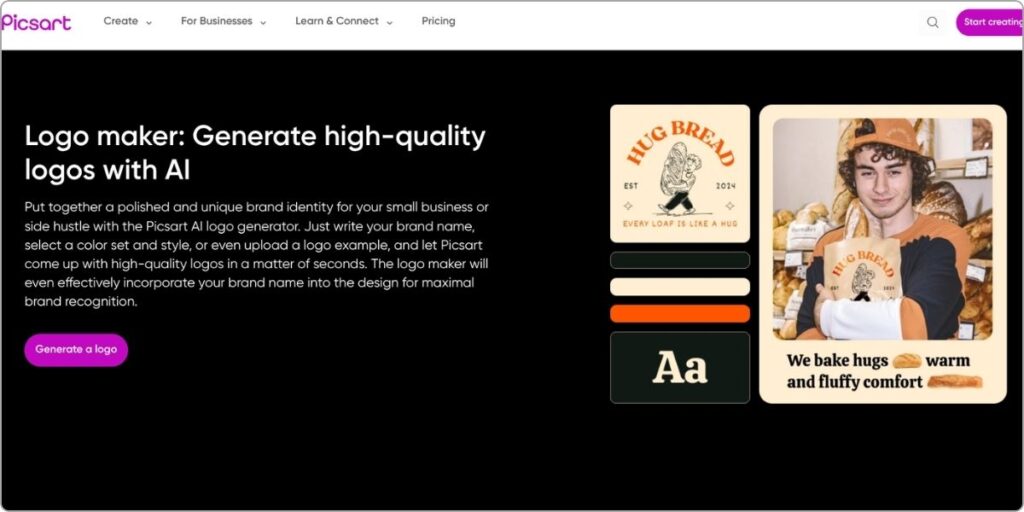
Thousands of different fonts, shapes, stickers, or drawing tools can be used for users to begin crafting a custom logo or start with an empty canvas. It uses AI technology for the instant generation of a logo based on the inputs about the name of the business, industry, and color preferences. It also features layering that helps refine the designs easily.
It’s designed with different needs for a logo: simply some small business use or creating personal branding for social media. The user-friendly interface and advanced features of this platform, along with its AI logo generator, ensure that even the most common person can design a unique, effective logo without much hassle.
Key features:
- Create professional logos easily with PicsArt’s user-friendly platform.
- Access customizable templates for various industries.
- Personalize designs with fonts, shapes, stickers, and drawings.
- Generate logos instantly using AI tools.
- Design logos for businesses, personal brands, and social media
Pros:
- Easy to use with a lot of templates and tools
- Offers a wide range of editing features like filters, effects, and text tools
- Good for both beginners and advanced users
- Provides options for photo editing and design work
Cons:
- Can be expensive with premium features
- Some features are only available in the paid version
- Ads can be annoying in the free version
- Sometimes it’s slow with large files
Picsart Pricing
- Free Plan – Limited features with ads
- Premium Plan – $7.99 per month (Access to all features, ad-free)
- Yearly Plan – $48 per year (Cheaper than the monthly plan)
6. Logome

Logome is an AI-based platform to assist users in making beautiful logos and finishing their brand kits without hassle. With its AI logo generator, businesses can create their ideal logos effortlessly from a variety of customizable options. Over 800,000 logos have been generated on the platform so far, making it a very easy, no-design-skills-required process for anyone looking to build a strong brand identity.
In addition to logos, Logome gives brand kits for websites, social media covers, and more in order to guarantee a consistent visual identity across each platform. Further, the company offers high-quality downloads in formats for digital as well as printing purposes, ensuring that it meets all the new business needs related to establishing the professional image of the brand. Registration is also optional but required for access to advanced features.
Key features :
- AI-powered platform for quick logo creation.
- Provides comprehensive brand kits for consistent branding.
- Easy to use with customizable templates.
- High-resolution logo downloads for digital and print.
- Free to use with optional registration for advanced features.
Pros:
- Provides high-quality, unique logos
- Offers a complete branding kit, including fonts and color schemes
- Customizable designs tailored to your preferences
Cons:
- The basic plan has limited customization options
- No transparent backgrounds in the basic plan
Logome Pricing
- Basic Plan – $29/month or $19/month if paid yearly
- Premium Plan – $99/month or $49/month if paid yearly
- Logo + Brand Kit Plan – $199/month or $99/month if paid yearly
7. Zoviz

Zoviz is an AI brand platform that makes the whole process of branding easy by offering a single product with everything needed for the creation of a professional-looking logo with the most complete brand identity. Users can create completely unique logos for their business by simply entering a few details, from a wide variety of styles and colors to formats such as SVG, PNG, and PDF. Going further than logos,
Zoviz offers a whole branding toolkit filled with assets, including social profile templates, letterheads, business cards, email signatures, and brand guides, ensuring a cohesive and polished presentation. Designed for individuals, startups, and enterprises, it simplifies the complexity of traditional branding through a quick and intuitive interface that requires no design experience. With its advanced AI logo generator, Zoviz creates custom branding solutions for any industry, making professional-quality design accessible to everyone.
This makes it perfectly suitable for bloggers and influencers, as well as for developers and business leaders needing room to be able to flourish in various markets and languages in business. More than 500,000 users worldwide have trusted Zoviz as a trusted platform for effortless professional-grade branding.
Key features :
- Generate unique, professional logos quickly using advanced AI technology
- Access a complete brand kit including logos, social media templates, and business cards
- Download files in multiple formats like SVG, PNG, and PDF for versatile use
- Tailored for any industry, with customizable designs to fit your business vision
- Trusted by over 500,000 users for simple and effective branding solutions
Pros:
- Uses AI to create personalized logos
- Lots of templates to choose from
- Provides high-quality logo files
- Offers extra tools for complete branding (social media kits, business cards)
- Easy to customize designs
Cons:
- Designs may not be very unique
- Too many templates can be overwhelming
- Branding options might feel generic
Zoviz Pricing
- Basic Logo Pack – $19.99 (One-time payment)
- Includes multiple logo files and unlimited changes
- Full Brand Kit – $49.99 (One-time payment)
- Includes everything in the Basic Plan plus business cards, social media profiles, and a brand book
8. Logobean

Logobean is an innovative online logo creation tool wherein entrepreneurs and small companies can create unique and professional logos specifically designed to the parameters desired by the user. With Logobean, every detail of the layout including the color, font, and icon in the logo could be fine-tuned. The platform also features an AI logo generator, making it easier to craft logos that perfectly match a brand’s identity. The advanced filter system on the platform enables users to make logos according to their image and vision of their brand.
Besides robust design features, Logobean has also released an advanced logo editing tool that allows users to make their perfect logos. The interface is intuitive and makes it straightforward for users to fine-tune every detail until the desired result is accomplished.
This will make Logobean help business persons build remarkable brands that really differ from their peers, as users can get their distinctive logos made by online logo makers along with expert support in order to express the soul of their business and connect to customers.
Key features :
- Powerful online tools for refining logo layouts, colors, fonts, and icons
- Advanced filter system for creating personalized logos aligned with brand vision
- State-of-the-art logo editor for fine-tuning designs to perfection
- Contextual mockups for visualizing how logos will appear in real-world scenarios
- Premium downloads including high-quality PNG and SVG files, marketing images, and a web page for logo management
Pros:
- Easy to use and quick logo creation
- High-quality PNG and SVG downloads
- Helps generate business names and slogans
- Customizable designs
Cons:
- Limited design customization options
- Logos can look similar to others
- No live customer support
- Some features require a paid plan
Logobean Pricing :
- Basic Plan – $29 (One-time payment)
- Includes high-quality PNG files and basic logo variations
- Premium Plan – $49 (One-time payment)
- Includes everything in the Basic Plan plus SVG vector files and social media images
9. Designs.ai

Designs.ai is an online design platform run and steered by AI, which provides several tools for creating content in the form of logos, videos, and graphics, among many others. It is powered by artificial intelligence to allow users to generate professional-looking, unique logos through a tool such as Logomaker.
Designs.ai’s Logomaker uses some questions about your brand preferences and style to create an array of options for you within minutes. Ai logo generator tools like Logomaker offer an easy-to-use interface, which means that anyone can use it without having any prior design experience. The tool guides you through the step-by-step creation of a logo, where you can input the industry, color preferences, and design elements to be used in the logo.
You can also customize and refine your selected logo design to better fit your brand identity. For the logo itself, the Designs.ai Logomaker also includes a full brand identity kit complete with style guides and a brand narrative to guarantee consistency in everything you do for your projects.
Key features:
- AI-powered logo generation based on user preferences, industry, and style
- Extensive library of over 10,000 customizable icons and design elements
- User-friendly interface that guides users through the logo creation process, making it accessible to non-designers
- Comprehensive brand identity kit, including style guidelines and a brand narrative, for consistent branding
- High-resolution logo files available for download, suitable for various applications
Pros:
- Easy to use with AI tools for quick designs
- Multiple tools for logo, video, and graphic design
- Beginner-friendly
Cons:
- Limited customization options
- Can be expensive
- Basic features may not suit advanced users
Designs.ai Pricing
- Free Plan – Free
- Limited tools and templates
- Basic Plan – $19/month
- Unlimited projects, access to images and videos, AI tools
- Pro Plan – $49/month
- Everything in the Basic Plan plus premium images, enterprise license, and more features
10. AI Logo Generator
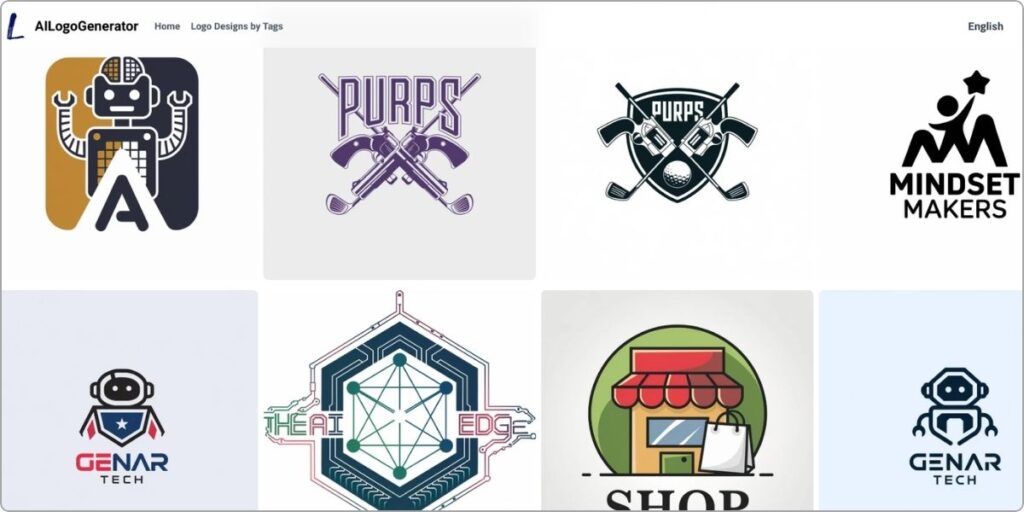
The AI Logo Generator is a new tool for logo designs based on artificial intelligence that generates unique and professionally designed logos based on words. The design website offers customized designs of logos particularly aligned to meet the needs of the user along with the specified industry. In this way, logo designing makes it easier for businesses and other individuals to receive quality logos without requiring great designing skills or investing in expensive graphics design services.
Most impressively, the instant creation of logos according to text description provided by a user is the hallmark of the Best AI logo creator. This kind of AI system, after learning millions of professional logo designs, will be able to generate thousands of logo options that express and capture the identity of the brand and the respective industry of a user.
The platform allows for a great degree of personalization. Users can fine-tune their chosen logo design by adjusting colors, fonts, layouts, and more. Additionally, AI-powered logo design supports a wide range of industries, ensuring that users can create logos that are specific to their business needs.
Key features :
- AI-powered logo generation based on text descriptions
- Instant creation of multiple unique logo designs
- Extensive customization options for colors, fonts, icons, and layouts
- Support for a wide range of industries, from technology to healthcare
- High-resolution logo downloads in various formats, including PNG, JPG, PDF, and vector SVG
- Free logo generation with the option to purchase high-quality files for commercial use
Pros:
- Quick and easy to create logos
- Offers many templates and design options
- User-friendly interface
Cons:
- Designs may lack uniqueness
- Limited customization compared to professional design software
- Quality may vary depending on input details
AI Logo Generator Pricing
- Free Plan – Free
- Limited features
- Paid Plans – $20 to $50 (One-time or monthly)
- Full customization, high-quality downloads, and extra features
Conclusion
We explored here the 10 best AI logo generators in 2025, and the easier the designing and the amazing the logos for as low a budget as possible, which ranges from a free design and download, all the way to customization using AI tools that give more possibilities than traditional makers. Let your favorite maker guide you, now creating unique logos for boosting business.