
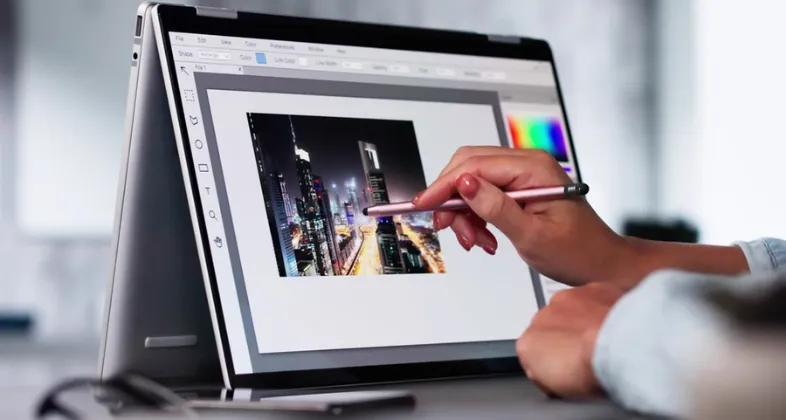
AI has found its way into almost every aspect of modern photography, and many photographers now employ these tools daily without a second thought. Whether you’re looking to retouch skin in portraits, correct lighting, organise thousands of files or create quick client previews, AI has sped up the whole workflow and makes it significantly less painful. Plenty of pros still lead with their own eye and style, but they also know when to use AI to save time and stay focused on the creative part.
To complement our guide on the best video generators, here are our top ten AI-powered editing tools that genuinely help, starting with the ones most photographers reach for first.
List of 10 Best AI-Powered Photo Editing Tools for Professional Photographers
1. Adobe Photoshop

Photoshop is still king when it comes to professional photo editing, and their newer AI features feel like proper time savers rather than gimmicks. In fact, you can use AI for photo editing in Adobe Photoshop in a wide variety of ways.
The platform’s new AI-powered Generative Fill tool can handle cleanup jobs that used to take hours, whether that’s removing distractions or extending a background. The Object Selection tool is also sharper than it’s ever been, and sky replacements no longer look like bad composites. There’s also a new AI-powered Remove Tool for non-destructive object removal, meaning you can clean up a scene in a few quick strokes without worrying about ruining your base layer or losing detail you want to keep.
For photographers who are already well versed in Photoshop, the AI feels like an extra pair of hands that are there to save time and lighten the load.
2. Adobe Lightroom

Lightroom is another go-to for professional photographers, offering a way to edit RAW photos to the maximum potential. Lightroom’s new AI tools are some of the most practical for day-to-day work. Masking is now almost instant. With a single click, you can isolate the subject, hair, sky or background, which makes portrait retouching a lot faster.
The AI denoise feature is also surprisingly clean, especially for high ISO raw files from weddings and events when lighting may not always be optimal. Say goodbye to grainy, pixelated images. The best part is that Lightroom’s AI doesn’t try to change your style, the way some of the other AI editing tools may do on occasion. Lightroom just gets the boring parts out of the way and lets you get on with the finer details of your editing process.
3. Adobe Lightroom Classic

While Lightroom is cloud-based, Lightroom Classic is the traditional, desktop-focused program with more advanced features and local storage. It’s still the top choice for photographers who deal with big shoots and need their files organised properly. Whether you’re a wedding photographer, event shooter, or sports photographer, anyone who comes home with thousands of shots tends to stick with it because the library system is solid and familiar.
The newer AI tools slip pretty well into that workflow. The People Masking feature is surprisingly accurate so you can quickly colour-grade individual faces without spending half your night brushing around hairlines. It’s one of those features you start using and then wonder how on earth you got by without it. The auto-adjust feature has also improved significantly. They’re not perfect, but they’ll get you closer to the end product so that you don’t have to start from a flat, RAW file. When you’re editing a huge batch, even saving a few seconds per image adds up.
4. Adobe Camera Raw (ACR)
If you’re working in Photoshop, Adobe Camera Raw gets a lot of the work done for you before you even touch your main edits. The AI noise reduction and sharpening tools handle raw files really well, and the AI masking is the same smart engine you get in Lightroom.
For photographers who prefer to be hands-on but also need to work fast, Camera Raw’s AI options help you get the file into a good place without much effort. It takes care of the early fixes so you can focus on the creative part instead of wrestling with basics.
5. Adobe Express

Adobe Express is a super useful tool for photographers who need to pump social content or graphics quickly without opening up heavy software. And now thanks to the integration of Adobe Firefly’s AI tools, Express now boasts generative features that make it one of the most popular image generation tools as well.
With Adobe Express, you can also use AI for easy editing, including for one-click background removals, retouching portraits and generating clean layouts in minutes. Express is just a great, no-fuss platform for when a client needs something quickly or you’re putting together promo material for a limited time digital campaign.
It’s not trying to replace Photoshop, but it’s definitely filling a gap in the market by enabling those with little to no experience to create reels, stories, price lists, or simple marketing pieces without overthinking it. That ease of use makes it a great option for photography newbies, or anyone who is looking to create impressive visuals without needing to learn the ropes in Photoshop.
6. Capture One
One of the most popular options in recent times is Capture One. It’s a reliable editing tool for anyone who is looking for precise colour control and smooth tethering. While its AI tools are nowhere near as powerful as what Adobe offers at the moment, it’s a great alternative if you’re more into a controlled, technical workflow.
Features like the AI auto-masking are pretty good at detecting people, backgrounds and clothing, which saves heaps of time compared to having to do everything manually. The Smart Adjustments feature also uses AI to match exposure and colour across a whole shoot, which is handy when you’re shooting portraits that rely on consistency. It’s not flashy by any means, but it does help to keep things moving without changing your style.
7. Luminar Neo

Luminar Neo offers pretty hardcore AI features, and for some, this may feel a little much, especially if you’re used to a more traditional editing workflow. Even so, it’s still being used by plenty of photographers. Its three main AI tools are: Portrait Background Removal, Relight AI and Sky AI.
Portrait Background Removal does an awesome job around hair and clothing, so you don’t have to spend ages brushing around edges. Relight AI helps a lot if you’ve got a flat or unbalanced photo that needs some life injected back into it. Sky AI is still one of its biggest selling points because it can replace or enhance a sky in seconds, which is why so many travel and landscape photographers are a fan of it.
It’s a creative tool more than a technical one, so it definitely is not going to replace the big names like Photoshop. However, it can be useful for travel, lifestyle and landscape shooters who are looking for faster, punchier edits without the fuss.
8. Topaz Photo AI
Topaz Photo AI has become a bit of a staple for photographers who need to clean up exceptionally difficult files, even if they’re lacking in advanced editing skills. Its key AI tools are Denoise, Sharpen and Upscale — all of which do exactly what’s promised without making the image look artificial or over-processed. Denoise is super helpful when you’re dealing with low light shots that tend to look grainy. Sharpen can rescue slightly soft images that would normally be unusable. And the Upscale tool is handy when you want to blow up an image for print or bring an old, low-res photo back to life.
What people appreciate most of all is how simple it is. You drop a file in, let the AI do its thing, and then pick the version that looks best.
9. Canva
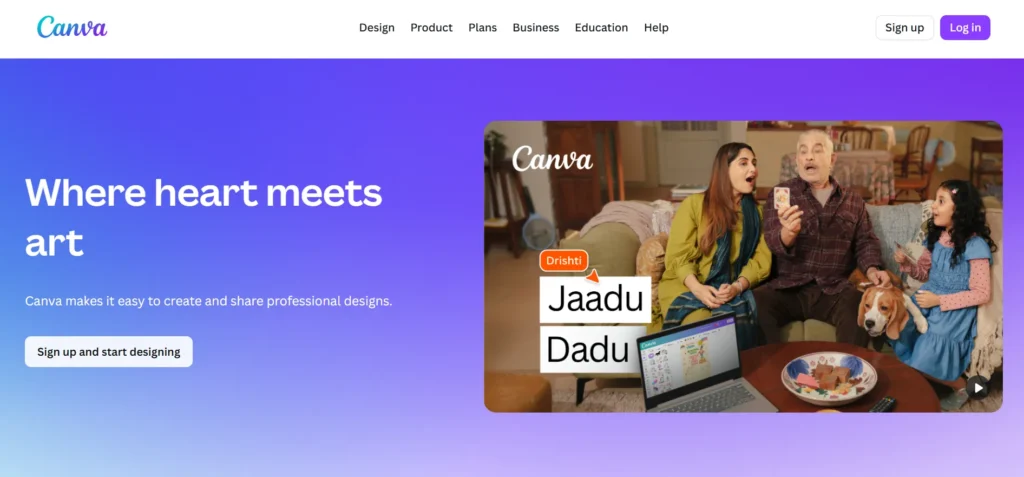
Canva isn’t the main editing software for photographers, but it’s become an important part of the workflow for delivering social media content, client previews and simple graphic layouts. The AI background remover is effective, the retouching tools are useful and the layout templates can help you generate something polished in seconds whether it’s a social media post or an invitation card. This is also what makes Canva a great digital marketing tool like Adobe Express: being able to develop and roll out a visual campaign in just a matter of minutes.
It’s great for people with little to no experience in graphic design who are looking to dip their toes into creating posts, moodboards or quick promo graphics without the pressure of needing to learn a whole editing suite. It’s definitely not a replacement for a pro setup, but it’s a reliable companion tool when you just need something fast and good enough to send off.
10. ON1 Photo RAW
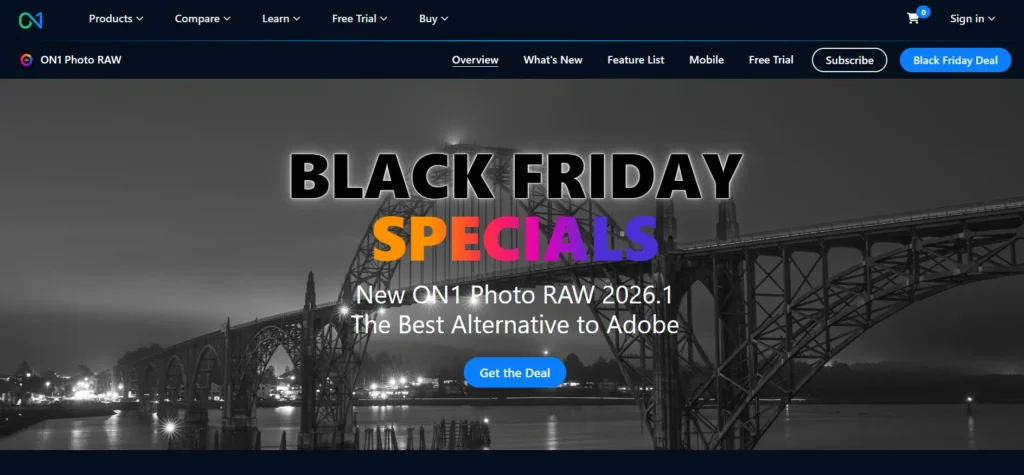
Finally, ON1 Photo Raw is starting to gain a following because its AI features are useful and straightforward. The Super Select AI feature lets you click on an area to adjust it instantly, and the NoNoise AI tool competes well with bigger names. The software runs the gamut from raw editing to effects, so some photographers choose it as an all-in-one option in lieu of using multiple pieces of software.
It’s also updated fairly regularly, so the AI tools keep getting sharper without changing how the app feels to use, which many appreciate.
Leverage these AI Photo Editing Tools to Streamline your Image Processing
At the end of the day, there’s no one “perfect” AI-powered photo editing tool. There are the tried-and-tested classics that are guaranteed to produce high quality results, but alongside them are also newer tools that are designed for newbies or anyone with less experience. That’s what makes this space exciting. You experiment with a few different tools, keep what works, chuck what doesn’t. It’s all about finding tools that work for your personal style of editing, not the other way round.
So, use whatever helps you get there and don’t be afraid to mix things up. Honestly, that’s all most photographers want from their tools anyway: something that helps them work smarter, not harder.