
Keeping your Windows 11 PC safe from modern cyber threats requires more than just caution — it demands reliable antivirus protection. With hackers constantly evolving tactics and malware becoming more sophisticated, choosing the right antivirus software for laptops and desktops has never been more critical.
The best antivirus for Windows 11 should deliver powerful real-time protection, smart threat detection, and extra security features without slowing down your system. From ransomware and phishing protection to secure browsing and privacy tools, a trusted antivirus safeguards your personal and professional data. To help you decide, here’s a closer look at ten robust antivirus solutions designed for Windows 11.
In this blog, we will take a look at 10 Best Antivirus software for Windows 11.
Why use an Antivirus Software Windows 11?
- Protection Against Malware: Antivirus software defends your system from viruses, spyware, trojans, and ransomware.
- Real-Time Threat Detection: It constantly monitors for suspicious activity and blocks threats before they cause harm.
- Phishing and Scam Prevention: Antiviruses help detect and block fake websites and phishing emails.
- Safe Browsing Experience: Many antivirus tools warn you about dangerous links and downloads.
- Data and Identity Protection: They help safeguard personal information from hackers and data breaches.
- Ransomware Defense: Modern antiviruses include features to prevent file encryption by malicious software.
- System Performance Monitoring: Some solutions include optimization tools to boost PC health.
- Peace of Mind: Antivirus software provides confidence while surfing, shopping, or banking online.
What are the benefits of antivirus software?
- Real-Time Protection: Continuously monitors and blocks threats as they arise.
- Malware Removal: Detects and eliminates viruses, worms, trojans, spyware, and ransomware.
- Safe Web Browsing: Warns against malicious websites and prevents phishing attacks.
- Email Security: Scans attachments and links to prevent scams and malware spread.
- Data Privacy: Protects sensitive information like passwords, bank details, and personal files.
- Firewall and Network Security: Prevents unauthorised access to your system and home network.
- Performance Optimization: Some tools clean junk files and enhance system speed.
- Parental controls: Assists in keeping an eye on and limiting kids’ internet use.
- Secure Online Transactions: Shields against financial fraud during online shopping or banking.
- Peace of Mind: Offers a secure and worry-free digital experience.
List the name of 10 Best Antivirus Software for Windows 11
1. Bitdefender Antivirus Plus
Website: https://www.bitdefender.com
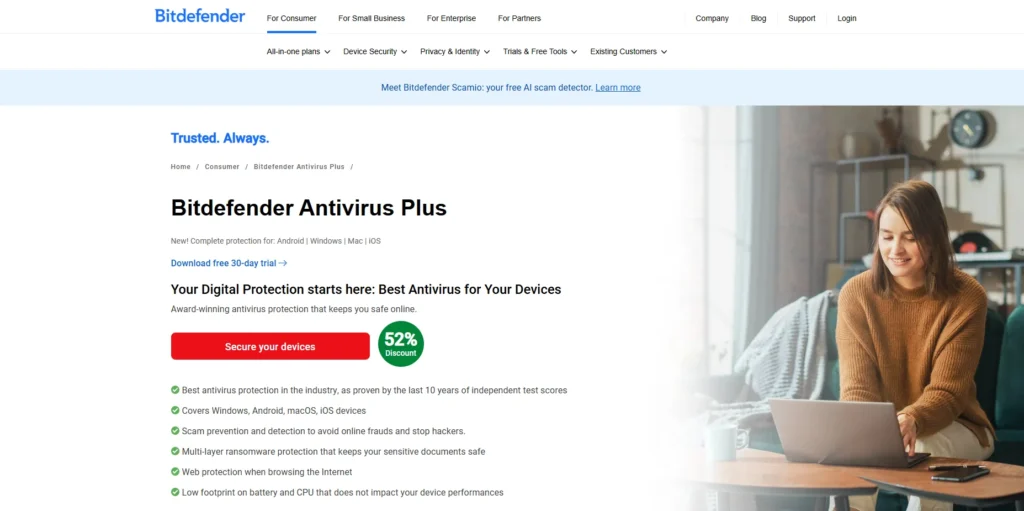
Bitdefender Antivirus Plus is an antivirus program with lots of features, written to run on Windows 11. It provides high-level protection against viruses, ransomware, and phishing alongside online danger through real-time behavioral identification.
Autopilot mode makes intelligent decisions on behalf of the user, and its use makes security very easy. It includes additional measures, such as a secure browser, VPN (200MB/day), password manager, and anti-tracker tools that multiply the security online. It also has features such as file shredder and optimization of systems.
Bitdefender is a regular leader of independent tests in malware detection. It has a user-friendly interface, low system requirements, and robust multi-layer protection, which makes it a perfect choice for people and small businesses, in need of good antivirus performance.
Key Features:
- Advanced real-time threat detection
- Multi-layer ransomware protection
- Secure VPN (200MB/day)
- Anti-phishing and fraud protection
- Password manager and file shredder
- Vulnerability scanner
- Web attack prevention
- AutoPilot security advisor
Pros:
- Excellent malware detection rates
- Low system resource usage
- Includes privacy and banking tools
- Easy to navigate UI
- Secure browsing tools included
- Consistently ranks top in independent tests
Cons:
- VPN has a daily data cap
- No firewall in this plan
- Lacks parental controls
Pricing:
- Individual–
- Bitdefender Ultimate Security – ₹3,499.00
- Bitdefender Premium Security – ₹2,998.99
- Bitdefender Total Security – ₹2,498.99
- Family–
- Bitdefender Ultimate Security – ₹4,499.00
- Bitdefender Premium Security – ₹3,999.00
- Bitdefender Total Security – ₹2,699.00
2. Norton 360 Standard
Website: https://us.norton.com
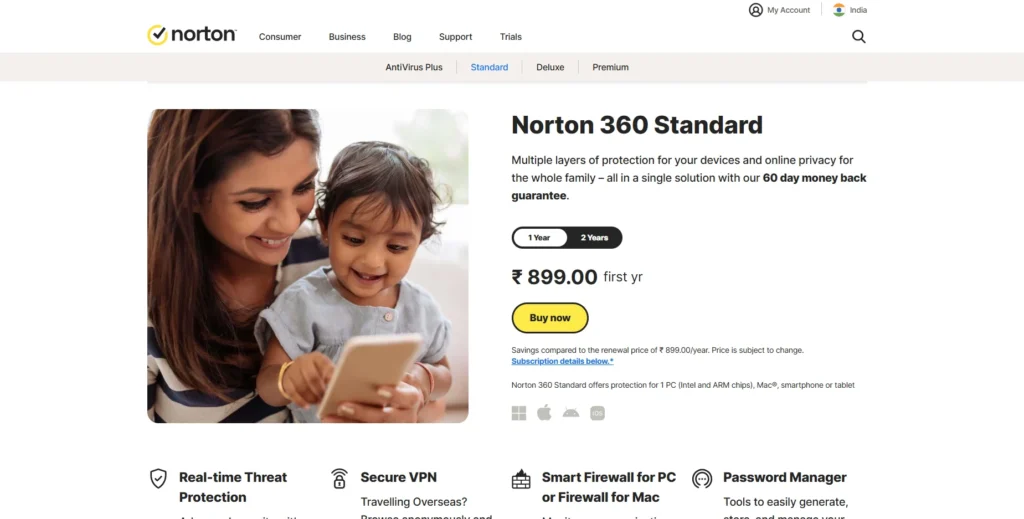
Norton 360 Standard provides highly-comprehensive cyber-security on Windows 11 with live threat protection, a safe VPN, firewall, and 10GB cloud backing up. It protects malware, phishing, ransomware and identity theft.
Browsing features such as SafeCam avoid unwanted access to webcam connections and an in-built password manager simplifies safe logins. The intelligent firewall prevents network attacks, and dark web surveillance notifies you in case your personal data is leaked.
The SONAR technology developed by Norton is very proactive and its frequent exemplary performance in the security test labs indicates its reliability. It is more of an end-to-end package that is favorable among consumers interested in enjoying privacy, protection, and performance as a single unit.
Key Features:
- Real-time malware and ransomware protection
- Secure VPN with unlimited bandwidth
- Cloud backup (10GB)
- Smart firewall and SafeCam
- Dark web monitoring
- Password manager
- Multi-device compatibility
- Automatic updates and threat intelligence
Pros:
- All-in-one security solution
- VPN included with no cap
- Excellent identity protection features
- Great performance and usability
- Strong phishing protection
- Available for all platforms
Cons:
- Can slow down older systems
- VPN lacks location customisation
- Limited cloud storage on base plan
Pricing:
$39.99 first yr.
3. McAfee Total Protection
Website: https://www.mcafee.com
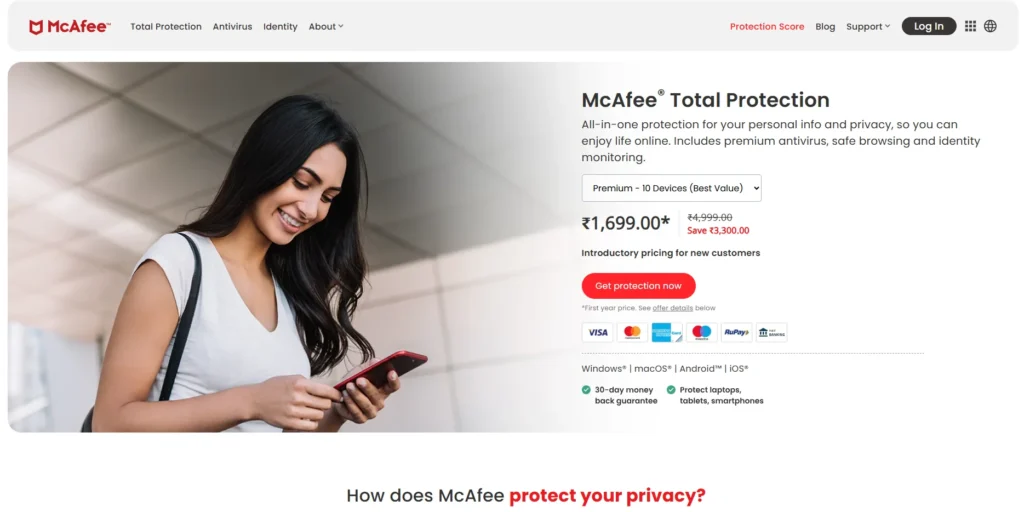
McAfee Total Protection is an integrated security tool on Windows 11 with real-time antivirus, web protection, identity monitoring and safe browsing. It incorporates VPN, password manager, file-shredder, and safe storage of personal files.
WebAdvisor blocks phish-sites and malicious links, and anti-spam provides security to email correspondence. The cross platform protection offered by McAfee allows the security of different devices with ease. Its functionality is similar in various independent AV tests, and its user-friendly dashboard makes it easy to scan and update a system.
McAfee is one of the best options to consider in protecting your family or individuals who want reliable protection providing more features than the regular antivirus options.
Key Features:
- Real-time antivirus and web protection
- Secure VPN and identity monitoring
- Password manager and encrypted file storage
- Multi-device compatibility
- WebAdvisor for safe browsing
- Anti-spam and firewall tools
- Cross-platform support
- Parental controls (on higher plans)
Pros:
- Strong identity theft and web security features
- Simple interface with centralised control
- Excellent for families and multiple devices
- Includes secure file shredder
- Effective phishing protection
- Offers cross-platform apps
Cons:
- Initial scan may be slow
- VPN restricted to auto-renew subscribers
- Too many pop-up notifications
Pricing:
- Essential – $39.99
- McAfee+™ Premium Individual – $49.99
- McAfee+™ Advanced Individual – $89.99
4. Kaspersky Standard
Website: https://www.kaspersky.com
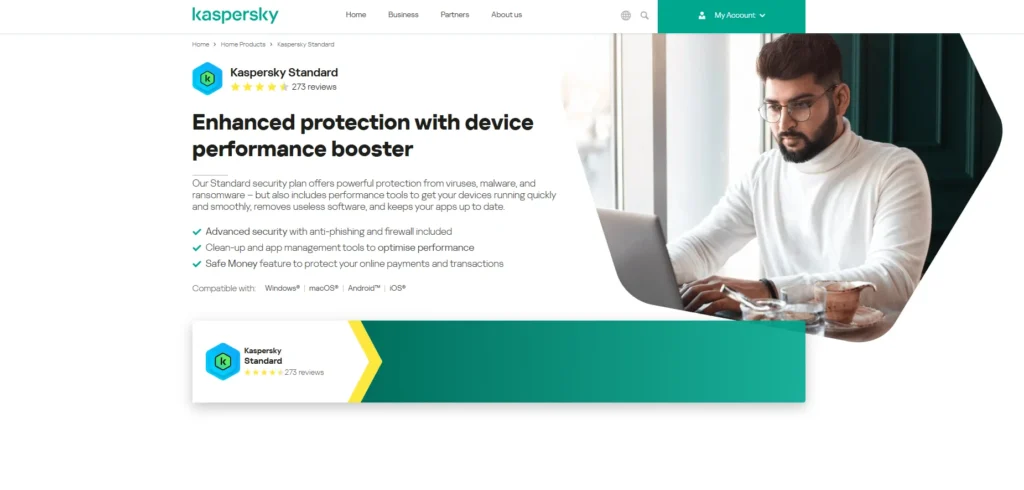
Kaspersky Standard offers great security to Windows 11, award-winning antivirus, real-time protection, and stellar anti-ransomware protection.
The tools provided in the software to protect privacy include control over webcam and microphone, the secure VPN with a limited daily data range. Its Threat Intelligence network also allows detecting new threats quicker with cloud-based analysis. The intuitive interface of Kaspersky is fast and clean, and the app earns high scores in AV-Comparatives and AV-Test tests.
It does more than protecting malware and consists of other features such as system cleanup tools and app performance optimization. Kaspersky fits well with users who seek both performance and privacy as well as convenient navigations.
Key Features:
- Real-time antivirus and anti-ransomware
- Anti-phishing and online payment protection
- Limited VPN included (200MB/day)
- Web camera and mic protection
- App performance optimization
- Private browsing tools
- File encryption and backup
Pros:
- Top-tier malware protection
- Privacy tools enhance user control
- Lightweight and efficient
- Clean, beginner-friendly UI
- Great value for features offered
- Performs well in benchmarks
Cons:
- VPN usage capped on basic plan
- Fewer extras compared to competitors
- History of geopolitical concerns
Pricing:
- 1 Device 1 Year – ₹479.00
- 3 Device 1 Year – ₹839.00
5. ESET NOD32 Antivirus
Website: https://www.eset.com
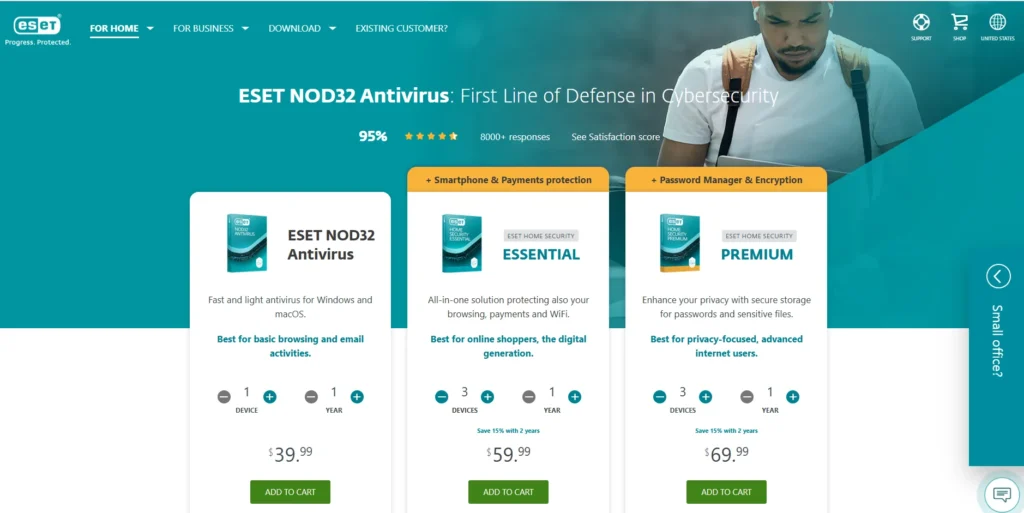
ESET NOD32 Antivirus is a lightweight, high-performance security solution for Windows 11 users who prioritise speed and customization. It uses advanced heuristic technology to detect and block viruses, ransomware, and spyware in real time.
ESET’s Host-Based Intrusion Prevention System (HIPS) and Exploit Blocker offer deep system monitoring. Gamer Mode silences notifications during full-screen activity, and the software protects against USB-based threats.
While it lacks extras like a VPN, its low system impact and deep configuration options appeal to power users. ESET is ideal for those who want fast, unobtrusive protection with precise control over system and network security settings.
Key Features:
- Advanced heuristic detection
- Anti-phishing and exploit blocker
- Device control (USB, Bluetooth)
- Gamer Mode
- Script-based attack protection
- UEFI scanner
- Cloud-powered scanning
- Fast, low-impact performance
Pros:
- Exceptional speed and low system load
- Ideal for gamers and power users
- Excellent zero-day threat detection
- Highly configurable options
- Effective removable media scanning
- Very light on resources
Cons:
- No VPN or password manager
- Interface can be complex for beginners
- Only basic web protection
Pricing:
$39.99/year for 1 device
6. Trend Micro Antivirus+ Security
Website: https://www.trendmicro.com
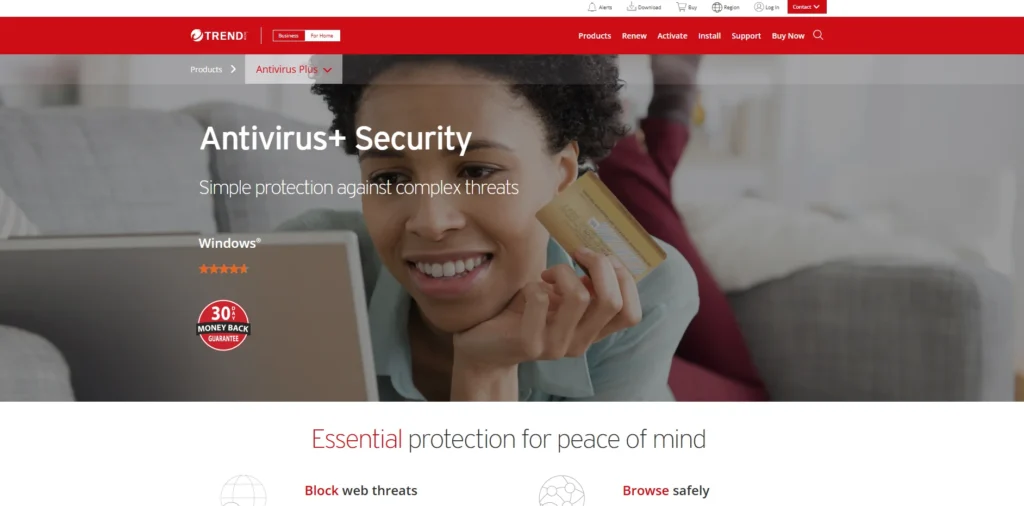
Trend Micro Antivirus+ Security protects Windows 11 devices with strong malware, ransomware, and phishing defense. Its AI-based threat detection ensures fast response to new and evolving threats.
The Pay Guard browser secures online banking and shopping, while the Firewall Booster improves the performance of the built-in Windows firewall. Anti-spam filtering and email scanning help block malicious attachments. Trend Micro also includes PC cleaner tools to boost performance, removing junk files and optimizing system speed for smoother day-to-day use. Though the interface is simple, it provides advanced protection through layered defenses and real-time monitoring.
It performs consistently in independent lab tests. Trend Micro is a great fit for users who frequently bank or shop online and want enhanced financial transaction protection.
Key Features:
- AI-based ransomware protection
- Pay Guard secure browser
- Email scam and phishing filters
- Firewall booster
- Real-time web and download protection
- Fraud Buster for messaging apps
- High-speed malware scanning
- Easy auto-update system
Pros:
- Fast and user-friendly interface
- Specialised tools for online banking
- Strong ransomware detection
- Smart protection network
- Light on system memory
- Excellent phishing detection
Cons:
- No VPN included
- Can be intrusive with notifications
- Limited configuration options
7. Avast Premium Security

Website: https://www.avast.com
Avast Premium Security offers powerful multi-layer protection for Windows 11 users, combining antivirus, ransomware shield, network security, and real site protection.
It includes Wi-Fi Inspector to find vulnerabilities in home networks, and Sandbox allows users to run suspicious apps safely. Webcam and sensitive data protection ensure privacy. The intuitive interface, combined with silent updates and automatic scans, makes it beginner-friendly.
Avast also provides advanced tools like firewall control and remote access shield. It’s a great choice for users seeking strong malware defense with premium-level extras, such as real-time browser protection and app testing in a secure virtual environment.
Key Features:
- Real-time antivirus and ransomware shield
- Wi-Fi Inspector for home networks
- Sandbox for suspicious apps
- Fake website and phishing protection
- Webcam Shield
- Remote Access Shield
- Data shredder and firewall
- Multi-device protection
Pros:
- Strong network security tools
- Sandbox adds extra malware testing layer
- User-friendly design
- Regular threat updates
- Good privacy and data leak protection
- Includes remote access protection
Cons:
- Can push upsells on free version
- Slower boot-time scans
- Data privacy concerns in past
Pricing:
Avast Premium Business Security – Rs 8,432/year
8. AVG Internet Security
Website: https://www.avg.com
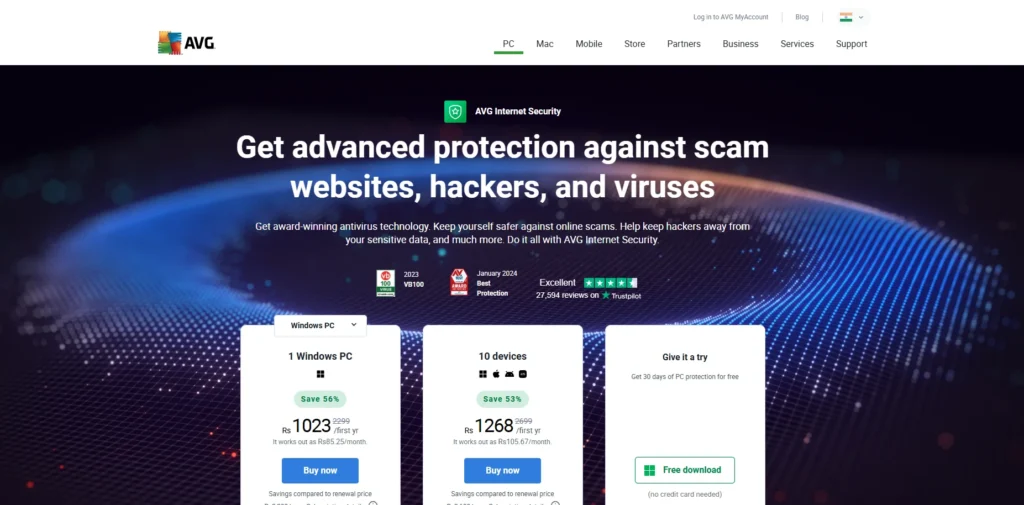
AVG Internet Security is a reliable antivirus for Windows 11 offering comprehensive protection against viruses, ransomware, spyware, and phishing attempts. It uses real-time AI detection and behavior analysis to proactively block threats.
Key features include email protection, webcam security, enhanced firewall, and fake website detection. AVG’s file shredder and software updater are useful tools for privacy and performance.
Its clean dashboard simplifies scan scheduling and threat reporting. Owned by Avast, it uses the same antivirus engine but with a unique interface and user experience. AVG is ideal for users wanting solid, no-fuss protection with added security and privacy features.
Key Features:
- Real-time malware and ransomware protection
- Enhanced firewall and email shields
- AI-based threat detection
- Webcam and sensitive data protection
- Fake website detection
- File shredder and software updater
- Scheduled scanning options
- Cross-device support
Pros:
- Minimal system impact
- Sleek and simple user interface
- Shares engine with Avast (proven protection)
- Includes helpful maintenance tools
- Great value for multi-device plans
- Effective webcam security
Cons:
- Lacks password manager
- VPN sold separately
- Interface contains frequent alerts
Pricing:
Windows PC – $39.99/year
9. Sophos Home Premium
Website: https://home.sophos.com
Sophos Home Premium brings enterprise-grade cybersecurity to personal Windows 11 devices. It includes advanced real-time threat prevention, anti-ransomware, AI-based malware detection, and web filtering.
Sophos offers keystroke encryption, privacy protection, and malicious website blocking. A key benefit is remote management of up to 10 devices, making it ideal for families or remote workers. Its cloud-based dashboard allows centralised monitoring and control from any location.
Though it lacks some extras like a VPN, its strong protection engine and intuitive setup appeal to users who value simplicity, remote management, and proactive security without overwhelming system resources or requiring constant intervention.
Key Features:
- Advanced ransomware protection
- Web filtering and browser cleanup
- Keystroke encryption
- AI-based malware detection
- Real-time threat prevention
- Remote management of up to 10 devices
- Parental control and site blocking
- Exploit prevention
Pros:
- Enterprise-grade tools for home use
- Ideal for managing family devices remotely
- Great against zero-day threats
- Minimal system drag
- Strong privacy controls
- Cloud-based management dashboard
Cons:
- No bundled VPN
- Interface lacks polish
- Fewer bonus features compared to others
Pricing:
Sophos Home Premium – ₹ 1,874.25
10. Windows Defender (Microsoft Defender Antivirus)
Website: https://www.microsoft.com/en-us/windows/comprehensive-security
Microsoft Defender Antivirus is Windows 11’s built-in security solution, offering robust real-time protection without any added cost. It provides antivirus, anti-malware, ransomware protection, and firewall services. Defender is tightly integrated with Windows, receiving updates through Windows Update for seamless performance.
Features like Controlled Folder Access protect critical data from unauthorized encryption, while SmartScreen filters unsafe downloads and links. Defender consistently ranks highly in AV-Test results and has improved dramatically over the years.
Though it lacks advanced extras like VPN support or integrated password management tools, it still offers strong foundational security for users seeking simple, automatic protection without the need to install third-party software.
Key Features:
- Built-in real-time malware and ransomware protection
- Controlled folder access
- Firewall and network protection
- Cloud-based threat detection
- SmartScreen phishing filter
- Windows Hello integration
- Secure boot and hardware-level security
- Seamless system updates
Pros:
- Free and pre-installed on Windows 11
- No subscription required
- Seamless OS integration
- Low system impact
- Regular updates through Windows Update
- Good malware detection scores
Cons:
- Lacks VPN and password manager
- Basic UI compared to third-party options
- No premium customer support
Pricing:
Free with Windows 11
Ending Thoughts
Using antivirus software on Windows 11 is essential for maintaining digital safety and privacy. Despite Windows Defender offering basic protection, third-party antivirus solutions provide enhanced features such as ransomware defense, phishing protection, VPNs, and performance optimization tools. These programs offer real-time threat detection and proactive security measures that guard against evolving cyber threats.
Whether you’re a casual user, professional, or part of a multi-device household, antivirus software delivers peace of mind by protecting your data, identity, and online activities. With cyberattacks becoming more frequent and sophisticated, having a reliable antivirus is no longer optional-it’s a necessity for safe and secure computing. Investing in a good antivirus ensures both prevention and preparedness in today’s digital landscape.
FAQs
Do I really need antivirus Application for Windows 11?
Yes, while Windows 11 includes built-in security, using a dedicated antivirus adds stronger, multi-layered protection against evolving malware, ransomware, and phishing attacks.
Will antivirus software slow down my Windows 11 PC?
Modern antivirus tools are designed to run efficiently in the background with minimal impact on system performance, especially on updated Windows 11 devices.
Can I use free antivirus software for Windows 11?
Yes, some free antivirus tools offer good basic protection. However, paid versions provide advanced features like ransomware shields, VPNs, and premium support.
How often should I run virus scans on Windows 11?
Run quick scans weekly and full system scans at least once a month. Most antivirus software can automate this for you.
What features should the best antivirus for Windows 11 include?
Look for real-time protection, malware and ransomware defense, safe browsing tools, automatic updates, and privacy features to stay fully protected.
Antivirus Software