

In the modern world, with a fast-changing business environment, Customer Relationship Management (CRM) platforms continue to help organizations achieve better growth and dominate their sphere. As the most popular CRM platform in the world, Salesforce serves to run millions of different business processes that are spread across numerous industries, and so its functionality and reliability are vital.
Yet, in the presence of frequent updates, complicated customizations, and complex workflows, it becomes a big problem to maintain your Salesforce implementation as seamless as possible. This is where Salesforce automation software comes in handy. The specialized tools give businesses a means to automate testing operations, validate configurations, and make probable operations across all Salesforce environments without any quivers.
That is why the decision regarding the Salesforce automation software is very significant. Misguided testing may cause failures when deploying the application, hampering the experience of its users and even compromising data integrity. Contemporary businesses require quality and intelligent test solutions, which can be used to deal with the dynamic nature of Salesforce to cover all the processes involved in business.
This in-depth must-read piece will examine the best ten tools in automation and employ them exclusively in the Salesforce framework so that you can make an educated choice of what would best suit your organization’s testing requirements.
What is Salesforce Automation Software?
Salesforce automation software is defined as a specialized testing software to validate, verify, and ensure that the salesforce application and configuration. Such solutions automate repetitive testing, simulate user interactions based on agreed sets of steps to follow in Salesforce Development, Staging, and Production instances.
On the contrary, automated Salesforce software is specifically structured to address the requirements of Salesforce. This is managing dynamic element discovery, interactions between Lightning components, utilization of shadow DOM trees, and managing changes to regular platform updates.
This means that these tools can perform a thorough testing regime and can even perform a user interface test, API testing, and data integrity tests, even a full-scale test to validate the business operation to ensure that what you have with your Salesforce design is a stable system that will provide steady functionality to your users and your business processes.
Essential Features to Look for in Salesforce Automation Software
As you deliberate on the various automation approaches to your Salesforce testing needs, you should understand some of the key factors that make good tools and downright easy tools. Adequate combinations of capabilities can be so crucial in terms of your testing and maintenance costs and ROI.
- Self-healing: Salesforce Automation Software allows systems to adjust small interface changes and adjustments to kinetic elements automatically without requiring script updates to be done by hand, and as a result, the overhead of maintaining automated systems is reduced to a ridiculously minimal level.
- Lightning Component Support: Salesforce Automation Software ensures your preferred solution fully manages the workings of shadow DOM navigation and component-specific interactions, as modern Salesforce implementations make heavy use of Lightning components.
- Multi-Environment Testing: This feature allows running the same test suites in development, staging, and production environments, so it is possible to ensure consistency across various instances of Salesforce and take risks on deploying them.
- Low-Code Interface: It has offered tools that have the potential to allow visual test creation to empower non-technical team members, but has not lost complex automation requirements in complicated scenarios.
- Integration Capabilities: Salesforce Automation Software provides a smooth integration experience with CI/CD pipelines, test management platforms, and development tools, forming a cohesive testing environment to promote modern DevOps practices at scale.
Comparison Table for Salesforce Automation Software
| Tool Name | Rating | Best Feature |
| Mabl | 4.8/5 | AI-powered auto-healing for Salesforce components |
| Testim | 4.7/5 | Intelligent test creation with machine learning |
| Provar | 4.6/5 | Salesforce-native testing with comprehensive coverage |
| Tricentis Tosca | 4.5/5 | Model-based test automation approach |
| ACCELQ | 4.4/5 | No-code automation for non-technical users |
| Copado | 4.3/5 | Complete DevOps platform integration |
| Katalon | 4.2/5 | Multi-channel testing capabilities |
| TestComplete | 4.1/5 | Cross-platform compatibility and ease of use |
| Selenium | 4.0/5 | Open-source flexibility and community support |
| Rapise | 3.9/5 | Specialized Salesforce control handling |
Top 10 Salesforce Automation Software
1. Mabl
Rating: 4.8/5
Website: https://www.mabl.com/
Best Use Cases: Intelligent end-to-end testing for high-velocity development teams
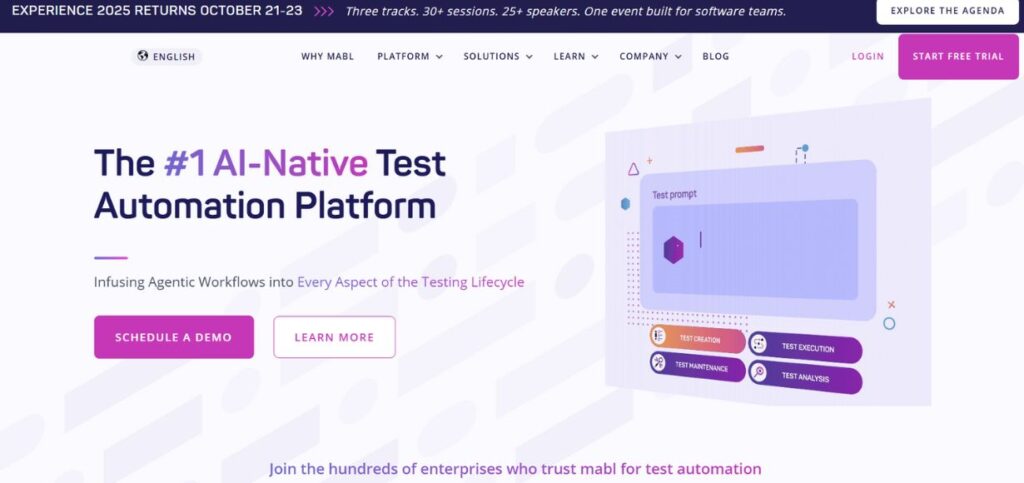
Mabl is the future of smart test automation by being crafted explicitly towards the needs of modern software development teams that require a reliable and printed test suite. The cloud-based app integrates machine learning capabilities as well as intuitive test-making features, which, in turn, makes the platform especially useful in Salesforce settings where test-making processes can encounter obstacles (due to dynamic parts and regular adjustments).
This Salesforce Automation Software offers powerful capabilities, including detecting the behavior patterns of applications and automatically evolving as patterns change drastically, cutting the maintenance overhead characteristic of automated testing. The testing method used by Mabl to deal with Salesforce is not merely after-the-fact record-and-playback testing, but rather provides highly advanced feedback on application performance, user experience data, and other areas where possible regression issues can occur.
Key Features:
- Salesforce-specific auto-healing technology
- Low-code collaborative test creation
- Performance monitoring integration
- API and mobile testing
- Advanced analytics dashboard
Pros:
- Minimal maintenance requirements
- Intuitive user interface
- Comprehensive reporting capabilities
Cons:
- Higher pricing tiers
- Limited offline capabilities
- Learning curve complexity
Pricing: Starts at $450/month
2. Testim
Rating: 4.7/5
Website: https://www.testim.io/
Best Use Cases: AI-driven test creation and maintenance for complex applications
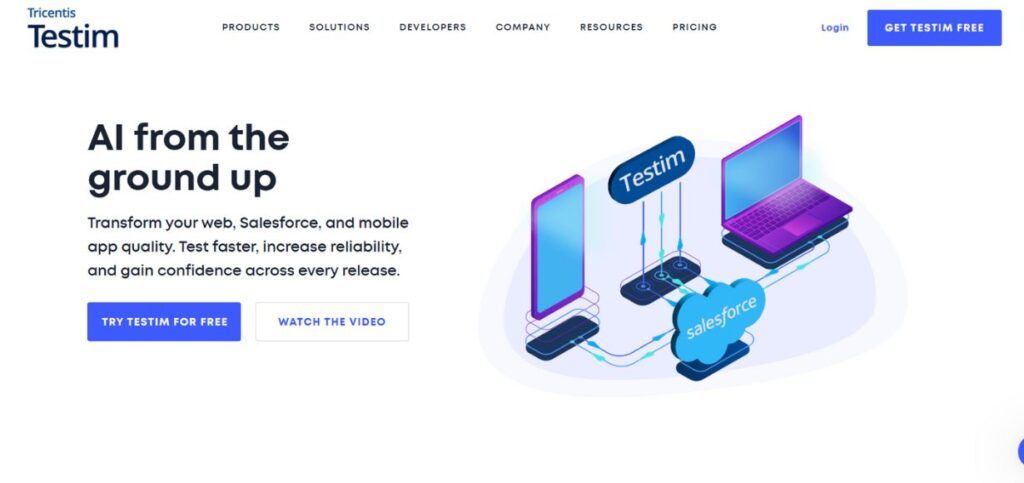
Testim has been able to utilize artificial intelligence in transforming how teams carry out test automation, especially in complex Salesforce environments. Machine learning algorithms that are intrinsic to the platform constantly monitor application behavior, which facilitates the creation of faster tests with high reliability levels. This is especially useful to those organizations that are faced with changing Salesforce set-ups.
This Salesforce Automation Software is powerful in dealing with dynamic web applications, and it supports modern JavaScript frameworks that Salesforce customizations would use. The AI solution Testim goes further than test creation to enable intelligent test maintenance, ensuring even unchanging code can adapt to UI changes.
Key Features:
- AI-powered test authoring
- Self-healing test maintenance
- Shadow DOM navigation
- Custom JavaScript integration
- Parallel test execution
Pros:
- Fast test development
- Stable execution reliability
- Advanced debugging tools
Cons:
- Requires technical expertise
- Limited mobile testing
- Subscription-based pricing only
Pricing: Professional plans start at $450/month
3. Provar
Rating: 4.6/5
Website: https://provar.com/
Best Use Cases: Native Salesforce testing with comprehensive business process coverage
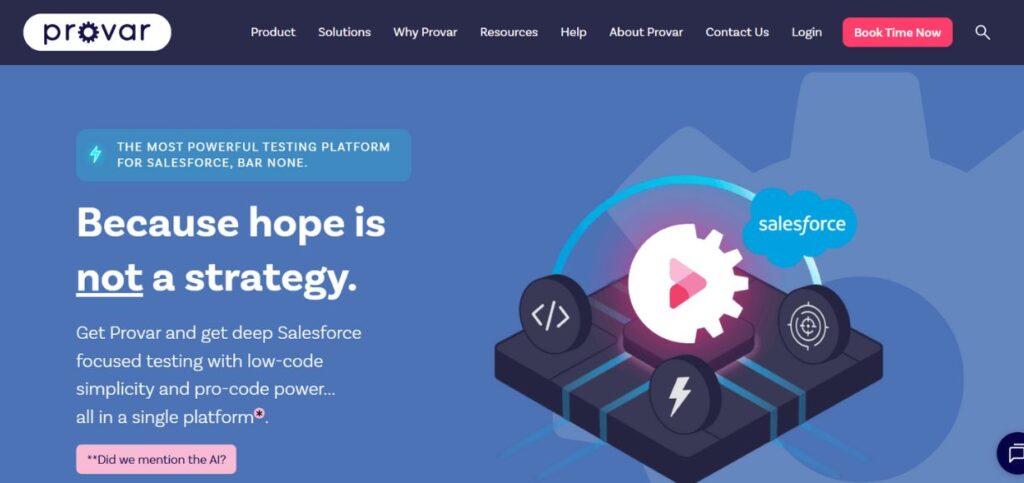
Provar is a native testing product in Salesforce ecosystems. In contrast to universal testing solutions adapted to work with Salesforce, Provar has been built from the ground up and, as a result, it is uniquely adept at accommodating complex business operations and bespoke configuration issues.
The strong dependency of the platform on Salesforce metadata enables more resilient automation of tests that do not easily break in the event of a platform update, and/or customization. The test design approach taken by Provar is very similar to that of Salesforce itself in terms of its development paradigms; thus, it is natural for Salesforce administrators and developers to find it easy to design and maintain full-scale test suites. This makes Provar a leading choice among Salesforce Automation Software solutions.
Key Features:
- Salesforce-native test environment
- Comprehensive business flow testing
- Apex and API testing
- Database validation capabilities
- Release management integration
Pros:
- Salesforce-specific design advantages
- Excellent platform compatibility
- Strong community support
Cons:
- Salesforce-only limitation restricts versatility
- Higher learning investment
- Premium pricing structure
Pricing: Licenses start at $3,000 per user annually
4. Tricentis Tosca
Rating: 4.5/5
Website: https://www.tricentis.com
Best Use Cases: Model-based automation for enterprise-scale Salesforce implementations
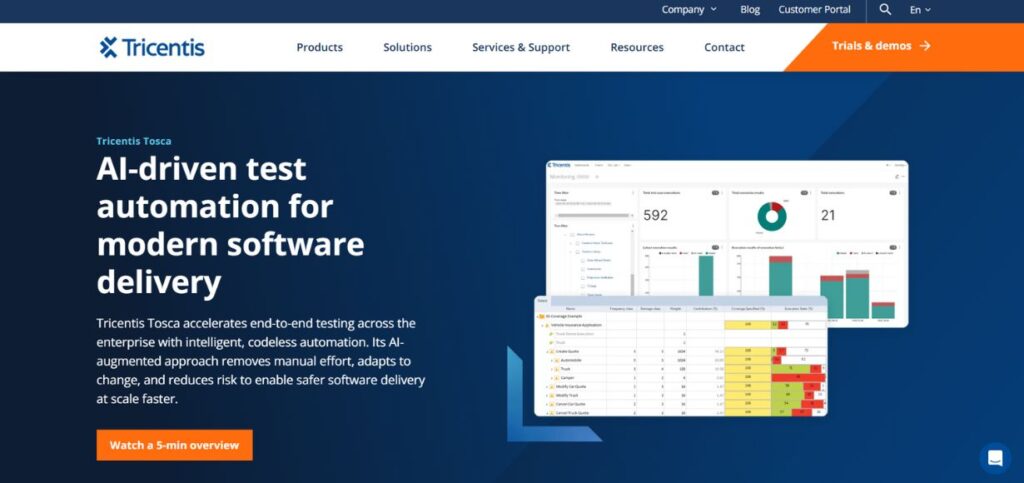
Tricentis Tosca is associated with a different method of testing based on models, which makes the tool different than record-and-playback ones. The approach develops reusable testing resources that can accompany the modification in the applications much more successfully compared to traditional scripted tests, and hence is also of great use in large-scale Salesforce implementations involving sophisticated customizations.
The potential of the platform is in enhancing the possibility to implement test suites that can be maintained and provide an effective scale across business processes and Salesforce orgs. Compared to testing the responses of the user interface, different teams, by use of a model-based approach employed by Tosca, can model tests based on a business logic level and, thereby, strengthen and enrich the testing. This makes Tosca a robust option within Salesforce Automation Software solutions for scalable and efficient testing.
Key Features:
- Smart computer modeling tools
- Test designs that work for years ahead
- Makes repeat testing faster and better
- Runs console programs by itself
- Handles changing IDs without breaking
Pros:
- Uses advanced smart modeling methods
- Grows easily with your business needs
- Great help and support for big companies
Cons:
- Takes time and effort to learn properly
- Costs more money to get started
- The setup process can be tricky and complex
Pricing: Business licenses begin around $10,000 each year
5. ACCELQ
Rating: 4.4/5
Website: https://www.accelq.com/
Best Use Cases: No-code automation enabling business users to create tests
And then there is ACCELQ, which democratizes test automation- so that business users, non-technical team members, analysts, and everyone can develop complex automated tests on a truly no-code platform. It comes in particularly handy in the Salesforce experience, where that domain expertise can be very much in the hands of the business users than it can with the technical groups.
The complexities of Salesforce testing are managed by the intelligent automation engine of the platform; its user gets an intuitive interface characterized by a business-friendly nature. The pace at which ACCELQ testing is conducted through data models in Salesforce is also compounded by the fact that test cases are automatically generated, and this makes it very fast not only in speed but also in covering all the possible business scenarios as well. ACCELQ stands out as a leading solution in Salesforce Automation Software for efficient and comprehensive testing.
Key Features:
- Build tests without writing any code
- Works perfectly with all Salesforce features
- Fixes broken tests on its own
- Creates test cases for you automatically
- Test apps on different devices and systems
Pros:
- Easy for business teams to use
- Quick to set up and start using
- Covers many different platforms well
Cons:
- Hard to make special custom changes
- Must wait for software updates from the company
- Need to pay monthly or yearly fees
Pricing: Custom pricing
Suggested Blogs to Read:
6. Copado
Rating: 4.3/5
Website: https://www.copado.com/
Best Use Cases: Complete DevOps platform with integrated testing capabilities
Copado has a more complete DevOps solution focused on Salesforce development teams, with the testing features included in a larger platform that does version control, deployment management, and continuous integration. Testing supported by the platform is strongly integrated with deployment operations, and automatic testing is supported within continuous integration pipelines.
This strategy, adopted by Copado, makes testing a part of the development cycle instead of a distinct procedure that enhances the quality of the code and the reliability of deployment. Copado exemplifies the capabilities of Salesforce Automation Software in integrating testing seamlessly into development workflows.
Key Features:
- Full set of tools for Salesforce testing
- Smart computer predictions for tests
- Runs many tests at the same time
- Tools for both coders and business people
- Understands regular spoken language
Pros:
- Works well with development teams
- Great for automatic code updates
- Many people can use it together
Cons:
- A very complicated system to learn
- Costs a lot of money overall
- Takes much time and effort to set up
Pricing: Professional plans begin at $165 per person each month
7. Katalon
Rating: 4.2/5
Website: https://katalon.com/
Best Use Cases: Multi-channel testing across web, API, and mobile platforms
Katalon provides a robust test product that extends way beyond Salesforce to test applications in web, API, mobile, and desktop environments. Such flexibility turns it into a very welcome solution to companies with a varied technology stack, with Salesforce being a component of a more extensive network of apps and integrations. Katalon is a versatile option within Salesforce Automation Software, supporting multi-environment testing and seamless integration across complex tech ecosystems.
The overall strength of the platform is the creation of integrated test suites that are involved with the execution of full business processes across several systems and channels. The API testing capabilities included in Katalon are very robust and play an essential role when validating complex integrations and the flow of information common to enterprise deployments of Salesforce. Katalon represents a powerful solution in Salesforce Automation Software for comprehensive testing across multiple systems and processes.
Key Features:
- Test business tasks across different channels
- Waits smartly for pages to load properly
- Fixes broken tests without help
- Tests connections between different apps
- Works with simple drag-and-drop or full coding
Pros:
- Covers many different types of testing
- Can build tests in different ways
- Connects well with other tools
Cons:
- Not made for specific business needs
- Missing some special Salesforce features
- Takes time to learn how to use
Pricing: Free plan available
8. TestComplete
Rating: 4.1/5
Website: https://smartbear.com/product/testcomplete/
Best Use Cases: Cross-platform automation with intuitive user interface design
One of the advantages of TestComplete is being flexible with convenient use and yet strong automation abilities, which suggests an avenue accessible to all teams of varied skills in expertise levels. The Salesforce testing strategy undertaken by the platform is based on stability and reliability, and the powerful object identification mechanisms that are implemented to process dynamic content. TestComplete is a notable solution in Salesforce Automation Software, offering robust, user-friendly testing across teams of all skill levels
The strength of the tool is considered to be in the balanced approach towards automation, providing scriptless test creation that can be done quickly, and on the other hand, capable of scripting in more complex situations. The overall features of reporting and analysis in TestComplete help to derive meaningful ideas about the results of carrying out tests and the patterns of behavior of applications. TestComplete stands out as a reliable solution within Salesforce Automation Software, combining flexibility, automation, and insightful analytics.
Key Features:
- Makes testing steps easy to understand
- Solid system that works reliably
- Records your clicks and plays them back
- Breaks tests into small pieces
- Works with automatic code updates
Pros:
- Simple and easy to use
- Tests run smoothly without breaking
- Connects with many other tools
Cons:
- Not built just for Salesforce needs
- Costs more money for licenses
- Hard to set up fancy features
Pricing: Yearly licenses begin around $6,000 per person
9. Selenium
Rating: 4.0/5
Website: https://www.selenium.dev/
Best Use Cases: Open-source flexibility for custom automation solutions
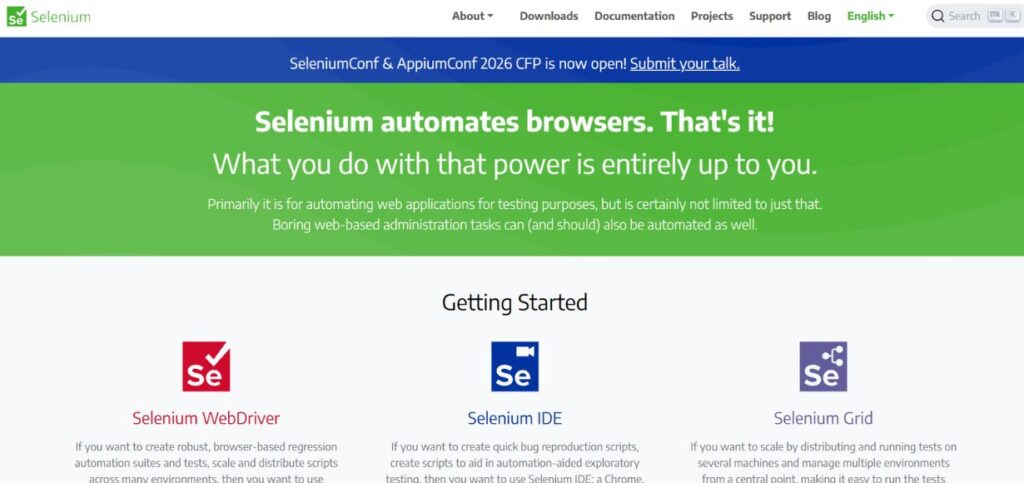
Selenium is the most widely embraced open-source testing framework and can give you unrivaled flexibility and customization choices that your organization may have unique automation needs. Although Selenium is not Salesforce-specific, its feature-richness and active community allow its use by teams that have a high degree of technical expertise.
This framework is particularly strong due to 1. its ability to be entirely customized and 2. lower costs relative to those of other solutions, therefore suitable to organizations with limited budgets or who have specific testing needs that commercial solutions are unable to meet. Nonetheless, to perform Salesforce testing, it is necessary to engage a considerable number of technical resources and to maintain regular testing consistency with Selenium.
Key Features:
- Tests work on all web browsers
- Works with many coding languages
- Free to use and change as needed
- Can be changed to fit any needs
- Lots of helpful people are using it
Pros:
- Costs nothing to get started
- Full control over how it works
- Many people help solve problems
Cons:
- Need good coding skills to use it
- Takes lots of time to keep working
- Not made specially for Salesforce
Pricing: Completely free software
10. Rapise
Rating: 3.9/5
Website: https://www.inflectra.com/Products/Rapise/
Best Use Cases: Specialized Salesforce control handling with test management integration
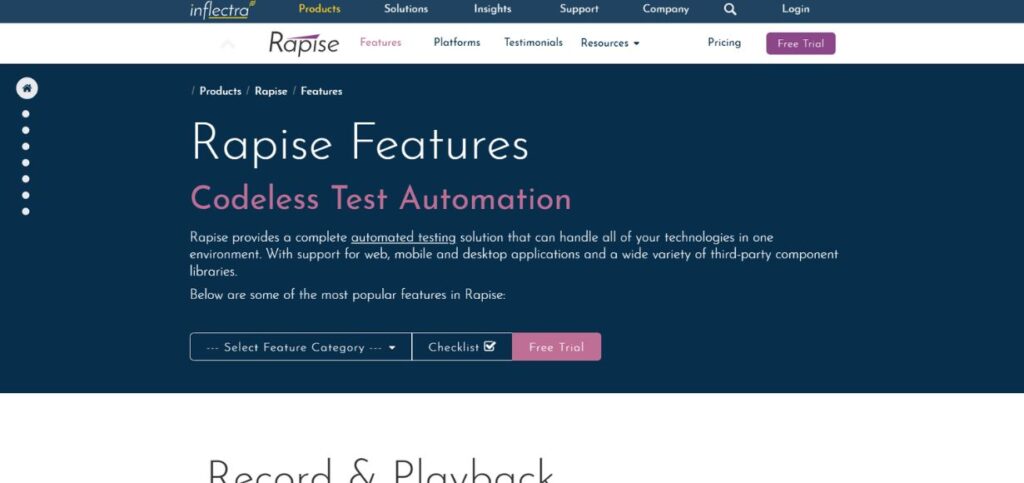
Rapise, its product designed by Inflectra, contains specific features that address specialized functionality to manipulate advanced Salesforce user interface controls and can be used with the Inflectra SpiraTest test management platform. This integration offers an entire testing ecosystem for both test execution and overall test lifecycle management.
The tool has a specific strength in that it can address those distinctive Salesforce interface objects that may be missed by a generic testing tool. Rapise extension specific to Salesforce offers alternatives to automation of complex instances in Salesforce that require more control, such as custom controls and advanced user interactions.
Key Features:
- Specialized Salesforce extensions
- Web-based testing compatibility
- Unique control support
- Test management integration
- Scriptless test creation
Pros:
- Specialized Salesforce support
- Integrated test management
- Comprehensive control handling
Cons:
- Limited market presence
- Smaller community support
- Fewer integration options
Pricing: Professional licenses begin at $3,499 per user annually
How to Choose the Right Salesforce Automation Software
To help you consider and choose the best Salesforce automation software to use in your organization, it is a good idea to take your particular testing needs into consideration, coupled with technical abilities, and further business goals. The choice can affect not only the testing efficiency in the short term, but also the maintenance, construction, and productivity of its team.
- Budget: Consider both your initial licensing cost and all the future costs that will be part of licensing (i.e., training, maintenance, and the potential to scale needs as requirements change and evolve).
- Technical Capability: Understand the technical skills and available learning time of your team, and ensure that the realized value of features overrides the complexity of the implementation, more so than the adoption.
- Integration Requirements: New ways to address this vulnerability are evaluated in terms of how they can be integrated into your current development toolset, CI/CD pipelines, and test management systems
- Scalability Requirements: We should think about future scalability needs of extra users, more test coverage, or multiple Salesforce orgs and other applications that you will integrate, other than your current Salesforce implementation.
- Support and Community: Measure vendor support levels, quality of documentation, availability of community resources, and product roadmaps in the longer term as they relate to your organization’s testing strategy and its changing needs.
Conclusion
Availability of the Salesforce automation products is indeed dynamic due to the increasing structural intricacies of the Salesforce implementations, and hence the resulting and never-ending necessity of taking up a noticeable and trusted, and effective form of testing. The instruments presented in this elaborate guide come with their unique powers and advantages, and the selection must greatly depend on the specific needs of your organization, its technical capabilities, and general strategic objectives.
More modern Salesforce automation tools have gone beyond the record and replay models to adopt elements of artificial intelligence, self-healing, and advanced integration abilities, all of which allow modern DevOps practices. The quality Salesforce automation software investment pays off in terms of man-hours saved by manual testing, stronger application reliability, shorter deployment schedules, and higher user satisfaction. With the constant update of additional features and possibilities offered by Salesforce, sufficient automation tools become more and more important to sustain competitive advantages and order efficiency.
You should take the time to assess your specific needs and to perform some proof-of-concept testing with the few short-listed products and then select the product to use that best fits your long-term test strategy and organizational requirements.
Frequently Asked Questions
How does Salesforce automation software differ from general testing tools?
Salesforce automation tools are written expressly to address the unknowns of the Salesforce platform, such as Lightning components, dynamic IDs, shadow DOM traversal, and regular platform releases, whereas general-purpose testing tools need heavy one-time customization to achieve an adequate Salesforce test.
What is my budget for Salesforce automation software implementation?
The price depends heavily on the size of the team and the features necessary, with prices on the lower end free in the case of open source tools (such as Selenium) and on the upper end running anywhere up to the cost of ten thousand dollars or more per year and user on the enterprise end of the market, most professional services lie within the range of five hundred-five thousand per year and per user.
Are modern Salesforce automation tools usable by non-technical team members?
Indeed, most modern tools, such as ACCELQ, Mabl, and Katalon, have low-code or no-code interfaces that empower business users, analysts, and other non-technical members of teams to design and support automated testing activities.
What are the automation tools to account for when Salesforce platform updates?
More recent Salesforce automation products have self-healing and auto-adaptation functionality, which reduces maintenance overhead to a low level when Salesforce pushes out platform updates, though human validation is usually still suggested.
How much ROI is involved in the application of Salesforce automation software?
Organizations would realize 300-500% ROI in the first year by saving on manual testing time, defects shipped to production, accelerating the deployment cycle, and improving team productivity, but the figure depends on the quality of implementation and the level at which it was adopted.