
The performance of the websites will determine the sites’ ranking and users’ experience. That is why it is essential to optimise the images. WordPress Image Optimisation Plugins will enable your pages to load faster while not compromising image quality. There are numerous plugins available, and a proper selection can help accelerate your site, use less bandwidth, and improve SEO without making your site look ugly to end users.
Why Image Optimisation is Essential for SEO & Speed
- Loading Speed: Optimised images help pages load faster, allowing visitors to spend more time.
- Search Results: Google favours speedy websites; hence, compression helps you rank better.
- Reduction in bandwidth: Smaller images require less server space and less data to deliver.
- Mobile Performance: The bulky images load faster on phones with slow connections.
- User Experience: Quick pages reduce bounce rates and increase the likelihood of sales.
Impact on Core Web Vitals (LCP, CLS)
- Unless the main content is excessively short, good images can ensure it loads within Google’s time constraints.
- Cumulative Layout Shift: Correct Image size prevents part of the layout from jumping during loading.
- Performance Scores: Improved compression improves PageSpeed Insights scores.
- Visual Stability: Optimised files appear consistent across devices and browsers.
- First Input Delay: With less work on the image, resources are available to respond to the user faster.
What Image Optimisation Plugins Actually Do
- Image Minimisation: Pictures are reduced in size and remain presentable when uploaded.
- Format Conversion: Modern plugins transform images to formats such as WebP and AVIF, which are more efficient.
- Bulk Processing: It is possible to enhance large numbers of images quickly.
- Lazy Loading: A technique where an image loads only when it is on the screen, reducing the first-page load time.
- CDN Optimisation: Certain plugins serve optimised images from global servers.
What to Look for in an Image Optimisation Plugin
- Compression Quality: Balance size reduction with acceptable visual quality.
- Format Support: WebP, AVIF, PNG, JPEG, and others.
- Automation Features: Background optimisation means no manual work is required at any time.
- Pricing Structure: Cost score plans increase in accordance with your image requirements.
- Effects on the server: Cloud computing ensures that your host server is not overloaded.
Top 10 WordPress Image Optimisation Plugins (Free + Paid)
1. ShortPixel Image Optimizer
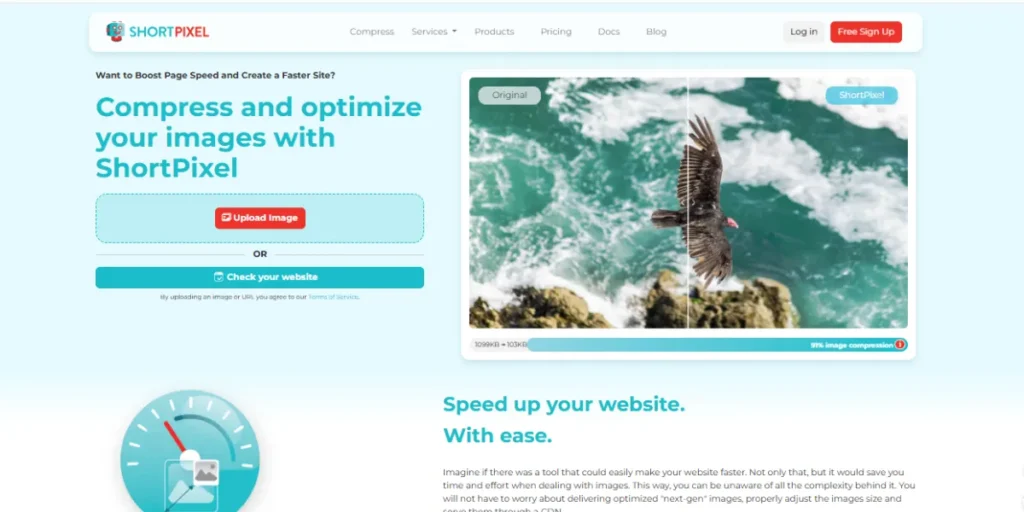
The shortPixel is an easy-to-use compressor that compresses well. It supports WebP and AVIF, with lossless and lossy options. The additional server load makes your host lean, suitable for shared hosting. Credits allow you to charge when required, and also suit well with popular page builders. ShortPixel achieves understandable time and SEO benefits.
Key Features:
- New WebP and AVIF.
- Transfer to another server: Offloads.
- Pay credit-based or use unlimited plans.
- Standard builder and plugins used.
- Restore originals if needed.
- Restore original images when needed.
Pricing: Monthly price: $8.33 / month unlimited yearly, monthly price: $13.33 / month unlimited AI yearly
Who Should Use It: Developers seeking powerful compression
2. Imagify

Imagify simplifies this with Smart Compression, which maintains an even balance between quality and size. Beginners can use it with no technical grumbling, and professionals can customise it. Just as essential WordPress Backup Plugins safeguard your site, Imagify also supports numerous formats, including PDFs, GIFs, WebP, and AVIF. It’s offloading to its servers, ensuring it remains in steady mode regardless of your host.
Key Features:
- Intelligent Compression eliminates manual programming.
- Supports JPG, PDF, GIF, PNG, AVIF, and WebP.
- Separate servers are used to maintain consistency in speed.
- Shows clear progress bars
- Has full docs and help guides
Pricing: free plan with 20MB/month, a $9.99/month unlimited plan, and a $4.99/month 500MB/month plan.
Who Should Use It: Beginners wanting simplicity
3. EWWW Image Optimiser
EWWW Image Optimiser contains numerous choices: automatic compression, Easy IO CDN and new format. It can either be run on your server or on the cloud. It resizes images and in WebP without originals. It also compresses the JavaScript and the CSS to even greater speed.
Key Features:
- Easy IO CDN moves the picture load to your server.
- WebP mirrors are automatic and safe.
- also compresses JavaScript and CSS.
- Select cloud or server processing.
- Generate other sizes of images as required.
Pricing: Start Trial. Standard. $80/year. Unlimited Images; Unlimited Sites; 50 GB .
Who Should Use It: Budget-conscious site owners
4. Smush
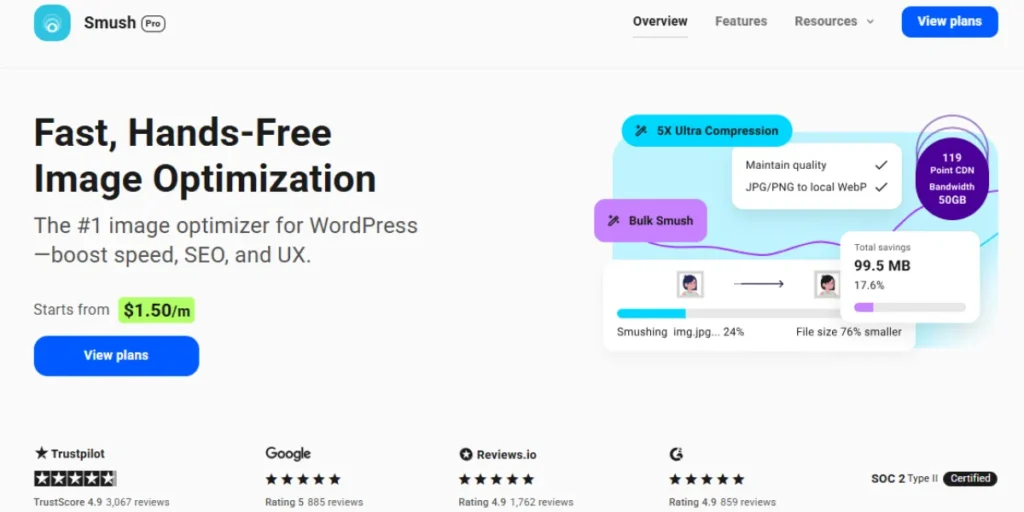
Smush is free and has no limit on the number of images that can be compressed. It supports lossless and lossy compression, lazy loading, and the modern format. Created by WPMU DEV, it is well supported. EXIF data used as metadata can be stored or removed.
Key Features:
- The compression is unlimited, with no restrictions on numbers.
- Handles files up to 256 MB
- You can retain or delete EXIF data.
- Lazy loading is built in
- Works with WPMU DEV hosting
Pricing: Get 12 months for $15, after that, it renews at $15/m billed annually.
Who Should Use It: High-volume websites
5. Optimole
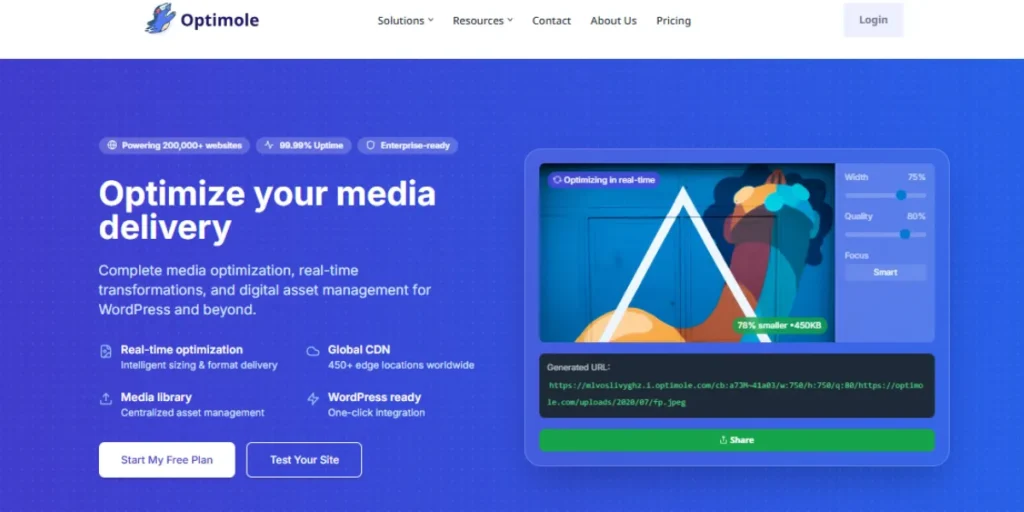
Optimole is real-time and adapts to the user’s device and browser. It uses a global CDN to accelerate delivery worldwide, and it supports lazy loading. It allows you to add watermarks to protect pictures. Optimole image compression is adaptive based on screen size and device power.
Key Features:
- On-the-fly optimisation of images per device.
- Global CDN provides rapid delivery all around the world.
- Add watermarks in order to secure images.
- Compression is dependent on the capabilities of browsers.
- Initial data use is saved by lazy loading.
Pricing: “Starter” plan for $22.52/month for 25,000 visitors, and a “Business” plan for $46.12/month for 100,000 visitors
Who Should Use It: International sites
6. Image Optimizer by Elementor
Image Optimizer by Elementor runs in the background, so you can continue working while images are being compressed. This is handy when there are a large number of pictures on the site, and they have to compress the entire set into a single instance.
You do not even have to think about it, since whenever you insert a new image, it is automatically compressed and converted to WebP. Its features remain under the Media section, hence leaving the dashboard uncluttered. And it compresses much better and fits nicely into your workflow as compared to other WordPress Image optimisation plugins.
Key Features:
- Background optimisation has your work winning.
- Conversion of WebP to all uploads.
- Optimisation of existing image libraries in bulk.
- The Media section alone has all functions.
- Strong file size reduction
Pricing: Essential: $4.99/Mo, Advanced Solo: $6.55/Mo, Advanced: $7.43/Mo, Expert: $13.59/mo
Who Should Use It: Elementor users
7. TinyPNG

TinyPNG is oriented on simplicity and provides simple compression of both PNG and JPEG files with a simple API integration. The plugin’s operating time requires little configuration, so it is fast to install for users who only need minimal optimisation. Although it is not as sophisticated as other similar plugins, it is simple enough to attract individuals seeking a simple solution.
Much like WordPress security plugins enhance site protection, TinyPNG focuses on a single core task: clean, minimal image compression. As the upload takes place, not in the background, the compression occurs. Compared to other plugins, TinyPNG has quite limited features, but it is a very minimalist solution for particular requirements.
Key Features:
- API integration and fast setup.
- PNG and JPEG compression accentuate.
- Low configuration requirements.
- Simple bulk preferred optimization interface.
- Established compression application.
Pricing: Web Free, Web Pro: $39/year, Web Ultra: $149Yearly
Who Should Use It: Small blogs
8. reSmush.it
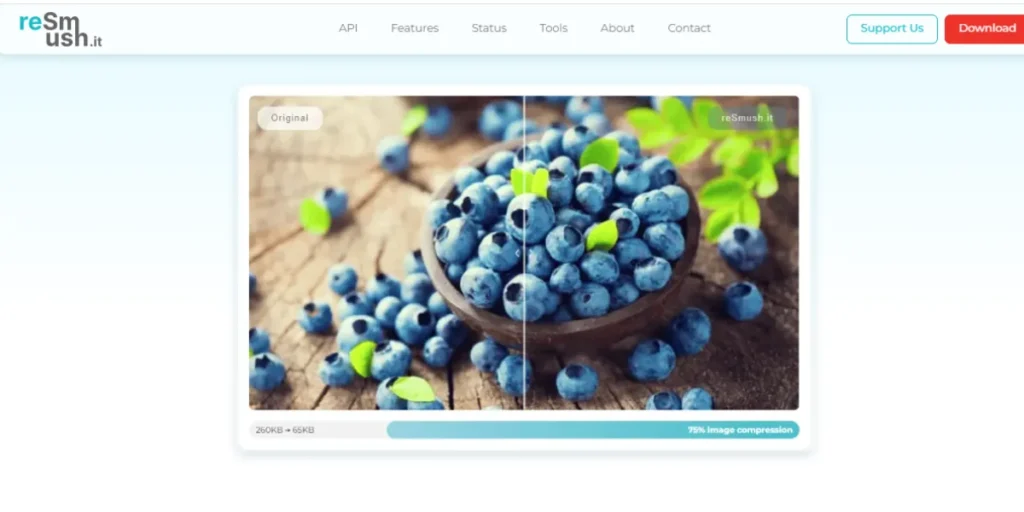
reSmush.It is cheap because it is open source, offers image optimization at no cost and with limited restrictions, and supports self-hosting on a low-cost platform. The plug-in compresses JPEGs, PNGs, and GIFs without requiring an account or an API key. It has a simple interface that does not overwhelm users with too many choices.
The existing media are optimized for bulk performance, and uploaded media is automatically compressed. Free, unlimited-use plugins such as reSmush.it appeal to start-ups and personal projects with small budgets.
Key Features:
- 100 percent unrestricted, unlimited optimization service.
- No account or API required
- Supports GIF, JPEG, and PNG.
- Automatic and bulk upload compression.
- Open‑source API access
Pricing: Free unlimited
Who Should Use It: Budget startups
9. Compress JPEG & PNG Images
Compress JPEG PNG Images is an application that relies on the TinyPNG API to provide adequate compression while maintaining image quality. The plugin also allows a free monthly quota, after which you will have to buy credits; hence, it has a trial period. It automatically becomes part of the WordPress media library and is compressed whenever an upload is made.
If you do bulk optimisation, it is enabled on uploaded funds in the past, yet there are no advanced settings, and the interface does not get complex. This solution has demonstrated compression and reliable results in the presence of established APIs used to create the plugins.
Key Features:
- TinyPNG API to compress the file quality.
- Free monthly quota, which is followed by paid credits.
- WP integrates seamlessly with the media library.
- Optimization of existing uploads in bulk.
- Simple, no‑frills interface
Pricing: approximately $5 and $19 per month
Who Should Use It: Medium websites
https://compressjpeg.com/ | https://compresspng.com/
10. Kraken.io Image Optimizer

Kraken.io is a high-performance image optimisation tool designed for websites that require fast, large-scale compression. Using its powerful API, the plugin delivers both lossless and lossy optimisation with exceptional speed, making it ideal for sites with heavy media usage.
It reduces server load by handling image processing externally, ensuring your WordPress hosting stays fast and stable. Kraken.io is reliable, developer-friendly, and suitable for growing sites that demand consistent performance and lightweight images.
Key Features:
- Ultra-fast API-based image compression.
- Supports lossless and lossy optimisation modes.
- Handles optimisation externally to reduce server load.
- Bulk optimisation for large media libraries.
- Compatible with CDNs and major WordPress setups.
Pricing: Free, infinite:$ 9.99 /month, growth: $ 4.99 /month
Who Should Use It: Storage-conscious users
How to Choose the Best Plugin for Your Website
- Image Volume: Consider how many images per month one wants to upload to adjust their price plans accordingly.
- Technical Expertise: Assess the level of interface complexity relative to your team’s WordPress experience.
- Server Resources: Cloud-based solutions avoid the strain of server-side processing.
- Format Requirements: Support for modern formats, such as WebP and AVIF, should be required.
- Budget Constraints: Allocation of funds Requirement: Evaluates feature requirement in comparison to budget allocations per month or year.
Conclusion
The appropriate WordPress Image Optimisation Plugins are selected to enhance the website’s performance by improving load time and increasing the site’s presence in search engines. Despite background processing, rivalrous compression, intelligent automation, and affordable solutions, there will be a solution to every scenario and budget.
The WordPress Image Optimisation Plugins analysed above range from high-powered enterprise solutions to basic free ones, addressing specific requirements within the WordPress ecosystem. Modern websites that seek to compete in an attention-seeking digital world must have proper image optimisation.
FAQs
What do WordPress Image Optimisation Plugins do?
They automatically downsize images without affecting visual quality to save space in files.
Are free WordPress Image Optimization Plugins effective?
Yes, we have several free WordPress Image optimisation plugins that offer good levels of compression to the majority of websites.
Do WordPress Image optimisation plugins slow down websites?
Cloud processing WordPress Image Optimisation Plugins can run on a different server, thus they do not impair hosting services.
How often should images be optimised?
Non-manual optimisation on upload maintenance ensures constant performance.